We’ve all had that moment—gearing up to hit our step goal, but when we glance at the fitness tracker, the screen’s just… blank. Usually, a blank screen means there’s a display or software hiccup, not a total device meltdown. Sometimes it’s just a glitchy update or the screen is stuck, even though our steps are still tallying up behind the scenes.
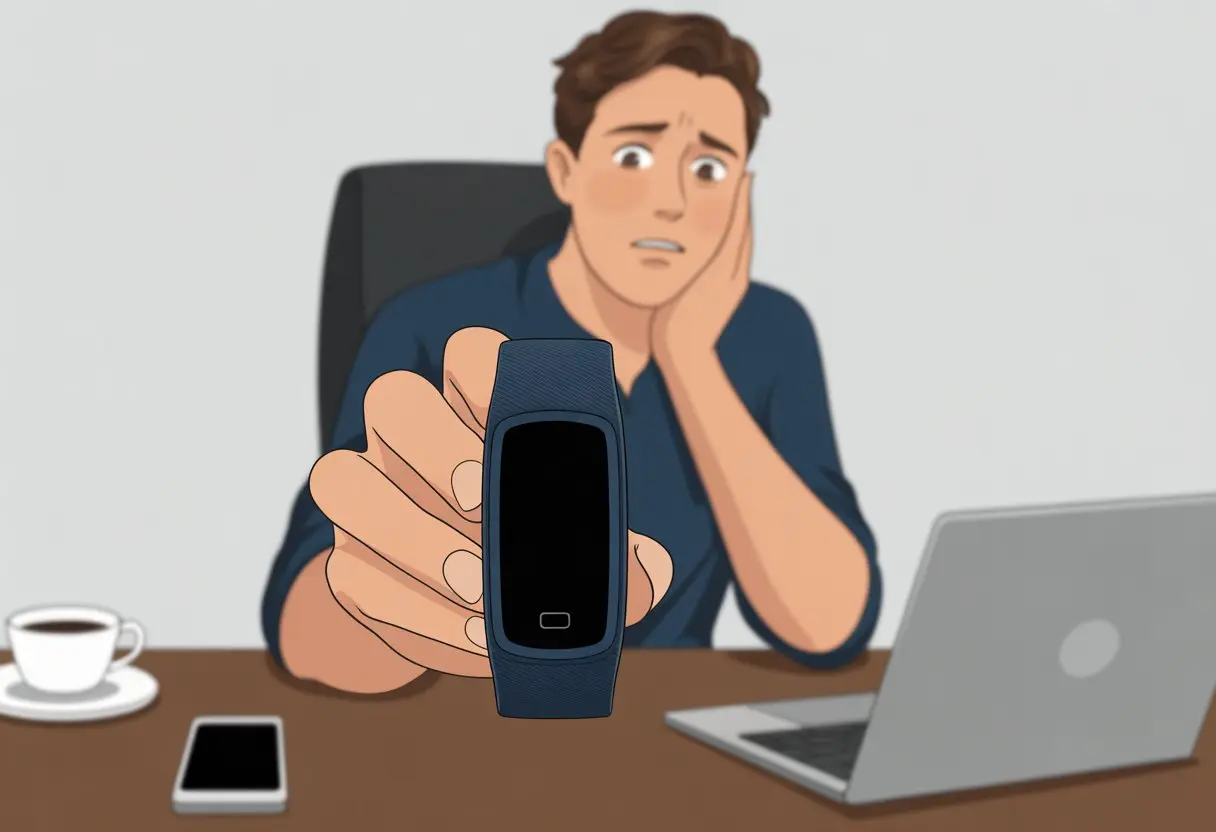
That black screen can look pretty worrying, especially if we really need to see that our trip to the fridge “counted.” Oddly enough, fitness trackers often keep tracking in the background, even if the display’s gone dark. This happens a lot—just ask anyone who’s had a blank display on their Inspire 2.
We love to blame technology for sabotaging our healthy habits, but honestly, sometimes the fix is easier than we think. So, why is our tracker hiding our data, and how do we wake that screen up again?
Common Reasons Your Fitness Tracker Has a Blank Screen
Our fitness tracker can suddenly go from counting every step to showing nothing but a black screen for a few reasons. Sometimes it’s as basic as the battery, but other times it’s a weird display glitch or a charging issue.
Battery Life Issues
Let’s be real—if our tracker won’t turn on, the battery probably died. These tiny devices are like kids after a sugar high: they’re all energy, then suddenly crash. Even if we just charged it, things like heart rate monitoring, a bright screen, and constant syncing can drain the battery fast.
We might ignore low-battery warnings (who doesn’t?), but a dead battery means no display at all. Most trackers won’t even show a “battery empty” sign until they have enough power to do so. So if the screen’s totally blank, it’s probably just asking for a recharge.
Tracking battery life matters, especially since some trackers quietly lose charge even when they’re just sitting there. If our tracker’s as lifeless as our Monday mood, it’s time to plug it in.
Charging Problems
Sometimes, even when we do everything right, the tracker just refuses to charge—so frustrating. Sweat or dust can collect on the charging contacts, making it tough for the device to get power. Maybe the cable’s frayed after too many creative wrap-ups.
If we set it on the charger and still get a blank screen, we should check the cable and port. Wiggling the connection might help, but let’s not toss the tracker out the window just yet. Trying a different charger can work, and honestly, who doesn’t have a drawer full of random cables? A forced restart sometimes helps too, especially with Garmin and Fitbit models that have black screen problems while charging.
Display Malfunctions
If the battery’s fine and charging works, but the screen is still blank, we’re probably dealing with a display glitch. Fitness trackers are tough, but drops, bumps, or too much moisture can mess up the screen. A bad update or software bug can also cause the dreaded black screen.
Holding the button for 10 seconds might restart the display, but if nothing happens, it could be a hardware failure. Sometimes the tracker’s still working in the background—we just can’t see it. If it buzzes or still connects to our phone, the inside is alive, even if the screen’s faking it. When nothing works, reaching out to customer support might be our only shot (and their chance to hear us vent).
Troubleshooting Steps for a Black Screen
When our tracker’s screen suddenly blanks out, it almost feels like the universe is telling us to skip the workout. But before we give up, there are a few things we can try to get the screen back.
Restart or Reset the Device
Honestly, sometimes our gadgets just need a break. A soft restart (not a full factory reset, don’t panic yet) can work wonders. Most trackers restart if we press and hold the main button for about 10 seconds.
Some devices need a series of button presses—like three times with a pause in between. It almost feels like we’re sending an SOS (need help with a Fitbit Charge 5?).
After pressing those buttons, we wait about 10 seconds. If the logo pops up, we know it’s back. This often fixes minor glitches or gets the tracker out of a boot loop.
If our tracker has more than one button, we might need to hold down a combo (like power and home together) for 10 seconds. Each brand is a bit different, so peeking at the manual is worth it—plus, it works as a stress fan if needed.
Check Charging Cables and Ports
Easy to miss, but if the tracker’s totally dead, the screen won’t light up no matter how much we complain. Plug the charger into a working outlet and gently wiggle the cable. Sometimes a loose connection is the real culprit.
Look at the charging cable and the tracker’s port. Any dirt, bent pins, or weird stuff? Clean out dust or debris with a dry brush, and make sure nothing’s blocking the contacts. A broken cable or charger can cause a blank screen—even if the tracker buzzes when plugged in.
If we have a friend with a working cable (or a spare, no shame), swapping them can help us figure out if the cable is bad. No one wants to troubleshoot for an hour and realize a $3 cable was the problem.
Try a Factory Reset
This step’s basically the last resort. If soft restarts and new cables haven’t worked, a factory reset wipes everything and starts the tracker fresh. It’s like moving out of a haunted house—everything returns to its original state, minus the excitement.
To do this, check for reset steps in the manual or on the company’s site. Usually, it’s a pattern of button presses that feels like a video game cheat code. Just remember, a factory reset deletes all activity history, settings, and anything else we’ve personalized.
If the screen stays blank after resetting, it’s probably a hardware issue we can’t fix at home. At that point, reaching out to customer support or looking into a repair is the best bet. Sometimes, gadgets just want a longer vacation.
Smart Watch and Fitness Tracker Compatibility Woes
When our smart watch or fitness tracker goes blank, is it just being dramatic? Sometimes, yeah. The way these devices talk to our phones and the updates they need can make or break everything.
Compatibility with Devices and Operating Systems
Fitness trackers can be so picky. Not every smart watch works with every phone. Some, like the Apple Watch, only play nice with iPhones. Others demand Android 8.0 or higher, while a few are happy with anything not too ancient.
If our tracker’s screen is blank but our phone thinks all is well, we might have a compatibility issue. Some watches only work with certain versions, so trying to pair an old phone is like forcing a square peg into a round hole.
Quick checklist for device harmony:
- Make sure our phone’s operating system is supported
- Check the manufacturer’s compatibility list
- Don’t take “universal compatibility” at face value—ask around or check tech forums
Want more details? Check out this product listing for Android and iOS smartwatches.
Firmware and Software Updates
Firmware updates are like pop quizzes—sudden and unavoidable. Skip them, and our device might start acting up: blank screens, refusing to sync, or just being stubborn.
Sometimes, after a big phone update, our trusty tracker just gives up and stares into space. Old firmware can clash with new phone software. It’s not personal—it’s just, well, tech.
We should try updating the app and the tracker itself, though it sometimes feels like jumping through hoops. If things still don’t work, plugging in the watch or doing a soft reset might help. Some people swear a factory reset fixes glitchy displays, but if everything stays dark, maybe it’s time to call it or yell “operator error!”—like in this Quora discussion about screen issues.
When to Seek Professional Customer Care
Sometimes our fitness trackers just refuse to cooperate, no matter how many times we reboot, charge, or shake them like a maraca. That’s when it’s time to hand things off to the pros or see if our warranty can save the day.
Contacting Customer Support
Before we toss the tracker in the deepest pocket of our gym bag, let’s reach out to customer support. Most brands have a team ready to deal with stuck screens or never-ending blank displays. If the tracker flashes blank but the app shows it’s charged, we probably need backup.
Plenty of users have found help from sites like JustAnswer or official support pages. Some companies offer chat, phone, or even video support, so we’re not stuck typing into the void. If we have details like our device model, purchase date, and a description of the issue, things move faster (and there’s less awkward silence).
If we’re part of a membership, like JustAnswer, we might get quicker expert attention. We’ll probably have to follow troubleshooting steps live with the rep, so it’s best to keep the tracker close and try everything they suggest—even if it feels a bit repetitive.
Warranty and Replacement Options
Warranties are like those snacks we forget at the bottom of our gym bags—easy to ignore until we actually need them. If our blank screen shrugs off every fix, checking the warranty makes sense.
Most new fitness trackers include at least a one-year warranty, and sometimes we get lucky with longer coverage. We should grab our proof of purchase and, if we can, find the original box—companies eat that stuff up.
Brands like Fitbit and Apple let us start a claim online, which is way easier than trekking to the store (unless we’re desperate for some free air conditioning). If our device is still under warranty and we didn’t accidentally wreck it, they’ll usually repair or replace it at no cost.
If the warranty expired, some customer care teams might still offer discounted repairs or trade-in deals if we ask nicely (or maybe beg a little). It never hurts to ask about every replacement and repair option—sometimes there’s a hidden perk.
How a Blank Screen Affects Your Daily Activities
When our fitness tracker just gives up and goes blank, it’s not a small hiccup. It can mess with how we track health, workouts, and even sleep.
Missing Heart Rate and Sleep Monitoring
With a blank screen, the heart rate monitor basically checks out—right when we want to see if our own heart rate is normal. We lose the ability to track our heart rate during exercise or daily life.
If you’re into numbers, missing heart rate data means we lose key info about workout intensity and stress. Sleep monitoring? Out the window. No display means no record of how many times we tossed, turned, or wandered to the fridge last night.
We lose insights about our sleep stages, like time spent in REM or deep sleep. For anyone trying to improve sleep habits, it’s like tossing our sleep diary straight in the trash.
Interruptions in Tracking Exercise and Steps
A blank activity tracker isn’t just annoying—it’s a real interruption. We can’t see our step count, so there goes the fun of checking if we hit 10,000 before lunch.
Exercise tracking just stops. No stats for our morning walk or quick jog. This kind of glitch can mean missed goals and incomplete workout records.
It gets tough to stay motivated if we can’t see progress as we go. Even if the tracker’s collecting data in the background, not being able to view it makes us feel out of the loop.
If the screen stays blank for too long, we might need to look up fixes, like those for the Inspire 2’s blank display, or try resetting the device.
Don’t Forget the Fun Stuff: Notifications, GPS, and Yoga Poses
Fitness trackers should make life easier, not more confusing. When the screen goes blank, we lose handy features like message alerts and exercise tracking all at once.
Lost Notifications and GPS Tracking
We all love a wrist buzz with important texts—or those weird step reminders. But with a blank screen, silence takes over, and suddenly we’re missing group chats, weather warnings, and reminders to drink water.
Another big loss: GPS tracking. If our screen’s blank, our tracker probably isn’t logging our running route or bike ride. That makes “Look where I went today!” stories harder to prove.
When GPS won’t log miles, we’re back to guessing. It’s smart to check if our tracker’s notifications still reach the phone app. If not, we’ll miss those “You only need 5,000 more steps!” nudges.
Sometimes, just restarting the device by holding down the main buttons for ten seconds will bring it back, like Apple suggests.
Tracking Yoga, Calories Burned, and Other Activities
Yoga fans, we get it. Without a working screen, the tracker stops recording those sun salutations. Calories burned? Forget about accuracy—we’re lucky if our watch notices we left the couch.
Modern trackers can recognize all kinds of activities, from power yoga to wild dance moves. When the screen’s dark, we don’t get credit for any of it—no fancy poses, stairs climbed, or sprints to the fridge.
A blank display means we’re stuck relying on memory instead of those colorful graphs. The upside? Maybe we can finally practice guessing how many calories we burned shopping for fitness trackers online.
For everything else, checking the user manual or app for troubleshooting tips might help.
Water Resistance Woes: When Your Fitness Tracker Gets Wet
If our fitness tracker takes a dive, we’re probably not ready for what comes next. Water resistance sounds great, but it doesn’t always mean our devices can handle a swim meet or a downpour.
Understanding Water Resistance vs Waterproof
Let’s be honest: there’s a difference between a tracker that’s water resistant and one that’s waterproof. Water resistant usually means it can handle a few splashes or some sweat, but it isn’t built for deep dives.
Waterproof suggests it can take a soaking without complaint, but always check the label. Here’s a quick table to help:
| Term | What it Sort-of Means |
|---|---|
| Water Resistant | Coffee spill? OK. Pool party? Not so much. |
| Waterproof | Cannonball! (Well, sort of… check the label!) |
Most fitness trackers list a rating like IP68 or 5 ATM. If it’s “swim-proof,” we’re usually good in the pool. If not, one quick dip might turn our tracker into a very sweaty paperweight.
People have learned the hard way—even a short swim can cause problems if the device isn’t really waterproof.
Symptoms of Water Damage
Water and fitness trackers don’t mix well. The most common sign? That dreaded blank screen—right before we hit 10,000 steps, of course.
Other symptoms pop up too:
- Flickering, faded, or streaky display lines
- Buttons or touch screens that ignore us completely
- Sudden battery drain or charging issues
- Random, ghostly vibrations
Sometimes we’ll see moisture behind the screen or notice the device heating up. If salt water or pool chemicals got involved, things could get even worse.
Plenty of people report their trackers going silent after just a quick swim or forgetting to take it off in the shower, as seen with some Apple Watch and FitPro Watch users.
If these symptoms show up after a splash, water resistance probably wasn’t enough.
Maximizing Your Tracker’s Life and Preventing Black Screens
Honestly, a dead screen on a fitness tracker feels like finding out your favorite snack is discontinued. To keep our device going, we need to give it a little regular care and attention.
Tips for Long Battery Life
Nobody wants their fitness tracker to quit before they do on the treadmill. Start by lowering the screen brightness—nobody needs a flashlight on their wrist at 3 AM.
Now, about those nonstop notifications. Every buzz drains the battery a bit more, and honestly, do we need to know about every single email right away? Turn off the ones you don’t care about, and only let essential apps sync all day.
Thinking about using “always-on display”? Maybe skip it unless you really need to check the time every five minutes. The screen doesn’t need to outshine your ambitions 24/7.
Here’s a quick cheatsheet for better battery habits:
| Habit | Battery Impact |
|---|---|
| Lower screen brightness | Increases life |
| Fewer notifications | Increases life |
| All-day sync off | Increases life |
| Always-on display off | Increases life |
And hey, charge your tracker before it becomes just an overpriced wristband. Regular charging means fewer “why is my screen black?” moments. If you want more details, check out this guide to common Fitbit problems and fixes.

From a young age, I have always had a big interest in technology, and this blog is an extension of that interest. Through this blog, I hope to provide others with all of the information they need regarding tech options to consider, and things such as compatibility. Some of the different items I will be discussing include headphones, smartwatches, and how to fix common issues.
- How to use a fitness tracker for sedentary alerts: Because Your Couch Won’t Miss You Anyway - September 14, 2026
- Why do my Bluetooth headphones not work with my projector? Solving Tech Mysteries for the Audio-Challenged - September 13, 2026
- Best Smartwatches for Medication Reminders: Never Forget Your Pills (or Your Sanity) Again - September 13, 2026
Related Posts: