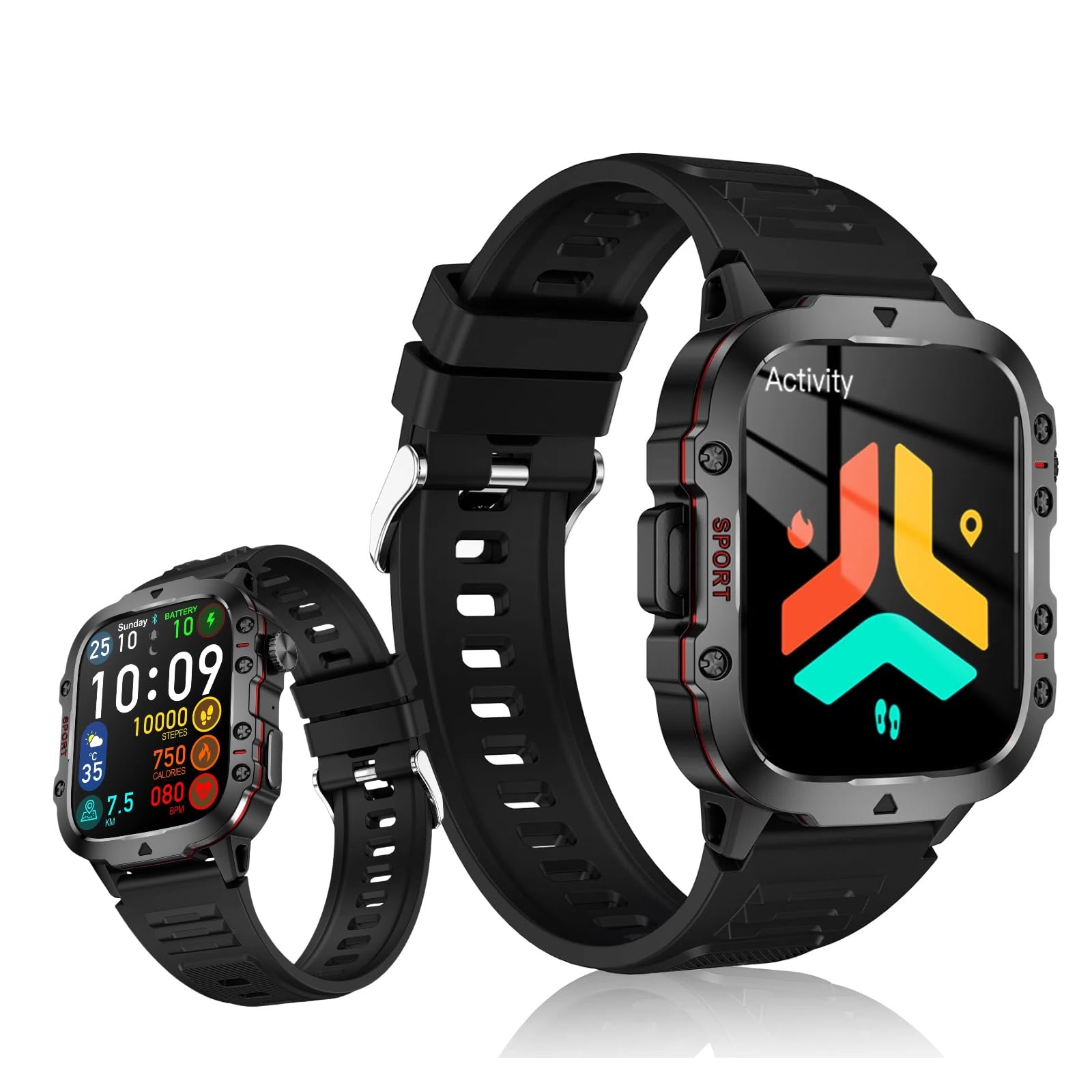
Let’s be honest—don’t we all want to know if our hearts are actually racing from a quick walk to the fridge, or just from that wild plot twist on our favorite show? With all the tech out there, we can turn a smartwatch into our own personal heart rate sidekick.
Our trusty smartwatch heart rate monitor gives us a super easy way to check how our heart’s doing, whether we’re working out or just chilling on the couch.
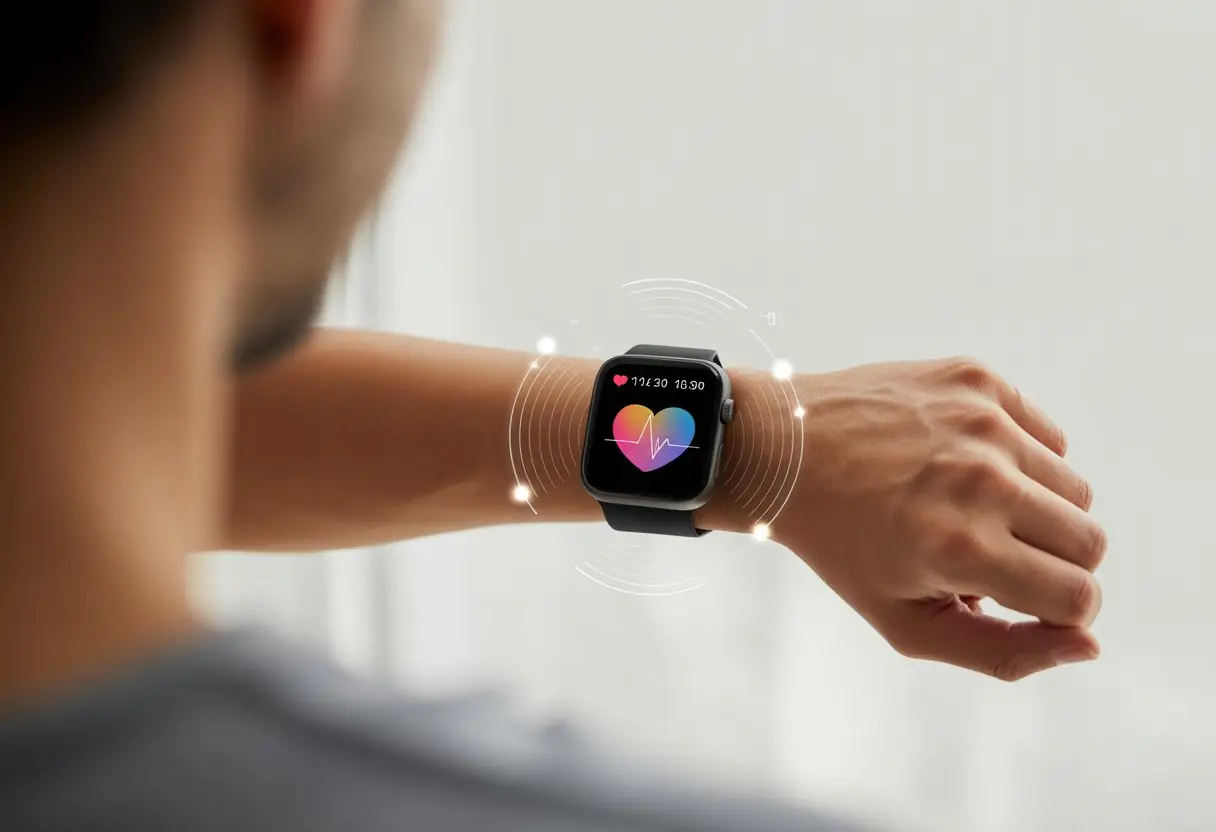
Using a smartwatch for heart rate monitoring isn’t just about showing off at the gym. It lets us keep tabs on our health, spot weird changes, and maybe even score an excuse to skip that last set of squats.
Some smartwatches use green lights to check our pulse by seeing how much light our blood absorbs with every heartbeat. Ever wondered how these gadgets make us feel like science projects? Here’s a deeper look.
Getting started is honestly simple: strap on the watch, open the heart monitoring app, and let the fun—or science—begin. We’ll check out the best ways to track and make sense of our numbers, so we can get the most out of every heartbeat (dessert included).
Getting Started With Your Smartwatch
Before letting our new smartwatch spy on every heartbeat, let’s run through a few basics. We’ll be unboxing those tiny pieces, getting friendly with our fitness apps, and figuring out how to check our heart rate (ideally without accidentally calling 911).
Unboxing And Setting Up
First things first: opening the box without destroying it. Inside, we’ll usually spot the smartwatch, a charging cable, a user manual (that we probably ignore), and sometimes extra bands in case our wrists are picky.
We need to charge the watch fully before using it. Waiting can be annoying, but nobody wants their shiny new gadget to quit halfway through setup.
While it charges, we can flip through the manual or watch a setup video—rare moment when instructions actually help. Once charged, we press and hold the (usually obvious) power button.
Most smartwatches greet us with a welcome screen and ask us to pick a language. Something like, “Would you like to continue in English?” Sure, English works.
If there’s a touchscreen, we’ll swipe through setup and connect the watch to our phone using Bluetooth. We don’t need to be tech geniuses—just keep the phone nearby and Bluetooth on.
The process usually asks for a companion app. This step matters, since our fitness tracker likes to run the show from our phones, too.
Pairing With Your Fitness Apps
Pairing with fitness apps is where the magic happens. Most big brands want us to install their official apps—Samsung Health, Apple Health, Fitbit, you name it.
Once we install the app, it’ll nudge us to make an account and answer a bunch of questions about our goals and bedtime. It’s a bit much, honestly.
Many apps let us sync with other platforms we use—think Google Fit or MyFitnessPal. That way, our smartwatch isn’t just tracking heart rate; it’s showing trends, setting goals, and even nagging us to go outside.
To pair, we open the app, find “add device,” and follow the steps. Our phones do most of the work.
Once connected, data syncs automatically. Some apps even throw us a badge just for setting things up—it’s a tiny, nerdy win.
Now for the fun stuff—using the heart rate monitor. Most smartwatches let us start a check with just a tap or two.
Usually, the monitor is marked with a heart icon (nice touch). Some devices measure our pulse all the time; others make us take manual readings.
For best results, wear the watch snugly above the wrist bone. Not too tight, not too loose—just right.
If we want more tips, these accurate heart rate methods can help us get better readings.
On most watches, we’ll see live numbers and maybe a graph. No need to panic if it jumps when we see our screen time stats—the HRM just wants to help.
Many watches send alerts if our heart rate spikes—fun, unless we’re just really excited about pizza. For more info, some models explain how heart rate monitoring works on specific devices.
Regular checks help us spot trends, track improvements, or just give us something to talk about at dinner. It’s useful and, weirdly, kind of entertaining.
How Smartwatches Measure Heart Rate
When we strap on a smartwatch, it’s not just for looks or to count steps. These little gadgets use clever tech to check our heart rate and let us know if our hearts are working hard—or barely working.
Understanding Optical Sensors
Most smartwatches use optical sensors for heart rate. The sensor shines a green light into our skin and tiny detectors watch how much light bounces back.
Blood absorbs green light, so more blood flow means less light returns to the sensor. Each heartbeat pumps blood through our wrist, making the light levels change with every beat.
This method’s called photoplethysmography (PPG). Don’t worry, we don’t need to pronounce it at parties—just know it means our watch can count heartbeats by watching the light change.
It works well for everyday use, but sweat, tattoos, or a loose watch can mess with the readings. If we want to geek out, here’s how smartwatches use flashing green lights to measure heart rate from our wrist.
Comparing Wrist-Based Sensors And Chest Straps
Wrist-based sensors, like those in a Fitbit, are super convenient. We can check our heart rate with a glance, no wrestling with gear needed.
If we want super accurate readings—maybe we’re training for a marathon—a chest strap might be better.
Chest straps track heart rate by picking up our heart’s electrical signals. They’re usually more accurate, especially during intense workouts or when our wrists are flailing.
Here’s a quick look at the differences:
| Feature | Wrist-Based Sensor | Chest Strap |
|---|---|---|
| Convenience | High | Medium |
| Comfort | High | Medium/Low |
| Accuracy | Good (most of the time) | Excellent |
| Ideal Use | Everyday activity | Sports/training |
Choosing between them depends on how much accuracy we want and how much we enjoy strapping things to ourselves.
Using Your Smartwatch For Heart Rate Monitoring
With our smartwatches on, we’re set to play heart detective. Whether we want to check up on our heart health, chase new fitness goals, or just nerd out over heart rate data, knowing how to use these features makes workouts and daily life a bit smarter (and makes us feel like secret agents).
Continuous Heart Rate Tracking
Our smartwatch can act like a little nurse that never sleeps, using green lights and sensors to measure our pulse all day and night.
This is perfect for tracking how our heart rate changes—even when we’re just lounging, binging TV, or trying to meditate without dozing off.
Continuous tracking is especially useful for keeping an eye on our resting heart rate. If we notice our resting heart rate going up after too much late-night pizza, it’s probably a hint to take it easy.
Some watches let us set up heart rate alerts if our pulse jumps up or drops too low, sending us a gentle reminder (or an annoying buzz). These insights can help us spot possible heart issues early or just remind us to chill out when we’re stressing over spilled coffee.
Check out how smartwatches use green light for tracking if you want a peek behind the scenes.
Checking Real-Time Heart Rate
Sometimes, we want answers right now—like after climbing stairs and feeling our heart pound. Most smartwatches let us check real-time heart rate with a tap or swipe.
We just open the heart rate app or widget, and after a few seconds of holding still (seriously, don’t flail your arm), the screen shows our current heart rate.
This is great for checking if we’re anxious, pushing too hard at the gym, or just need to brag about not being winded. Watching our heart rate in real time is also helpful for seeing how relaxed or excited we get during different stuff.
Did we calm down during breathing exercises? Did our heart jump during a scary movie ad? The data doesn’t lie, and it’s way better than guessing.
According to AARP, smartwatches keep us updated with up-to-the-minute stats.
Monitoring Heart Rate During Workouts
Let’s be real: We all want to crush our fitness goals, whether we’re jogging, biking, or pretending to enjoy burpees. Our smartwatch is the workout buddy that never complains, tracking our heart rate from start to finish.
During exercise, most smartwatches show our changing heart rate live, so we can stay in the right training zone. This matters for interval training, running, or cycling, helping us adjust intensity as we go.
If our heart rate is too low, we might as well be strolling through the grocery store. Too high? Time to slow down before we turn purple.
Some smartwatches save workout heart rate data in charts and tables, so we can flex on friends with colorful graphs—even if we just wanted an excuse to sit down.
By watching trends over time, we’re more likely to improve performance and keep our hearts happy. For more details, Samsung explains monitoring heart rate during workouts on smartwatches.
Improving Accuracy Of Readings
Better heart rate readings mean smarter fitness choices and fewer “Wait, was that really 180 bpm just from tying my shoes?” moments. Let’s give our wrists and gadgets the best shot at solid data—no tattoo removal or ice baths needed.
Wearing The Smartwatch Correctly
Let’s be honest—getting a smartwatch to fit just right isn’t always as easy as it sounds. If we wear it too loose or let it slide down by our hand, the tracker can’t always pick up blood flow like it should.
We’ll get the most reliable readings by wearing the fitness tracker about one or two finger widths above the wrist bone. If it sits too close to the hand, the sensor starts picking up random movements—like when we scratch an itch or wave at someone walking by.
Tightening the strap helps, but we don’t want to cut off circulation. A snug fit keeps the sensors flat against our skin, but we still need to feel our pulse, right? Tattoos, especially dark ones, can mess with the optical sensors, so it’s better to pick a spot without ink for the best results.
Arm hair does more than add rugged charm—it can scatter the sensor’s lights and mess up the readings. It’s a little frustrating, but that’s just how these sensors work.
Tips For Consistently Accurate Data
Consistency isn’t just for pros; it’s our ticket to better heart rate data. Before working out, we should clean our skin and dry off any sweat, dirt, or sunscreen.
Moisture and grime really mess with optical tracking. Some folks even warm up their arms first—cold blood flow slows the sensors down. On chilly mornings, a quick warm-up or wearing the watch under a sleeve can make a difference.
Here are a few quick tricks to remember:
- Keep sensors clean: Wipe down the back with a soft cloth after workouts.
- Check measurements: Compare readings with a chest strap now and then (those are usually spot-on).
- Limit rapid wrist movement: Lots of twisting or waving confuses the sensors.
- Update firmware: Sensor accuracy gets better with manufacturer updates.
Little changes can make a big difference when it comes to smartwatch heart rate accuracy. Setting up the tracker the right way gives us more reliable data.
Tracking Fitness Metrics Beyond Heart Rate
Smartwatches are more than heart rate trackers—they’re like tiny coaches, step counters, and calorie calculators rolled into one. We can check our progress, celebrate the small stuff, and push ourselves a bit further toward our fitness goals.
Counting Your Steps Like a Pro
We all know those 10,000 step goals, right? With a smartwatch, we finally see how much we actually move each day instead of guessing.
Most smartwatches use accelerometers to count each step—even if we’re just sneaking to the kitchen late at night. Tracking steps lets us set new goals, like adding 1,000 more steps next week.
Some watches even remind us to stand up if we’ve been sitting too long. It’s like a digital nudge we didn’t know we needed. If we want to up our walking game or join a step challenge, the watch shows our progress in easy-to-read charts.
| Tip for More Steps |
|---|
| Walk during calls |
| Park farther away |
| Take the stairs |
Getting those steps in isn’t just about hitting a number. It’s about building better habits, one walk at a time.
Monitoring Calories Burned (Without Setting Off The Fire Alarm)
Sometimes it feels like climbing a flight of stairs should burn a hundred calories, but what’s the real number? Our smartwatches estimate calories burned by using our age, weight, and heart rate.
Don’t worry, cooking won’t set off the calorie counter—unless we’re running laps in the kitchen. This feature helps us plan meals and workouts based on what we’ve actually burned.
We can see our progress in real time, so we know if that tough workout paid off. Comparing days makes it a little game to break our own records. If we’re curious about more advanced metrics, some smartwatches track body composition and other stats too.
Setting And Achieving Heart Rate Goals
Watching our heart rate on a smartwatch isn’t just about numbers flashing on a screen. It helps us set real fitness goals and get more out of every workout—no need for a coach yelling at us from the sidelines.
Establishing Smart Fitness Objectives
Let’s face it: we’ve all set wild fitness goals and ignored them days later. With a smartwatch as our HRM (Heart Rate Monitor) coach, we can set heart rate goals that actually make sense.
First, we figure out our resting heart rate. Most smartwatches track this automatically, so we don’t have to do much. Next, we use the watch to spot our peak heart rate during workouts (hopefully not during a horror movie marathon).
Setting a goal can be as simple as staying in a certain heart rate zone for a set time. For example:
| Activity | Goal Heart Rate (bpm) | Duration |
|---|---|---|
| Brisk Walk | 90-120 | 30 min |
| Jogging | 120-140 | 20 min |
| HIIT | 140-160 | 15 min |
Our devices even give us a nudge if we slip out of these ranges, like a tiny coach on our wrist. Want more details? Here’s how smartwatches help track and set goals.
Utilizing Heart Rate Zones For Performance
Heart rate zones are kind of like cheat codes for workouts. Each zone helps us do something different. Want to burn fat? Stick to the lower zone. Want to break a personal best? Push a little higher (but don’t go overboard).
Here’s a quick guide:
- Zone 1 (Warm-up): 50–60% of max heart rate. Feels easy. Try not to nap.
- Zone 2 (Fat Burning): 60–70%. Good for longer, steady workouts.
- Zone 3 (Aerobic): 70–80%. Boosts fitness.
- Zone 4 (Anaerobic): 80–90%. Sweat pours, gains come faster.
- Zone 5 (Max): 90–100%. Only for short bursts—no need to play superhero.
Most smartwatches show heart rate zones right on the display. Tracking how long we spend in each zone helps us improve performance and avoid overdoing it. Sometimes, we even get a friendly buzz when we’re in the sweet spot.
Smartwatch Maintenance And Battery Life
If we want our smartwatch to keep up with us (and our dramatic arm swings), we’ve got to take care of it. Keeping those sensors clean and the battery alive matters more than we think.
Maximize Battery For All-Day Monitoring
Nothing kills the mood faster than a dead battery before lunch. Heart rate monitoring can drain the battery fast, especially if it’s set to continuous mode.
We can save battery by switching heart rate tracking to intervals instead of all day. Lowering screen brightness, turning off always-on display, and silencing unnecessary notifications also help.
If our watch lets us, we should turn off Bluetooth when we’re not syncing. Too many background apps and updates will drain the battery before we know it. For more ways to stretch battery life, here are some practical tips.
Sometimes, it’s the little things—like remembering the charger—that keep us on track. And if we’re desperate, battery saver mode is always there for us, just like that friend who cheers us on but never actually works out.
Care And Cleaning For Accurate Sensors
Let’s be real—sweat just happens. Grime, lotion, and skin oils build up on our watch’s sensors, making our heart rate look way more dramatic than it should.
We want our smartwatch to track our real pulse, not the mess from lunch. So, wipe the back of the watch with a soft, damp cloth—microfiber’s honestly the best.
Skip the soap or harsh cleaners, unless you’re feeling risky and want to gamble with skin irritation. After swimming, rinse your watch with fresh water and dry it off completely.
Make sure the watch sits snug, but don’t crank it down too tight. If it’s too loose, the readings get weird; too tight, and it’s just uncomfortable.
Regular cleaning and a proper fit help us keep those accurate readings going strong. If you want more tips, here’s a pretty useful smartwatch maintenance guide.

From a young age, I have always had a big interest in technology, and this blog is an extension of that interest. Through this blog, I hope to provide others with all of the information they need regarding tech options to consider, and things such as compatibility. Some of the different items I will be discussing include headphones, smartwatches, and how to fix common issues.
- How to Get Text Messages on Fitbit Versa 2 Android: Simple Guide for Users - October 13, 2026
- Why Doesn’t My Fitbit Record My Sleep? Quick Troubleshooting Guide - October 13, 2026
- How to Change Face on Fitbit Versa 2: Quick and Easy Guide - October 12, 2026
Related Posts: