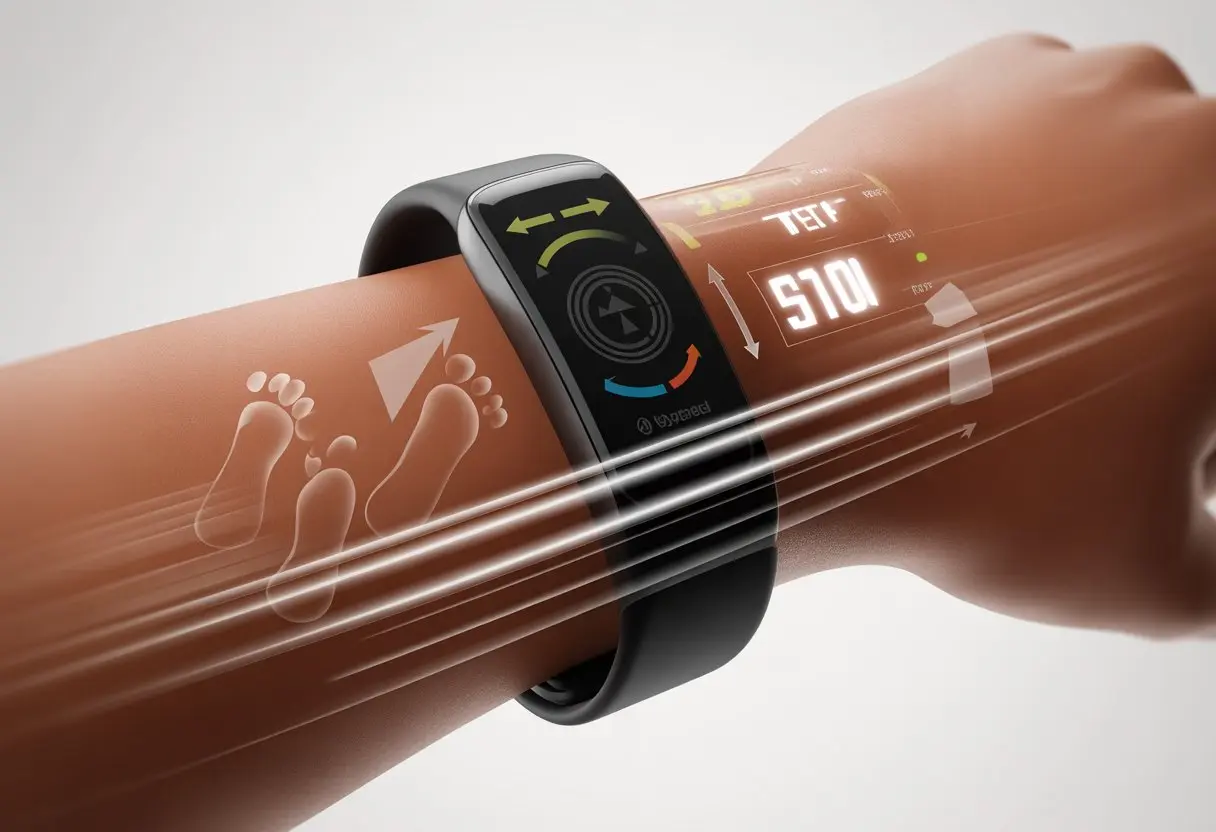
Ever strapped on one of those fitness trackers and thought, “Is this thing really counting my steps, or just silently judging my snack runs?” Fitness trackers count our steps using tiny sensors, like a 3-axis accelerometer, that pick up on how our arms and legs move. So, whenever we sneak to the fridge for a midnight snack, those steps (thankfully) get tallied.
The tech inside these wearables is honestly pretty clever. As we walk, the tracker senses motion and hunts for patterns that look like stepping.
If our movements match what it expects from walking, it adds a step. Sometimes it even counts steps when we’re just flailing around during an impromptu living room dance session.
It’s kind of wild how these little gadgets turn our daily shuffles into digital trophies.
Whether we’re trying to out-walk our friends or just justify another scoop of ice cream, knowing how fitness trackers count steps makes those step goals feel a bit more doable—and honestly, a lot more fun.
How Fitness Trackers Detect Steps
Let’s be real—step counting is the new way to brag about moving from the couch to the fridge (and back again). But how do these trusty fitness trackers actually know when we’ve taken a step?
It’s not magic. It’s just clever tech packed into a tiny wrist gadget.
Accelerometer Technology
First up, the accelerometer. Imagine it as a super-sensitive motion detector.
Accelerometers pick up movement in three directions: up and down, side to side, and forward and back.
Every arm swing or foot stomp gets noticed, and the accelerometer says, “Hey! That was probably a step.”
Old-school pedometers relied on a simple spring. Today’s accelerometers digitally sense little jolts, so they spot patterns that look like real walking.
If the acceleration matches the regular up-and-down jostle of walking, the tracker adds a step. When the pattern doesn’t fit, it ignores the movement, so it won’t count us just fidgeting at our desks (sorry, restless folks).
So, that step count at the end of the day? It’s the accelerometer’s best guess based on all the motion it picked up.
If trackers only used accelerometers, every spaghetti-armed wave would count as a step. Not exactly fair.
To make things smarter, fitness trackers team up motion sensors with some pretty crafty algorithms.
These algorithms analyze how quickly and how often we move. They figure out if we’re doing the “walking shuffle” or just waving hello.
The step count only goes up if the movement matches a typical walk or run. That way, we don’t rack up steps with every wild dance move (unless the dance is, well, super convincing).
Some trackers even look at the timing of our movement, matching quick, regular motions with known step rhythms.
The result? More realistic step counts, less sneaky cheating, and far fewer accidental world records.
Gyroscope and Step Recognition
Now, let’s give a shoutout to the gyroscope. This sensor isn’t just for spaceships—our humble trackers use them too.
Gyroscopes track how our wrist rotates as we move, helping the tracker figure out which way we’re turning or tilting.
This extra info lets the tracker tell a “step” from a dramatic hair flip or a coffee sip.
By comparing gyroscope data with the accelerometer, the pedometer can spot steps with more accuracy.
For example, if we wave our arm while standing still, the accelerometer notices the motion, but the gyroscope shows we’re not moving forward. No step added!
When both sensors agree—yep, that’s a real step—we get credit for it.
This teamwork between sensors makes our daily step counts way more accurate, even if we try to cheat by rocking in a chair.
Key Components of Fitness Trackers
Let’s talk about what’s inside these fitness gadgets. Whether we’re tracking steps, heart rate, or just proving we moved more than our couch today, these little devices pack in a surprising amount of tech.
Sensor Types in Wearables
First up, sensors—because even fitness trackers have their own senses. The main star is the 3-axis accelerometer. It senses movement and helps count our precious steps.
If there’s a bigger budget, some trackers add gyroscopes for rotation, and a few even toss in altimeters to know when we start climbing stairs (or, you know, trip up them).
Some GPS watches come with GPS chips that pinpoint exactly where we wander. That’s handy when we get lost in the park looking for coffee.
Fancier models include a heart rate sensor to see how hard our heart is working after a flight of stairs.
All these sensors work together, trying to figure out if we’re actually active or just waving our hands around.
Processing and Filtering Data
These devices love drama, but they filter out a lot of noise when collecting data. The built-in processor takes signals from all the sensors and uses algorithms to decide what counts as a valid step.
The movement has to match walking or running—not just a dramatic hand gesture during an argument.
They also filter out “false positives.” So, our wild dance moves waiting for the microwave won’t trick the device into thinking we ran a marathon (sadly).
Some advanced trackers even learn our daily patterns. The more we use them, the smarter they get at telling when we’re actually moving with purpose and not just reaching for snacks.
Importance of Battery Life
Let’s be honest—none of this matters if our device dies before lunch. Battery life depends on how many sensors are running, how much data gets processed, and the battery size.
GPS watches and heart rate sensors drain power fast, kind of like us after one workout.
To save battery, most trackers only turn on power-hungry features like GPS when we start a workout, not just walking to the fridge.
We look for at least a few days of battery life before we start panicking about charging.
Simple devices with fewer features usually last longer, while fancy models need more attention. It’s always a balancing act between fun features and the never-ending search for that charging cable.
Smart Features and Integration
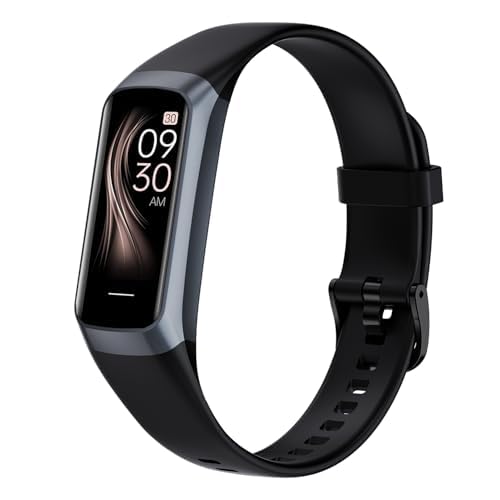
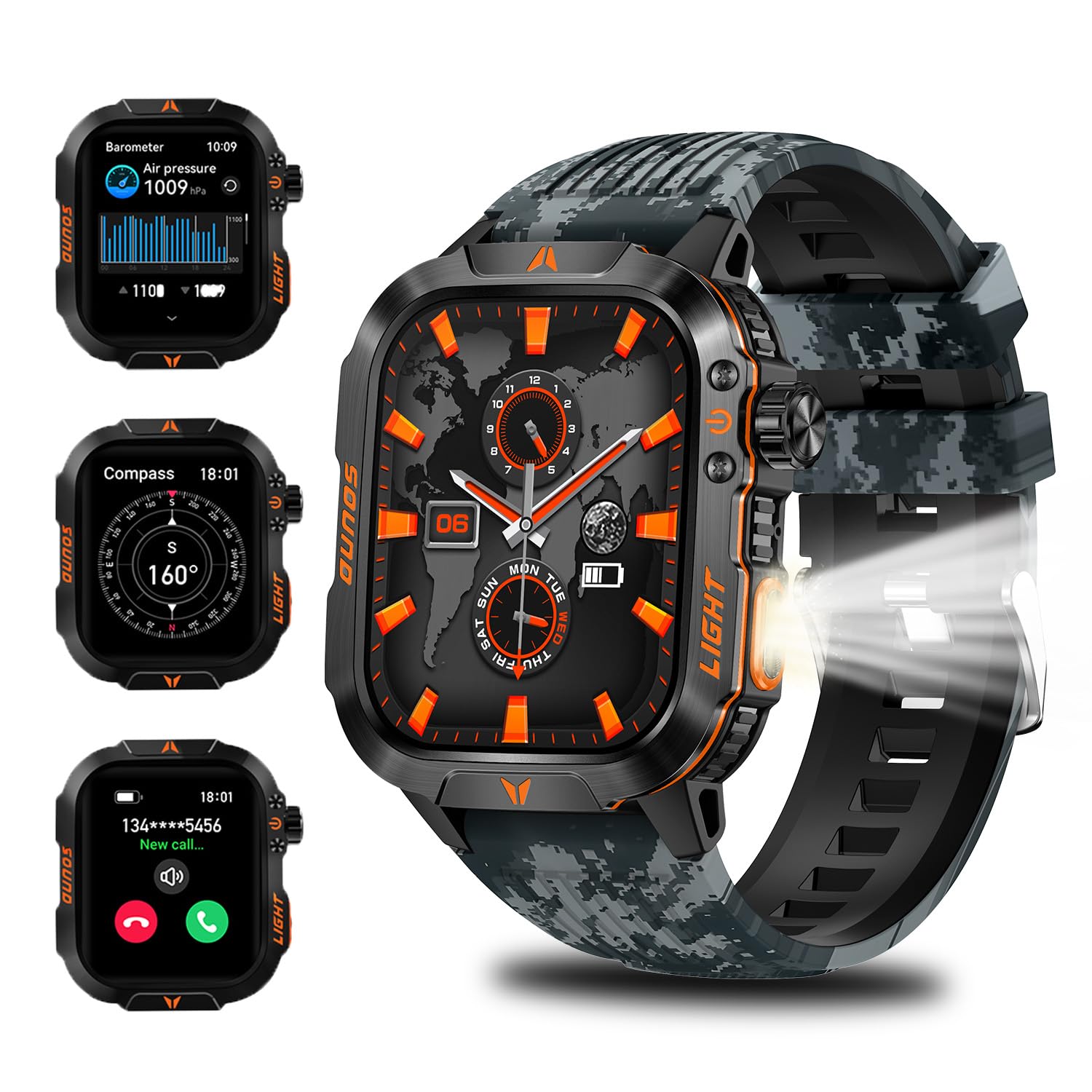
Fitness trackers aren’t just about step counting anymore. These clever wrist gadgets blend features like GPS, sleep monitoring, and phone notifications, all in something smaller than our wallets.
GPS and Navigation Capabilities
Let’s be real: Some of us can get lost going from the couch to the kitchen. Thankfully, many fitness trackers have built-in GPS or connect to our phones for navigation.
We can track our routes when we run, walk, or even just wander to the nearest taco truck.
Here’s what GPS in trackers can do:
Track our real-time location
Map our running or cycling paths
Measure distance and speed
Help us retrace our steps (so we don’t get lost when snacks call)
Some models are water resistant, so we don’t have to panic if it rains or we splash through a puddle.
With smartphone notifications, our fitness tracker basically turns into a mini-smartwatch, making sure we never miss a call or text. If you want more detail, check out smartwatch step tracking and GPS capabilities.
Sleep Monitoring Features
Apparently, sleep is important. Who knew?
Fitness trackers now keep an eye on us as we sleep—kind of creepy, but also impressive.
Using sensors, trackers detect motion and sometimes heart rate to guess when we fall asleep, toss and turn, and wake up in a panic because we forgot to do laundry.
Fitness trackers love counting steps, but they’re up for so much more. These little devices keep tabs on almost everything we do and even nudge us when we’ve been sitting too long.
Activity Levels Monitoring
Trackers don’t just tally steps—they try to figure out how active (or not) we really are. Using sensors like accelerometers and gyroscopes, they measure all sorts of motion, from bouncing knees to couch lounging.
They break down our day into categories: sedentary, lightly active, moderately active, and very active.
It’s kind of flattering until the tracker buzzes to remind us we’ve been “sedentary” for too long.
Here’s how they usually show activity:
Level
What It Means
Example
Sedentary
Little to no movement
Watching TV
Lightly Active
Small efforts
Walking to the fridge
Moderately Active
More effort
Brisk walking, chores
Very Active
Major movement
Running, sports
Some trackers even set personalized challenges, because what better way to guilt us into action than a device that’s always watching?
Collecting and Syncing Fitness Data
Fitness trackers act like our personal activity sidekicks, quietly gathering info all day. They count steps, monitor heart rate, track sleep, and sometimes log things like calories burned or stairs climbed.
All this fitness data gets stored on the device until it’s ready to send it off to our phone, tablet, or computer.
Through apps or Bluetooth, our data syncs so we can admire—or cringe at—our results in colorful charts.
Many apps show trends over days or weeks, and some let us share our victories (or fails) with friends, because public accountability is always a good time.
Lots of trackers support exporting our activity tracking data. That way, if we want to switch devices or just analyze a year’s worth of fridge walks, all that info is right there.
Picking a fitness tracker honestly feels a bit like choosing a new pet. There’s just so much to think about—will it actually get us moving, or just end up buried in a drawer? We’re all looking for cool features, but nobody wants a tracker that’s a hassle. Let’s take a look at what makes the big names stand out, especially Fitbit, their Surge model, and how they work with other fitness apps.
Fitbit and Its Features
Fitbit really lives up to the hype—let’s be honest, you probably know someone who swears by theirs. Fitbits come packed with sensors: heart rate monitors, SpO2 sensors, and, of course, the step counter. Some models also track sleep, calories burned, and even nudge us to move if we’ve been sitting too long. That reminder can feel a bit judgy, but hey, it works.
We love how easy it is to check our data. Most Fitbits sync wirelessly with our phones through Bluetooth. The app feels straightforward, even for folks who aren’t tech-savvy. Models like the Inspire 3 get high marks as top fitness trackers for most people since they balance features and price. If you want accurate tracking without a fuss, Fitbit’s a solid pick.
Fitbit Surge Overview
The Fitbit Surge takes things up a notch. Back in its day, Fitbit called it a “fitness superwatch,” and honestly, they weren’t kidding. The Surge packs in GPS tracking, multi-sport modes, and built-in heart rate monitoring. Whether we’re running, biking, or just taking a really slow walk, it keeps up—and maybe even silently judges our pace.
The Surge’s big, touch-sensitive display shows real-time stats right on our wrist. When we train for anything beyond just couch surfing, the GPS helps us track routes and distances pretty accurately. The battery lasts up to seven days, but let’s be real—the retro, chunky look won’t fit under dress shirts. Still, it’s a small price for all those features.
Integration with Third-Party Apps
Fitbit really shines when it comes to playing nice with other apps, like Strava. We just link our Fitbit account, and suddenly our runs, rides, and walks pop up for friends (or rivals) to check out. That’s a huge motivator, especially if we’re chasing someone else’s record.
It also syncs with MyFitnessPal, Noom, and other food or wellness apps. So, when we log a burger instead of a salad, there’s no hiding from the calorie count. We can set up competitions or goals right in these apps. For a lot of us, that’s the best part—trying to out-walk coworkers from our couch feels like a true sport.
Maximizing Accuracy and Utility
Getting the most from a fitness tracker isn’t rocket science. Still, paying attention to a few details can really help. Small habits—like how we wear it or set goals—can make a big difference.
Correct Placement and Wearing Tips
Where we wear our tracker matters, even if we wish it didn’t. Most devices are meant for the wrist, so strapping it to an ankle just won’t work. Here’s a quick rundown:
Wear it snug, but don’t cut off your circulation. Nobody wants a tracker tattoo.
Keep the sensor downward, flat on top of the wrist.
If one hand does all the work—like hammering or high-fiving—switch wrists. Otherwise, the tracker will count extra steps.
Using the dominant hand can mess with step counts, especially if we type or gesture a lot. We should tell our tracker which wrist we use most, so it can adjust its step counting algorithm. If we use a pocket clip, make sure it’s secure—nobody wants it bouncing around like popcorn.
Personalized Activity Goals
Let’s set goals that actually fit our lives. It’s better to start realistic than shoot for the moon and crash back down. If we’re new, 5,000 steps a day is a good place to start—no need to dive straight into 10,000.
Trackers usually suggest goals based on our age, height, and daily routine. For a little extra motivation, try linking steps to small rewards—maybe an episode of a favorite show after hitting a goal. We can always tweak goals as we improve.
Most trackers let us customize step goals, distance, and calories. That way, we focus on what matters most. At the end of the day, consistency always beats those sudden bursts of “motivation.”
Training Plans and Progress Tracking
If you love planning things out, you’ll probably appreciate the built-in training plans that help make sense of all those steps. You can pick programs like “walk a 5K,” “run for 20 minutes,” or even “beat your cousin Steve in next month’s charity race.”
These plans break your big goals into smaller, more manageable milestones. Honestly, that makes the whole thing feel a lot less overwhelming.
Progress charts turn those boring numbers into graphs you can actually read. You’ll see right away how many steps you’ve taken—or, well, how many you still need.
Most trackers buzz or ding when you hit your daily goal. That way, you don’t have to keep checking your phone every five minutes.
And hey, a little friendly competition keeps things interesting. Some apps let you join step challenges or compare your stats with friends.
Suddenly, taking the stairs instead of the elevator doesn’t sound so bad when there’s a virtual trophy up for grabs.
Hi, my name is Garrett Jones, and I am a tech enthusiast. I enjoy researching the new tech that has been released, and have a vast knowledge of the best tech to purchase.
From a young age, I have always had a big interest in technology, and this blog is an extension of that interest. Through this blog, I hope to provide others with all of the information they need regarding tech options to consider, and things such as compatibility. Some of the different items I will be discussing include headphones, smartwatches, and how to fix common issues.