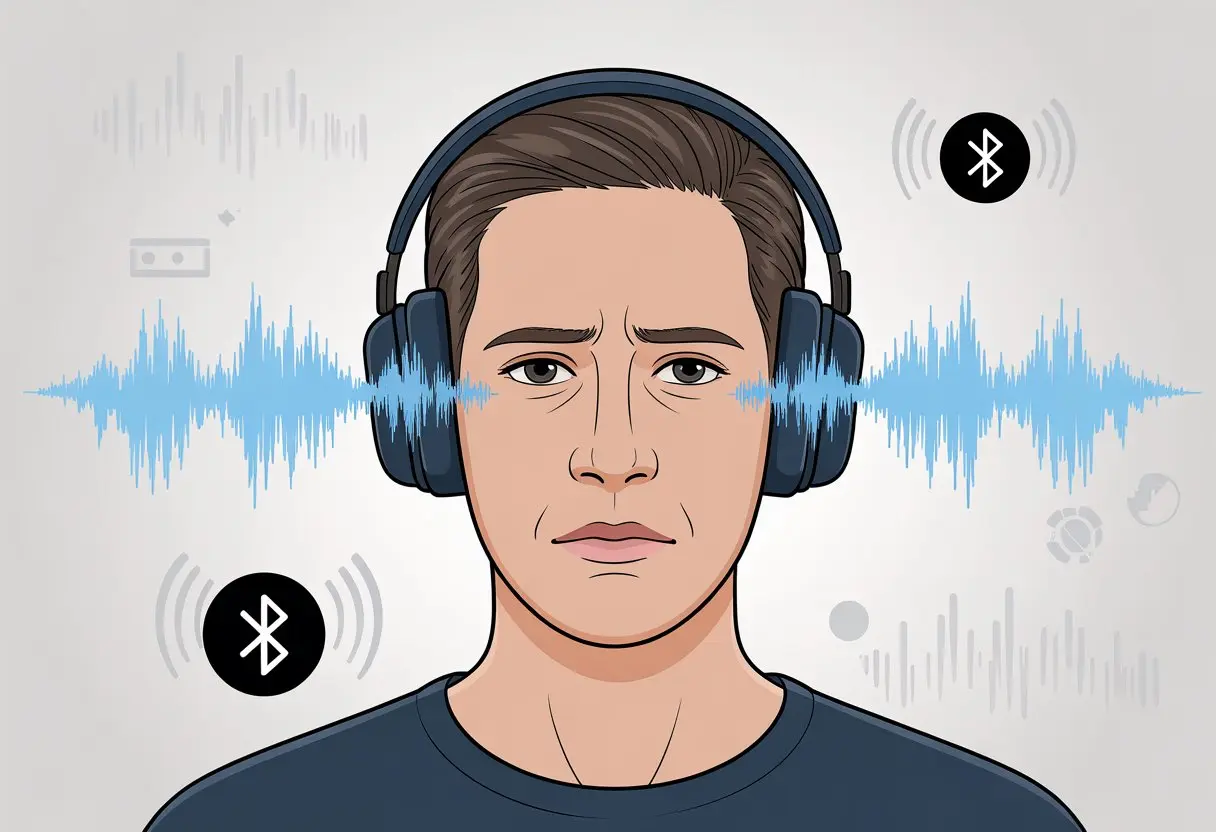
We see someone clap, and the clap comes a second later. It’s annoying, confusing, and sometimes even a little funny to watch.
Bluetooth headphones sound out of sync because sending audio wirelessly takes time to process and transmit, which leads to audio delay or “latency.” This delay is just how Bluetooth works—not some weird tech curse.
Sometimes, it’s a tiny lag. Other times, it feels like our headphones are waiting for a dramatic pause.
We don’t have to just live with out-of-sync audio, though. If you’ve ever wondered if you’re stuck with awkward audio forever or if there’s any hope, you’re not alone.
Understanding Audio Sync Issues in Bluetooth Headphones
If you’ve ever watched someone’s lips move and then heard their voice a half-second later, you know the pain of Bluetooth audio not lining up.
There’s actually a lot happening behind the scenes that can mess with the timing and turn your favorite videos into a weirdly dubbed experience.
What Causes Bluetooth Audio Delay
Bluetooth headphones are little tech wonders, but they can’t cheat physics or outdated software.
Usually, Bluetooth latency—the time it takes for sound to leave your phone and reach your ears—causes the problem.
This delay can come from a few places:
Encoding and decoding: Your device turns audio into a digital signal, sends it through the air, and your headphones turn it back into sound. It’s like passing a note in class, but everyone’s a little too slow.
Bluetooth version: Older Bluetooth standards drag their feet. Bluetooth 5.0 and newer are faster, while older versions leave us hanging.
Interference: Other signals (Wi-Fi, microwaves, or even the neighbor’s karaoke) can jam things up and slow everything down.
Distance: The farther your headphones are from the source, the more lag you’ll notice.
Synchronization isn’t just a fancy word—it’s about matching the audio timing to the video so you’re not left guessing what’s happening.
When you watch a movie, your devices need to make sure the sound of that explosion actually lines up with the action.
Bluetooth headphones add steps. The device processes the video, then bundles up the sound and shoots it off to your headphones.
If your headphones, chipsets, or even apps aren’t in harmony, you get a weird game of audio “telephone”—and someone always messes up the punchline.
Some TVs and apps let you tweak the audio synchronization. Features like “AV Sync” or “Audio Delay” can help.
Trying different options or turning off certain audio enhancements (as mentioned in this Reddit thread) might get things back on beat.
Common Scenarios Where Bluetooth Audio Is Out of Sync
Bluetooth audio doesn’t always play nice. Sometimes our headphones show up a little too late, making us wonder if we hit slow-motion mode by accident.
Watching Videos on YouTube
We’ve all been there: you hit play on a funny cat video, and instead of a laugh, you get a weird mismatch.
The cat meows, but your headphones are still waiting for a drumroll. What’s going on?
This lag happens because your device has to send audio to your Bluetooth headphones, then play it in your ears. If your headphones or phone use an older Bluetooth version, or the video app isn’t great with Bluetooth, delays get worse.
With YouTube, these issues stand out because the platform streams both audio and video, so any hiccup is easy to spot.
Some apps let you adjust audio sync, but YouTube usually hides those controls like a secret level.
Using certain codecs or watching in high quality can add even more lag. Keep your Bluetooth drivers updated and sit closer to your device, since distance and interference can make things worse.
Gaming and Real-Time Audio
Gamers know the pain of Bluetooth lag. You press a button, and three seconds later—finally—your character jumps.
Real-time audio needs to be instant, so any delay throws you off. Fast reflexes don’t matter if your headphones are stuck in the past.
Games need quick communication between your device and Bluetooth headphones. But Bluetooth doesn’t always keep up.
When you use wireless headphones or a Bluetooth speaker, encoding and decoding the sound takes time. By the time the sound effect arrives, you’ve already lost.
Wired headphones or low-latency codecs help, but most Bluetooth setups lag behind when every millisecond counts.
Some games have built-in audio delay settings, but those are rare. For now, if you want the best gaming experience, old-school wired headphones are still the best bet.
Streaming to Soundbars and Bluetooth Speakers
Soundbars and Bluetooth speakers give us big sound, but they also bring big delays—especially when we’re watching TV or movies.
If someone’s lips move and the words follow like a bad ventriloquist act, that’s Bluetooth lag doing its thing.
The audio takes a detour: from your TV, through the Bluetooth highway, and out to the soundbar.
Each step adds milliseconds. If the TV or speaker doesn’t have special delay or sync settings, things get weird.
Using Bluetooth speakers in a crowded room or with lots of wireless signals can cause extra problems.
Some soundbars and TVs let you adjust audio delay, which can help. Newer devices with Bluetooth 5.0 or aptX Low Latency do better, but if syncing sound is the top priority, wired connections still win.
If you love troubleshooting menus, go wild—otherwise, you might just get really good at lip-reading.
Decoding Bluetooth Audio: Codecs and Compatibility
Bluetooth latency can turn binge-watching into a test of patience, especially when voices drift away from the lips that are moving.
The reason audio gets out of sync usually comes down to how your wireless headphones and devices handle audio data behind the scenes.
The Role of Codecs in Reducing Lag
Think of your headphones and phone as two people speaking different languages. If their translator (the codec) is slow, you get hilarious lip-sync fails that feel like bad movie dubs.
A codec squashes audio to fit over Bluetooth, then un-squashes it in your ears. When your tech uses old or mismatched codecs, audio lag sneaks in like a prankster at a silent disco.
Latency numbers matter. Some codecs drag their feet, causing delays over 200 milliseconds and making movies or games feel off.
Others hustle and keep delay under 40 milliseconds, which your eyes and ears appreciate for smooth, realistic sound.
Even with the best headphones, you’re stuck if your device and wireless headphones don’t agree on a speedy codec. Compatibility is just as important as the tech itself.
Exploring aptX Adaptive and Other Codecs
You’ve probably seen “aptX” on headphone boxes like a prized sticker. aptX Adaptive is one of the latest and best at reducing Bluetooth audio lag.
It can shrink latency to just 40 milliseconds when everything lines up, which helps keep sound and picture in happy harmony.
There are other codecs—like AAC and LDAC—but not all are equal. AAC shows up on Apple devices, while LDAC is a Sony favorite and does a nice job with high-quality audio.
Here’s a simple codec comparison:
Codec
Typical Latency
Compatibility
SBC
200+ ms
Most devices
AAC
150 ms
Apple & Android
aptX
70-150 ms
Android, some PCs
aptX Low Latency
~40 ms
Select devices
aptX Adaptive
40-80 ms
Supported devices
LDAC
100-200 ms
Sony, select Android
If your wireless headphones and your device both support aptX Adaptive, you’re in sync bliss—no more awkward karaoke moments during movie night.
Let’s talk about the humble headphone cable. Wired headphones have a big advantage: they move audio faster than we move off the couch for pizza.
There’s no Bluetooth handshake, no transmitter, no waiting around for signals. Plugged in, sound reaches your ears almost instantly.
Wireless headphones and earbuds, on the other hand, do a little digital dance.
The audio travels through the air, gets encoded, decoded, and then finally hits your ears. That’s why wireless headphones can sound out of sync, especially with older accessories or weak Bluetooth signals.
If speed is your top priority, wired usually wins. If you care more about convenience and avoiding tangled cords, you’ll have to put up with the occasional lag.
Troubleshooting and Fixing Out-of-Sync Audio
Nobody enjoys watching someone’s lips move while the words come three seconds later.
If your Bluetooth headphones are lagging behind, there are simple steps you can try yourself, and sometimes you’ll need to ask for help from the experts.
Quick Fixes for Audio Delay
Let’s just get this out of the way: have you tried turning everything off and on again? Seriously, a quick restart for your headphones and device often solves weird delays.
You can also remove your headphones from your device’s Bluetooth list and pair them again. Sometimes that’s all it takes.
Distance actually plays a big role here. If you’re too far from your phone or TV—or there’s a wall, or, I don’t know, a microwave in the way—you’ll probably notice some lag.
Try moving closer or keeping things out of the way. For certain headphones, like AirPods, you can turn off “audio enhancements” in the sound settings and see if that helps.
If you want device-specific advice, check out posts like this one on Bluetooth audio delay. People share a lot of their own fixes there.
Using a newer Bluetooth version—think 5.0 or higher—usually cuts down on lag. Still using headphones from the selfie stick era? Maybe it’s time to upgrade.
A new pair could finally save you from that out-of-sync singing, at least according to some tech guides.
When to Contact Product Support
If you’ve tried all the above and it still sounds like a dubbed movie from the ‘90s, maybe it’s time to call support.
Product support teams exist for a reason, so don’t feel bad about using that warranty info buried in your junk drawer.
Before you reach out, check if your headphones are still under warranty. Sometimes you can snag a free repair or replacement.
When you talk to support, mention every fix you’ve already tried. Otherwise, you might end up hearing, “Have you tried turning it off and on again?” way too many times.
Some big brands have their own specific return or troubleshooting steps, so pay attention to their instructions.
If support can’t help, they’ll at least tell you what to do next. Worst case, you might finally have an excuse to buy those futuristic headphones you’ve been eyeing.
Preventing Future Bluetooth Audio Sync Problems
If you’re tired of your favorite movies turning into weird lip-reading challenges, let’s do something about it.
Avoiding sync problems with Bluetooth headphones isn’t magic, but it does take some tech know-how and a bit of patience.
1. Keep It Updated
Always update the firmware on your headphones and whatever device you’re using them with.
Outdated software causes more problems than you’d think—kind of like socks that vanish in the laundry.
If your headphones and phone support it, use aptX Low Latency or AAC. That can help keep your audio and video synced up.
You’ll find more info about aptX and latency in this guide.
3. Mind the Bluetooth Version
Using old Bluetooth versions is like racing a snail against a rabbit.
For the best results, both your headphones and Bluetooth transmitter should support Bluetooth 5.0 or higher.
4. Use Wired Headphones
It might feel old-school, but sometimes a trusty cable just works better for audio sync.
If you’re settling in for movie night, going wired could save you a lot of frustration. Here are some tips on avoiding audio delays.
Tip
Why It Matters
Update firmware
Prevents outdated bugs
Use better codecs
Reduces lag
Upgrade Bluetooth version
Improves speed and reliability
Go wired when needed
No Bluetooth delay at all
Try not to overload your space with too many wireless gadgets at once. Bluetooth gets confused easily, and suddenly your headphones might decide to take a coffee break mid-song.
Conclusion
Turns out, our Bluetooth headphones really know how to keep us on our toes. Who would’ve guessed they’d throw in a little audio delay for extra suspense?
Maybe those outdated Bluetooth versions are to blame. Or maybe our devices and headphones just can’t seem to get along, like two robots arguing over which language to use. Sometimes, we sit too far away, or something big gets in the way, blocking their digital connection.
Here’s a quick cheat sheet if things start sounding weird:
Problem
Quick Fix
Bluetooth Lag
Move closer, remove signal-blocking stuff
Version Clash
Update devices, check compatibility
Random Glitches
Unpair, then re-pair devices
Honestly, every pair of Bluetooth headphones has some lag. It’s not just us being fussy; the tech itself adds a bit of latency.
Some apps even delay the video on purpose so the sound has a chance to catch up—a sneaky but kind move, if you ask me. Still, if our music sounds off or the movie dialogue doesn’t match the actors’ lips, it might be time to try those steps or look up more tips for fixing headphone latency.
Guess we’ll keep laughing (and re-syncing) until Bluetooth headphones finally get their act together.
Hi, my name is Garrett Jones, and I am a tech enthusiast. I enjoy researching the new tech that has been released, and have a vast knowledge of the best tech to purchase.
From a young age, I have always had a big interest in technology, and this blog is an extension of that interest. Through this blog, I hope to provide others with all of the information they need regarding tech options to consider, and things such as compatibility. Some of the different items I will be discussing include headphones, smartwatches, and how to fix common issues.