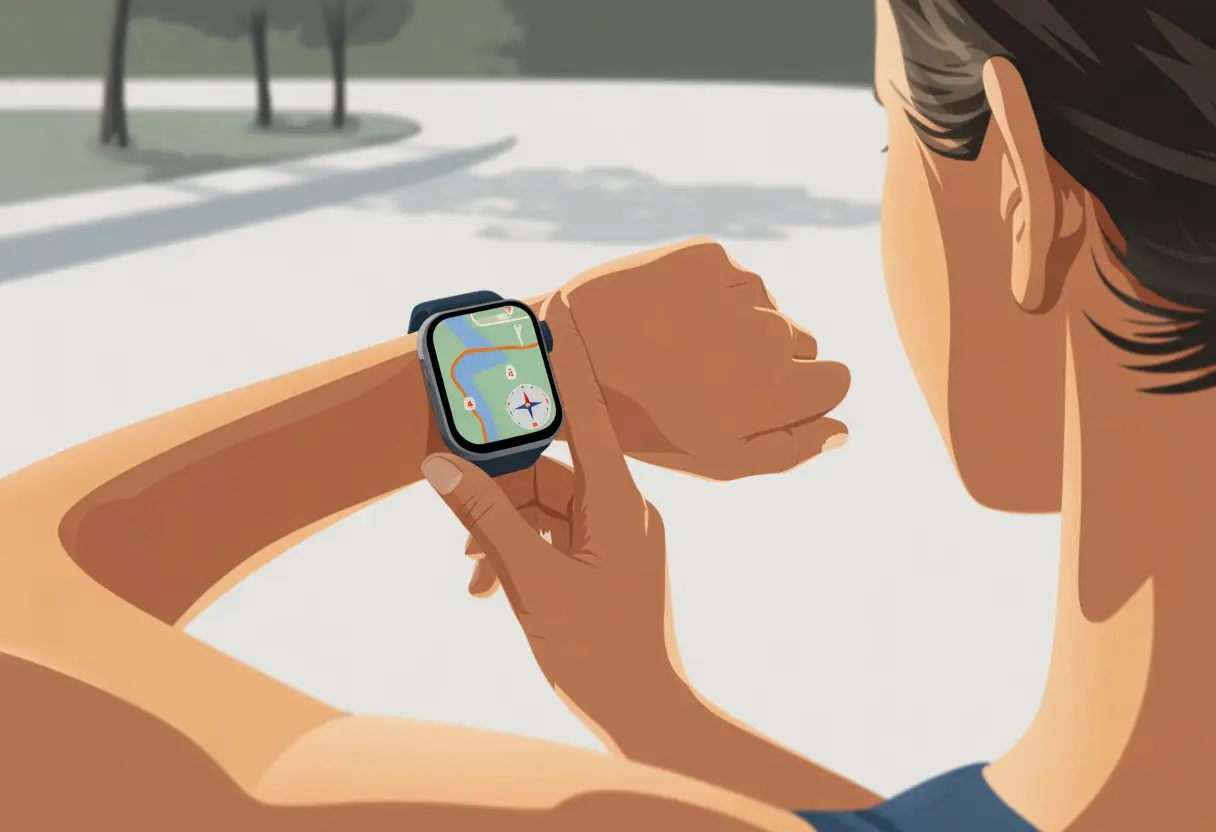
Let’s be real—most of us bought a smartwatch because we thought it’d make us look cooler, or maybe a little like a secret agent. But honestly? The built-in GPS is what actually makes these wrist gadgets impressive.
Once we figure out how to use GPS on a smartwatch, we can track our runs, find our way in a new city, and make sure we never “accidentally” miss gym day again.
Whether we’re training for a marathon, trying not to get lost on a hike, or just on a mission to find the nearest coffee shop, knowing how to use GPS is a game changer.
Our smartwatch keeps up with us, helps map our routes, and even measures things like elevation changes—all right on our wrist. (Check out this comprehensive guide on GPS smartwatches, if you’re curious.)
So, let’s stop pretending we only need our smartwatches for step counts and notifications.
If we want to really use our wrist tech, it’s time to fire up GPS like a pro—or at least not get lost on the way to lunch.
What Is GPS on a Smartwatch?
When we strap on a smartwatch with GPS, we’re basically wearing a tiny navigator.
It helps us find our way, track our jogs, and sometimes even prove that yes, we did take the scenic route home—on purpose.
How GPS Works in Smartwatches
Our smartwatches don’t just guess our location.
They grab satellite signals from a system called GPS (that’s Global Positioning System, for the curious). These signals travel from way up in space down to us.
The watch listens for several satellites at once, measures the time delay, and figures out exactly where we are.
It’s not magic, but it feels close enough! This tech tracks our movements, so we know how far we ran, biked, or even just wandered to the fridge at midnight.
When our smartwatch has built-in GPS, it does all this solo—no phone required.
If our watch doesn’t have built-in GPS, it borrows our phone’s location through Bluetooth. That’s “connected GPS.” If we leave our phone behind, our watch just shrugs and gives up.
Smartwatches track location in two main ways: built-in GPS and connected GPS.
Built-in GPS (found in lots of sports and fitness watches) means the watch tracks distance, speed, and routes even if our phone’s at home. Runners love this for the freedom.
If we’re slow, don’t worry—the devices usually give us more than one try.
We can also pair some watches with a computer using USB or wireless. That’s common for things like the Garmin Forerunner.
If all else fails, just turn everything off and on again. Seriously, that fixes most tech headaches. For a full setup walkthrough, see this helpful article.
Enabling and Calibrating GPS
Once our devices are finally friends, we need to turn on GPS.
Most watches hide this under “Location,” “GPS,” or “Outdoor Settings.”
We toggle it on. If we can’t find it, a little scrolling or random button pressing usually does the trick.
Some watches ask if we want “Connected GPS”—that just means the watch will use the phone’s GPS, not its own.
Next up: calibration. Some watches want us to wave them around in a figure-eight motion (yes, really).
Calibration helps the GPS stay accurate for pace and distance. If we can pick a GPS mode (like “precision” or “battery saver”), we choose whatever matches our adventure.
Keep in mind, more precision drains the battery faster, but at least we’ll know exactly where we got lost. For a hands-on look at connected GPS on a Garmin smartwatch, check this YouTube guide.
Ensuring Satellite Signal Strength
GPS can’t help if it’s as lost as we are.
Our watch needs to connect to at least three satellites to track us accurately.
We step outside, away from tall buildings or thick trees. Standing under open sky is best.
Our watch usually shows a little icon—bars or a satellite symbol—to let us know if the signal’s good.
If the signal’s weak, try these:
Stay still for a minute while the watch finds satellites.
Don’t stand under metal roofs or in basements (unless you’re mapping the laundry).
Update the watch’s software.
A quick glance at the signal icon tells us if we’re ready to go.
If we see no signal, just wait a bit—sometimes satellites are shy. Want more setup tips? Check this Samsung watch setup page.
Using GPS for Everyday Activities
Let’s be honest: we all want our smartwatches to do more than just look good.
GPS actually helps us get places, track what we do, and sometimes even nag us mid-run. Whether we’re finding coffee or avoiding getting lost in the woods, here’s how to use GPS every day.
Navigation and Route Tracking
Ever tried reading a paper map in the wind? Not fun.
Most smartwatches now act as our personal digital compass, giving us directions right on our wrist.
We can plan routes through the companion app or enter an address, then let our watch guide us with vibrations and arrows.
Some watches offer turn-by-turn navigation or even color maps, so we don’t end up wandering aimlessly. For more info on how these GPS features work, here’s a comprehensive guide to GPS smartwatches.
Our watches can store favorite places and give real-time distance or time updates. Some even show traffic or detour info if we’re feeling high-tech.
With reliable route tracking, we’re never really lost—even if we do miss a turn while jamming to music.
Outdoor Running and Cycling
When we hit the road or trail, GPS becomes our workout buddy who never complains.
It tracks distance, pace, and even how much we’re sweating (well, sort of).
We can set up custom routes or follow park trails using GPS, getting alerts if we wander off track.
Most smartwatches show stats like average speed, trip time, and calories burned. No more guessing if we earned that extra dessert.
For runners and cyclists who like to share progress, syncing stats with fitness apps is easy. Some watches even give motivational nudges, so there’s no excuse to cut the run short.
Walking and Hiking
A good walk is fun, but nobody likes being lost in the middle of nowhere.
GPS on our smartwatch turns a stroll or hike into a guided adventure, dropping digital breadcrumbs we can actually follow.
When hiking, we see our position on a map, measure elevation, and sometimes get weather updates if the watch is extra smart.
If we wander off trail, some watches give us a gentle nudge so we don’t end up in someone else’s campfire story.
GPS is also great for tracking steps, checking progress, and logging each trek in a digital diary.
Next time someone asks where we’ve been, we can point to the exact coordinates—no need for tall tales. For more on GPS in smartwatches, this quick guide spells it out.
Tracking Specialized Workouts and Training
Let’s be honest, we didn’t buy a GPS smartwatch just to count steps on a fridge run.
We want to track every sweaty workout, from triathlon sprints to weight room heroics, and see the data—without needing a PhD to read it.
Triathlon and Multi-Sport Modes
When we want chaos—a mix of swimming, biking, and running in one go—our smartwatches keep up with triathlon and multi-sport modes.
With one button, the watch tracks us as we jump from the pool to the bike to the road.
We don’t have to stop and start a new activity each time we switch sports.
The watch creates one tidy record, saving us from the “where did my swim go?” panic.
These modes usually show total time, speed, split times, and transitions.
All that data helps us review our performance and tweak training for the next big race.
It’s like having a coach and cheerleader on our wrist—without the awkward yelling.
Swimming and Water Sports
Not every smartwatch loves water, but waterproof ones? They let us rule the pool like data-obsessed merfolk. When we jump in, swimming modes count our laps, strokes, and even those precious rest breaks.
Some watches even try to guess our stroke type. Is that magic? Maybe just some clever coding.
It’s not just about swimming laps. Water sport modes track kayaking, paddle boarding, and whatever else we can dream up. The display stays visible, and lock features keep us from accidentally pausing our workout mid-backstroke.
When we ditch the treadmill for dumbbells, strength modes track our reps—well, most of them, unless our form gets a bit wild. Cardio modes keep an eye on our heart rate, time in those target zones, and calories.
We get to scroll through workout summaries right on the gym floor. That’s always a win.
Many smartwatches now spot workouts automatically, pause when we do, and suggest training plans. Some even nudge us to rest between sets instead of doomscrolling memes (no shame here).
These features help us stick to routines and push a bit harder—and maybe, just maybe, see some progress in the mirror. With advanced activity tracking for strength and cardio, we’re more likely to keep our workouts on track—and even brag about it later.
Integrating GPS Data with Popular Fitness Platforms
Let’s be honest, sharing our GPS adventures just makes them more fun. Uploading to fitness platforms lets us track progress, join challenges, and make sure our epic walks don’t go unnoticed.
Syncing with Garmin Connect
We start by pairing our smartwatch with Garmin Connect. This platform acts as our activity headquarters, logging stats, medals, and those “do I need another badge?” moments.
After installing the Garmin Connect app on our phone or computer, we log in and connect our watch via Bluetooth. We need to enable Location or GPS, or the app will have us chasing our tails.
Each workout or GPS activity syncs automatically, so we barely have to lift a finger. The dashboards and maps let us geek out over every step and hill.
We join groups, set goals, and unlock virtual rewards. Sometimes, those badges almost make the sweat worth it.
Sharing to Strava
Strava turns our GPS data into competition fuel. Integrating our smartwatch with Strava usually takes just a few taps.
Most smartwatches, especially Garmins, have a Strava link button in the settings. We tap it, and our runs and rides beam over to Strava every time we sync.
We get segment times, leaderboards, and best of all, kudos from friends and strangers who know the pain of that monster hill. If syncing fails, we can export a .GPX file from our watch or Garmin Connect and upload it manually. Still, the automatic sync is just so much easier.
Linking with S Health
Samsung fans, syncing with S Health (aka Samsung Health) is pretty straightforward. We open S Health, tap the menu (the “hamburger”—sadly, not edible), and add a new device or app.
If our watch isn’t listed, we follow the prompts to pair it over Bluetooth. Once connected, all GPS-based workouts—from walks to bike rides—show up in S Health automatically.
We get handy charts, maps, and daily summaries. Sometimes S Health can even pull GPS info from other platforms, so if we’ve got data in Garmin Connect or elsewhere, we might be able to mash it all together.
Features Beyond Navigation: What GPS Powers on Your Wrist
GPS on a smartwatch isn’t just for finding our way when we’re lost (again). This little tracker boosts our notifications, watches over our health, and lets us know when we’ve actually moved more than a few steps.
Notifications and Smart Alerts
With GPS, our smartwatch knows where we are—and it’s not shy about using that info. We get smart notifications based on our location. Missed a turn? The watch vibrates, saving us from ending up at the wrong coffee shop.
Some watches let us set location-based reminders. When we’re near the grocery store, a buzz reminds us to finally buy toilet paper.
If we’re always silencing our phones, GPS helps us stay in the loop when we enter or leave work, making sure the important stuff gets through. When we’re late (which happens more than we’d like), GPS can send ETA updates to friends or family.
If we’re tech-savvy, we can set up geofenced alerts—messages that only pop up when we hit a certain spot. Suddenly, our wrists feel a lot smarter.
Heart Rate and Sleep Tracking
GPS isn’t just for walks with the dog. Many watches use GPS with heart rate monitoring to figure out how tough our workout really is.
If we’re jogging uphill, the watch tracks our speed, distance, and elevation. It matches our heart rate to our route, so our fitness stats actually mean something.
At night, some smartwatches use GPS to guess if we wandered in our sleep (maybe to the fridge; we’ve all been there). Pairing sleep tracking with heart rate and location can reveal patterns about when and where we toss and turn.
That means better sleep tips—or at least fewer embarrassing yawns in morning meetings.
Some watches even offer menstrual cycle tracking, pulling together activity, sleep, and heart rate data with our calendar.
All-Day Activity Monitoring
Activity tracking is where GPS really shines. Every step and stroll gets mapped, giving us accurate data on distance, speed, and elevation.
We can review our routes, see calories burned, and maybe compete with ourselves—or our annoyingly athletic friends. It’s handy for tracking outdoor walks, runs, bike rides, hikes, and more.
Our watches give us polite nudges when we’ve been sitting too long. Some models track swimming laps and cycling routes, thanks to waterproofing and precise tracking.
And hey, if we skip the gym, at least our watch has the receipts.
Popular Smartwatches with GPS: How the Big Names Compare
Some GPS watches are built for muddy trails and wild hikes, while others fit right in with daily life. Let’s see how a rugged outdoor legend and a modern tech superstar stack up.
Garmin Instinct
If we want a watch that can survive a mud wrestling match with a bear (please don’t), the Garmin Instinct comes to mind. This GPS watch has military-grade durability, so bumps, water, and wild weather don’t faze it.
The battery lasts up to two weeks in smartwatch mode and about 16 hours with GPS on. That’s perfect for those of us who always forget to charge things.
GPS accuracy stands out here. The Instinct connects to GPS, GLONASS, and Galileo, so we can get lost in style and still find our way home. It’s loaded with outdoor tools: barometer, compass, heart rate monitor.
The high-contrast, monochrome display is easy to read, even in bright sun. Outdoor Gear Lab points out the Instinct as a favorite for adventure and fitness fans who want a tough, no-fuss watch.
Apple Watch
If we care about looks and function—and want to look sharp even when tracking lost steps at the mall—the Apple Watch is a solid pick. It’s not just a GPS watch; it’s packed with health and smart features, from messages to heart rate checks and even breathing reminders.
The Apple Watch Ultra 2 takes GPS seriously, with dual-frequency precision for accurate runs, hikes, and rides. We can view real-time stats and download maps for offline use.
With a bunch of stylish band and size options, this watch fits in at the office or the campsite. ZDNet calls the Ultra 2 the best overall smartwatch for anyone who wants fitness, style, and connectivity in one package.
Sure, the Apple Watch battery can’t outlast the Garmin Instinct, but for daily use and smart features, it’s a winner.
Maximizing Battery Life When Using GPS
Smartwatches are awesome, but GPS can drain the battery faster than we finish our coffee. The good news? With the right tweaks, we can stretch battery life and keep tracking our adventures.
Turn on Battery Saver Mode: Most smartwatches have a battery saver in the settings. One tap and we shut off extras, giving the battery a break.
Lower the Screen Brightness: No need to blind ourselves. Dim the screen, save energy, and make late-night strolls easier on the eyes.
Shorten Screen Timeout: The less the screen glows, the less power it eats. Quick timeouts are a simple fix.
Limit Notifications: Every buzz drains the battery. Stick to the essentials and mute the rest—our wrists will thank us.
Turn off Always On Display: That fancy always-on screen looks great, but it’s a battery hog. Switch it off unless we absolutely need it.
Following these steps can extend the battery life while using GPS, so we don’t end up with a dead watch halfway through our day.
Balancing Accuracy and Battery Settings
Using GPS always feels like a balancing act between accuracy and battery life. If you want your watch to track every step with laser precision, you’ll probably end up charging it more than you’d like.
Honestly, most of us don’t need that level of detail just to see our evening walk or a quick jog.
Smartwatches usually let you tweak the GPS update frequency. You’ll see choices like “best,” “normal,” or “good,” which basically decide if you get updates every second or just once a minute.
If you pick a less frequent update, your battery will thank you—and you’ll still get a clear record of your route.
For those longer adventures, you can turn on extra power-saving features. Modes like UltraTrac or Power Saver GPS use smarter tracking to stretch battery life without totally sacrificing accuracy.
Hi, my name is Garrett Jones, and I am a tech enthusiast. I enjoy researching the new tech that has been released, and have a vast knowledge of the best tech to purchase.
From a young age, I have always had a big interest in technology, and this blog is an extension of that interest. Through this blog, I hope to provide others with all of the information they need regarding tech options to consider, and things such as compatibility. Some of the different items I will be discussing include headphones, smartwatches, and how to fix common issues.