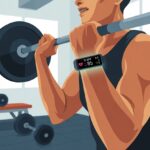
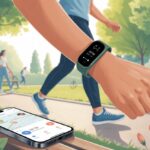
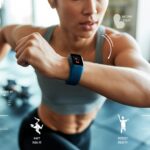
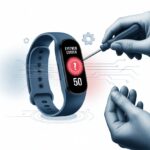
Let’s be real—when we’re lifting, it’s way too easy to lose track of which set we’re on, how long we’ve been “resting,” or if we’re actually progressing or just chatting with the dumbbells. That’s where our trusty fitness tracker jumps in and saves us from workout confusion.
A fitness tracker for strength training keeps us accountable, records our reps and sets, measures rest times, and even tracks our heart rate while we’re trying to look cool near the squat rack.
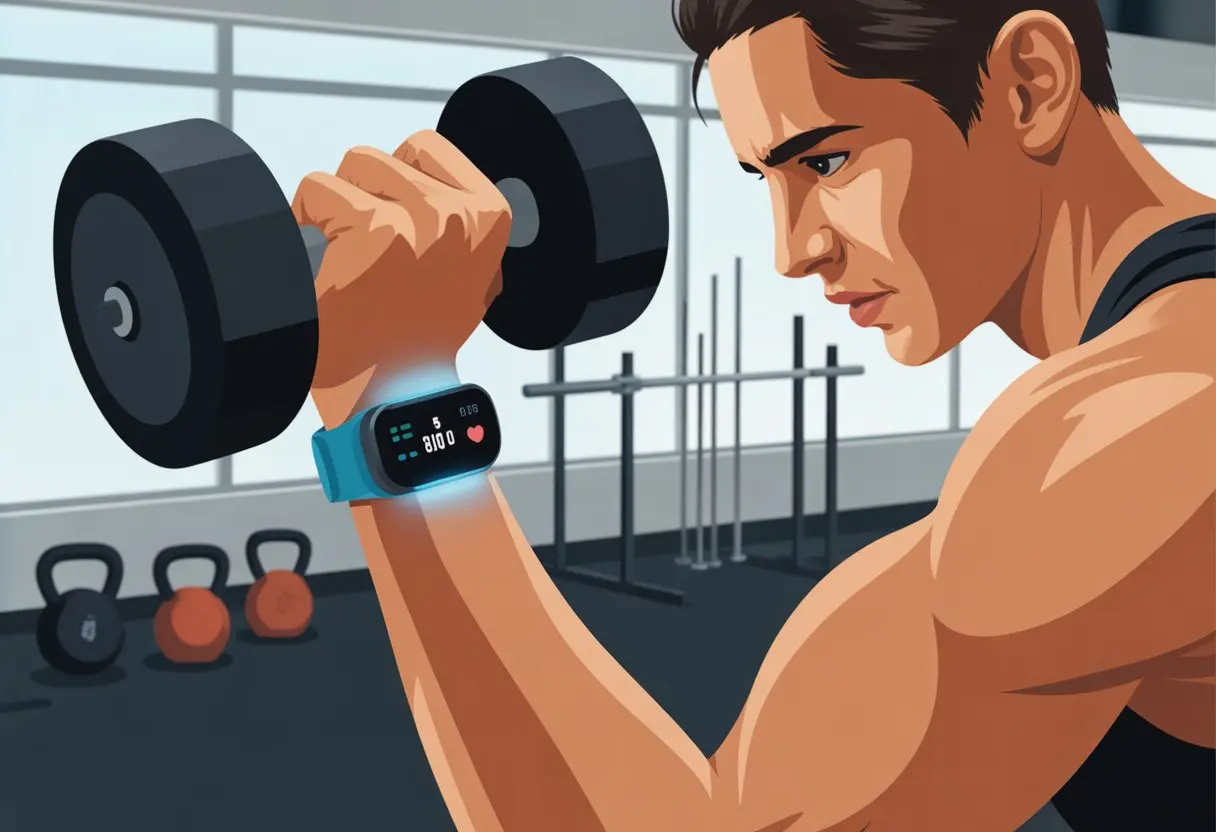
We don’t need to be tech wizards to get started. Most trackers include a strength training or “weights” mode that does the heavy lifting (of data) for us.
Some trackers can even count reps and sets automatically, so we never miss a beat—or a bicep curl.
It’s not only about numbers; tracking our workouts pushes us to keep improving, especially when we see stats climbing over time.
With our wrists logging everything, we can focus on not dropping the weights on our feet.
Choosing The Right Fitness Tracker For Strength Training
Picking a tracker for strength workouts feels a bit like finding jeans that actually fit. We want something that works, doesn’t quit after a month, and doesn’t make us regret our choices at the gym.
Let’s talk about what to look for so we can pump iron and track our gains—without tech headaches.
Comparing Features And Brands
When we’re choosing between Garmin, Fitbit, or Apple Watch, we need to think about which features actually help us lift smarter.
Garmin builds sturdy watches with tough GPS and a reputation for being, well, no-nonsense. It’s kind of the drill sergeant of wearables.
Fitbit usually wins on comfort, battery life, and easy stats. The Apple Watch is like the popular kid—it does a bit of everything and pairs up perfectly with iPhones.
Some folks also love GPS watches for tracking more than just running. If we want versatility, that matters.
Let’s ask ourselves what info we want during our lifts. Do we care about rep counting? Or are we more about calorie burn? Do we need water resistance for those sweaty days?
Here’s a quick checklist:
- Rep tracking
- Water/sweat resistance
- Battery life
- Comfortable strap
- Ease of use
If we’re still not sure, we can always check out shopping tips in this REI guide.
Heart Rate Monitor Options
Heart rate data tells us if we’re actually working hard or just taking gym selfies.
Some trackers use a wrist-based heart rate monitor. It’s convenient, but accuracy can drop, especially during fast-paced strength sets.
Chest strap monitors give us more reliable tracking, especially when we’re pushing for that one rep max. Garmin watches usually let us pair a chest strap for top-level accuracy.
Apple Watch and some Fitbits offer ECG features, but not all let us use chest straps.
If we’re serious about tracking every heartbeat while lifting, it’s worth getting a tracker that supports both wrist and chest-strap monitors. That way, we know our pulse—no guessing.
Compatibility With Strength Training Apps
Honestly, no one wants to write down every squat and curl in a notebook like it’s 1999.
Most trackers sync with workout apps, but not every tracker works with every service.
Fitbit and Apple Watch play well with big apps like Strava and MyFitnessPal. Garmin connects with its own Garmin Connect app, and some models work with third-party apps.
Some trackers even detect strength workouts automatically, so we can focus on our biceps—not our BPA-free water bottle.
Before we buy, we should check the app store or the tracker’s site to make sure our favorite app is supported. Saves us from yelling at our phone (or at least, yelling less).
For a solid roundup, check Wired’s fitness tracker review.
Setting Up Your Fitness Tracker For Strength Workouts
Before we start lifting, let’s make sure our fitness tracker is set up right.
Setting the right workout mode, syncing devices, and tuning heart rate features turns our tracker into a pocket-sized strength coach.
Customizing Strength Training Modes
We want our tracker to know the difference between a push-up and a pizza slice curl.
Most fitness trackers let us pick or create a strength training workout mode. On devices like Garmin, we can build custom workouts, add exercises, and record sets with reps and weights.
Here’s a quick checklist:
- Open the workout menu
- Choose “Strength” or “Custom Workout”
- Select or add exercises we’ll do
- Decide if we want auto-detection for reps (not magic, but usually works)
- Save the workout for easy access, so we’re not fumbling mid-burpee
If our tracker lets us, let’s give our workouts a fun name—maybe “Don’t Skip Leg Day.”
Pairing Devices And Apps
Syncing devices is the modern version of lining up toy cars. We want our tracker to talk to fitness apps like Garmin Connect so our gains get logged.
First, we grab our phone and download the right app. For Garmin, it’s Garmin Connect.
We pair the device over Bluetooth. If things aren’t connecting, turning everything off and on again fixes half the issues (don’t ask why).
Once we’re connected, we can:
- Sync workouts automatically
- View detailed stats and strength graphs
- Share our achievements—or fails—with friends
- Keep past workouts ready for review
Some platforms let us set reminders or goals, which is a nice nudge to leave the couch.
Adjusting Heart Rate Settings
Strength training isn’t all about the weight—our heart wants some attention, too.
Accurate heart rate tracking helps us monitor intensity and track recovery.
Before we start, let’s check our tracker’s heart rate settings. Set our HR Max (maximum heart rate) or at least review the heart rate zones.
Some trackers let us adjust zones for better feedback during lifts.
- Enable continuous heart rate monitoring
- Make sure the strap isn’t too loose—sliding monitors are only cool at dance parties
- Track recovery between sets and after workouts to avoid overdoing it
With each rep, our tracker keeps us on top of the numbers—so we don’t just feel stronger, we know it.
Tracking Sets, Reps, And Rest Periods Like A Pro
Getting the most from a fitness tracker during strength training means we’ve got to stay on top of sets, reps, and those glorious gaps called rest periods.
Forgetting what we lifted or how many times is a rite of passage—but we can move past that. Precision beats guesswork, and our muscles will thank us.
Logging Sets And Repetitions
Let’s be honest: losing track of sets and reps happens to everyone, especially when the gym playlist is just right.
Most trackers let us log each set and rep right after a lift—no need to hunt down a pen or scribble notes.
With some Garmin watches, we select the strength training activity and record each set and repetition as we go.
If we change the weight, we can update that in the app before starting the next set.
A handy trick is pressing the lap or set button between sets, so we get a clear record of our progress.
This saves us from wondering, “Did we really do five sets or was that last week?”
Counting Reps Accurately
Counting reps sounds easy—until we’re out of breath and not sure if that last shaky pushup was number 7 or 17.
Some trackers use motion sensors to count reps, but they’re not perfect. Big moves like squats or bench presses are easier for trackers to spot than awkward ones like shoulder raises.
It’s still smart to check the rep count between sets to make sure it matches what we remember, especially if our mind wandered to dinner instead of dumbbells.
If the auto counter gets it wrong, most apps let us fix the total with a tap or swipe, so we don’t have to lie to our future selves.
Optimizing The Rest Timer
Rest periods are when we daydream about snacks and pretend we’re not tired.
Timing rest is important so we can give our muscles a break, but not so much that we forget what exercise we were on.
Most trackers have a built-in rest timer that starts automatically or with the press of a button between sets.
We can set custom rest periods based on our goals. Shorter rests, like 30-60 seconds, work for endurance.
Longer breaks up to 2 minutes help when lifting heavy. Pressing the lap button between sets also cues the rest timer, making sure our break isn’t too long.
Using the rest timer keeps us consistent and moves our workout along—without turning it into a five-hour gym tour.
And honestly, anything that keeps us from chatting about the weather mid-set is a win.
Monitoring Heart Rate During Strength Training
When we lift, our heart works hard, too. Tracking our heart rate helps us train smarter, avoid overdoing it, and recover faster for the next round of burpees.
Real-Time Heart Rate Data Collection
Let’s be real, we don’t have x-ray vision. That’s why we use fitness trackers or heart rate monitors (HRMs).
These smart devices measure our heart rate in seconds and show us what’s happening right on our wrist or in the app.
With real-time data, we spot if our heart rate shoots up—or if it’s barely moving. During tough strength sessions, our heart rate should rise, but not skyrocket.
Many trackers will beep or flash if we hit certain limits.
A solid HRM can track other details like calories burned and how long we’re in each training zone.
If you’re curious about how HRMs help us adjust effort, check out this article on using a heart rate monitor during a workout.
Understanding Your Heart Rate Zones
Your heart rate isn’t just a random number. It falls into zones, and each one serves a purpose.
For strength training, these zones help us push hard enough, but not so hard that we end up regretting it later.
Here’s a simple breakdown:
| Zone | % of Maximum Heart Rate | Purpose |
|---|---|---|
| Warm-Up/Recovery | 50-60% | Easy recovery and warm-up |
| Fat Burning | 60-70% | Basic exercise intensity |
| Aerobic | 70-80% | Cardio, endurance building |
| Anaerobic/Peak | 80-90%+ | Intense bursts, short sets |
When we know our zone during a workout, we can chase the results we want. Whether it’s strength, endurance, or just surviving another round of lunges, it’s easier with a plan.
Training by monitoring heart rate makes workouts safer—and honestly, more effective.
Spotting Your Maximum And Recovery Heart Rate
Let’s talk about the highs and lows. Your maximum heart rate is the highest your heart should safely hit.
You can guess it with a simple formula: 220 minus your age. But don’t try to hit this number on purpose—it’s a limit, not a finish line.
During heavy lifting, we usually reach about 70-85% of that max. If you keep hitting your max, it’s probably time for a break (or a snack, maybe both).
Recovery matters just as much. Your recovery heart rate shows how quickly your heart calms down after a set.
A quick recovery usually means your fitness is improving—or at least your heart doesn’t hate you for your workout choices. If your heart rate stays high for too long, it’s a sign to slow down or rest more between sets.
Using a heart rate monitor training guide helps you spot these numbers and keeps you in the safe zone.
Analyzing Post-Workout Data
Tracking workouts is just the first step. If you want real results, you have to actually look at the data—not just stare at pretty graphs and call it a day.
Reviewing Calories Burned
Honestly, counting calories burned during strength training feels a bit like checking if the fridge light turns off when you close the door. Still, your fitness tracker tries.
It estimates calories based on your heart rate, age, weight, and how intense your lifts are.
Don’t stress if the number isn’t huge. Strength training burns fewer calories during the session, but the magic happens after. You get that sneaky “afterburn” as your muscles rebuild.
To make sense of calorie data, keep a table like this:
| Day | Workout Time | Calories Burned | Exercise Type |
|---|---|---|---|
| Monday | 45 min | 220 | Full-Body Strength |
| Thursday | 40 min | 180 | Upper Body |
Tracking over time helps you spot patterns—like when you counted more rest than reps.
Evaluating Set And Rep Performance
We all imagine we nail every set and rep with perfect form and effort. The data often disagrees.
Many trackers let you log sets and reps, or sync with apps to track each exercise. This makes it easier to see progress—or, well, excuses.
Key things to watch:
- Total sets and reps completed
- Average weight used per set
- Rest times between sets
Reviewing this data lets you tweak your plan. Maybe you’re stuck benching the same weight every week. Or maybe you need to bump up reps before adding more plates.
For more tips, check out this workout journal guide.
A simple table helps:
| Exercise | Sets | Reps | Weight |
|---|---|---|---|
| Bench Press | 4 | 8 | 80 lbs |
| Deadlift | 3 | 6 | 120 lbs |
If you manage one more push-up before collapsing, hey, that’s progress.
Making Sense Of Heart Rate Metrics
Your heart rate hides more secrets than your group chat. During strength training, heart rate data shows how intense your workout is, how fast you recover, and if you’re slacking—or overdoing it.
Watch for peak heart rates during tough sets, check your session average, and see how quickly your heart rate drops after a set. If your heart recovers fast, you’re quietly building that hidden cardio engine.
Some fitness apps use heart rate metrics like HRV (Heart Rate Variability) and RHR (Resting Heart Rate) to show how well you recover. If you want to get nerdy, third-party apps like Longevity Biomarkers sync with popular watches and break down these numbers—no lab coat needed.
We’re after progress, not perfection. If your heart rate graph looks like a mountain range, at least you were climbing, not napping.
Adjusting Your Strength Training Program Based On Fitness Tracker Insights
Let’s be honest—nobody gets strength training perfect from the start. With a fitness tracker, though, you don’t have to guess your way to results or fake remembering every set.
You can adjust routines like a pro. Using real data, you see what needs changing and actually notice improvement—not just hope for it.
Tweaking Exercise Selection And Form
If your tracker shows you repeat the same exercises every week, maybe it’s time to shake things up.
Most trackers have a strength training mode that records what you do and how often. Check your log and see which muscle groups you’re ignoring.
A lack of progress or some aches could mean your form isn’t great. No need to do bicep curls with your feet (unless you’re feeling wild). Instead, if your data shows your range of motion or repetition speed is off, focus on that next time.
Mixing up exercises isn’t just for variety (though, let’s face it, goblet squats sound fancy). It helps you avoid plateaus and keeps your program lined up with your goals.
Looking at tracker insights after each workout gives you an honest workout buddy—one you can’t bribe with snacks.
Modifying Volume And Intensity
Fitness trackers help you track sets, reps, and rest periods in detail.
If you want muscle growth, but your tracker says you’re spending more time chatting than lifting, it’s time to step it up. Adjust your sets or shorten those long breaks to make things tougher.
Maybe you notice you’re not lifting heavier after a few weeks. With real data, you spot slow progress and change your intensity. Add a set, increase resistance, or use a shorter rest time.
Some trackers estimate calorie burn and heart rate, helping you keep workouts challenging—but not soul-crushing.
Here’s a quick cheat sheet:
| If Tracker Shows… | Try Adjusting… |
|---|---|
| Too little volume | Add sets or reps |
| Long rest times | Shorten rest intervals |
| Same weight, no progress | Increase resistance |
| Low heart rate throughout | Add intensity bursts |
When you follow your tracker’s lead, you avoid wasted workouts and keep making steady progress. It’s like having a coach—just without the yelling.
Integrating Your Tracker With Everyday Fitness Routines
Getting the most from your fitness tracker isn’t just about logging bench presses or flexing for the mirror.
Making it part of daily life helps you notice all sorts of movement, from walking to the fridge to those midnight snack runs.
Let’s look at what you can track beyond gym time, and why it helps you build strength, eat smarter, and maybe even sleep better—preferably without drooling on the pillow.
Tracking Daily Steps And Non-Lifting Activity
Counting steps isn’t just for power walkers and mall Santas. Most of us sit more than we want to admit.
Your tracker shows exactly how much (or little) you move outside lifting.
Most trackers count steps, distance, and even stairs climbed. Missing your step goal? Take a lap around the kitchen.
Cyclists can usually track their movement, too, though pedaling doesn’t always rack up steps. Look for cycling as an activity option.
Pro tip: Set step reminders. Nothing like a digital nudge when you’ve been glued to the couch for hours.
Non-lifting activity, like chores or walking the dog, counts toward your daily movement. It’s great for your health and burns a few extra calories.
Your tracker shows trends over time, helping you spot lazy patterns—or those epic pizza delivery sprints.
Syncing With Nutrition And Sleep Apps
Our tracker does a solid job counting steps and reps, but honestly, it can’t handle everything on its own. When we sync it with nutrition apps, we get to log meals and keep an eye on calories—even if we’re pretending that giant slice of cake was totally worth it.
If we connect our tracker to a sleep app, it grabs bedtime data (and yes, it catches every single toss and turn). Suddenly, we start noticing patterns between our sleep and strength training.
Maybe that explains why squats feel so much heavier after staying up way too late watching cat videos. Using these apps together, we get a much bigger picture of what’s really going on.
We can spot when bad sleep, questionable eating, or skipped workouts overlap. A lot of trackers easily sync with apps that cover both fitness and nutrition, so if obsessing over colorful graphs ever becomes a sport, well, we’re definitely in the running.

From a young age, I have always had a big interest in technology, and this blog is an extension of that interest. Through this blog, I hope to provide others with all of the information they need regarding tech options to consider, and things such as compatibility. Some of the different items I will be discussing include headphones, smartwatches, and how to fix common issues.
- How to use a fitness tracker for sedentary alerts: Because Your Couch Won’t Miss You Anyway - September 14, 2026
- Why do my Bluetooth headphones not work with my projector? Solving Tech Mysteries for the Audio-Challenged - September 13, 2026
- Best Smartwatches for Medication Reminders: Never Forget Your Pills (or Your Sanity) Again - September 13, 2026
Related Posts: