Let’s be honest for a second—interval workouts sometimes feel like a real-life video game, dodging fatigue and chasing that next beep. That’s where our trusty smartwatches come in to save the day (and our legs).
Using a smartwatch for interval running helps us track our pace, stick to set times, and stay in the right heart rate zone. We don’t have to count in our heads or drag along a clunky old stopwatch.
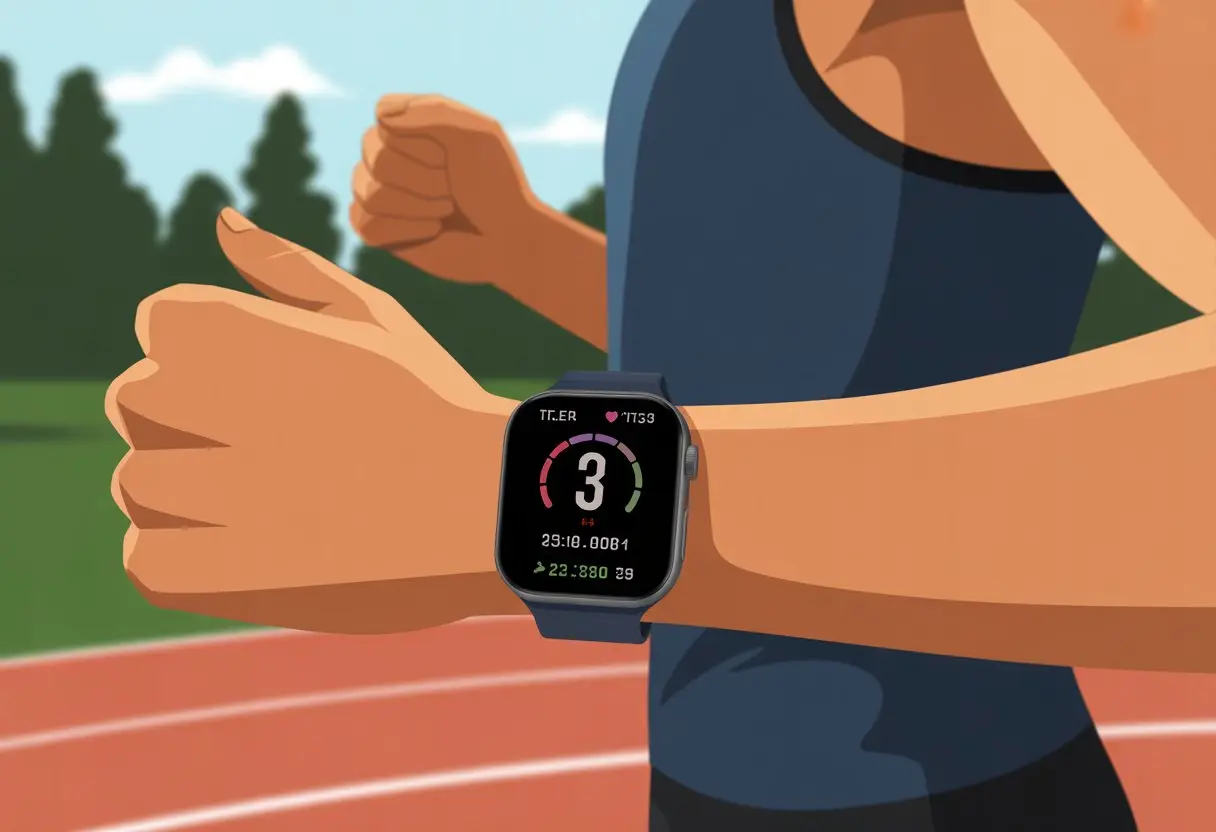
A good smartwatch really does make interval workouts less stressful. With just a few taps, we can plan our run, set up intervals, and get a gentle buzz when it’s time to speed up or slow down.
If we’d rather let technology coach us instead of yelling at ourselves mid-run, it’s honestly a game-changer.
Most of us can barely remember where we left our keys, let alone keep track of sprint times. With the right smartwatch and settings, we finally get to focus on running—not counting.
Let’s see how to set up those intervals and actually make our next workout fun.
Getting Started With Interval Running on Your Smartwatch
Before we blast off like we’re chasing a bus, we need to get our smartwatch and apps ready. We’ll want the right device, a decent setup, and our favorite fitness app set to track every bead of sweat.
Setting Up Interval Workouts
Let’s be real: setting up an interval workout shouldn’t feel like solving a puzzle. Most smartwatches have an interval feature built in.
On a Garmin, for example, we just press the GPS or Run button, hold down the Menu, and then—like magic—select our intervals and set the time, move, and rest segments.
If we use an Apple Watch or Fitbit, we can use health apps or the built-in workout feature for intervals. Some watches even give us a cheerful vibration or beep when it’s time to switch from slow-walking to running like our lives depend on it.
For extra flair, some fitness apps let us load custom workouts right from our phone.
We should double-check the settings for things like total time, number of intervals, and rest time. That way, our watch won’t accidentally make us run until we regret every life choice.
Choosing the Right Smartwatch
Not all smartwatches cut it—just like not every sneaker belongs on the treadmill. We should look for a watch with reliable optical sensors, solid battery life, and a screen we can actually read after sweating all over it.
The Apple Watch, Garmin, and Fitbit are smart picks. If we’re feeling a bit fancy, we might even consider a TAG Heuer Connected.
Here’s a quick table to compare:
| Smartwatch | Interval Feature | Optical Sensor | Works with Strava/Health Apps |
|---|---|---|---|
| Apple Watch | Yes | Yes | Yes |
| Garmin | Yes | Yes | Yes |
| Fitbit | Yes | Yes | Yes |
| TAG Heuer Connected | Yes | Yes | Yes |
If we’re serious about intervals, let’s pick one that syncs well with our favorite fitness app and can handle both sprints and our slow shuffle back home.
Syncing Fitness Apps for Interval Running
Nobody wants to lose their workout stats to the digital void. Most smartwatches sync with apps like Strava and Apple Health.
We just connect our device in the smartwatch settings, log in to our fitness account, and tap “Allow” about twenty times.
Some apps let us share our workouts (and humblebrag) with friends. We can also import interval structures from other apps or download guided workouts if we’re out of ideas.
Just remember to hit “Sync” so our heroic bursts of speed make it into the app and don’t vanish forever.
Designing and Customizing Your Interval Workout
A good interval workout isn’t just about cranking up the intensity and hoping for the best. We need to plan our intervals, set goals, and pick the activity that matches our mood (and, let’s be honest, our current motivation level).
Setting Time Intervals and Duration
First, we have to set the timeline for our suffering—err, training. Our smartwatch usually asks us to choose the length of the “work” and “rest” periods.
For 400-meter sprints, maybe we go with 1 minute of running and 2 minutes of walking. We can set the number of repeats, too.
If we’re feeling strong, we might go for 6 rounds. If not, maybe just 3 (and promise ourselves more next time).
Most smartwatches let us type in exact minutes and seconds, so there’s no more “I lost track of time” excuse.
The total workout time depends on how many intervals we stack together, plus warm-up and cool-down. We can usually save custom interval workouts for next time, following guides like these Garmin instructions.
Adjusting Goals and Targets
Once we know our run and rest times, we can tweak our personal goals. Our smartwatches might ask if we want to hit a certain distance, keep a specific pace, or even match a heart rate.
The options are way more forgiving than a coach with a whistle. For “daily goals,” we get to pick what matters most.
Maybe we want to burn calories or just not collapse before the last round. Some watches even let us set a target for total active time or number of intervals—which is great if we love checking boxes.
We can check our progress during or after the workout. The smartwatch offers encouragement or gives us a nudge if we’re slacking off.
Selecting Activity Type and Intensity
We don’t have to stick to classic running. Our watch lets us pick from all sorts of sports.
Maybe we switch things up with cycling, swimming, or any activity where we can sweat without tripping. Some apps or watches even let us design custom activities if we want interval yoga or dance breaks.
For intensity, we decide how hard to push ourselves. Do we want it easy, moderate, or “red-in-the-face” hard?
We set these levels at the start, and our smartwatch will buzz or beep if we’re too slow (or, let’s be honest, if we’re taking a sneaky break).
This is when the smartwatch really feels like a digital coach. It keeps us on track, and the encouragement is just annoying enough to stop us from quitting halfway through.
Mastering The Basics: Using Smartwatch Features During Runs
When we run intervals, our smartwatches become our best buddies. They do more than just tell us we’re late for dinner—they track our stats, help us train smarter, and sometimes make us feel like undercover agents.
Monitoring Heart Rate and Performance
We don’t always know if we’re working hard or just sweating for nothing. Most smartwatches use heart rate sensors—either optical ones on our wrists or a chest strap—to track our heartbeats faster than we can say “intervals hurt.”
Watching our heart rate helps us adjust our effort to match our goals. It keeps us in the right performance zone so we don’t slack off or burn out too soon.
Some watches buzz us if we go too easy or too hard, which is basically like having a tiny coach on our wrist.
If you love data, you can analyze your heart rate over time to spot improvements (and brag about them later). It makes tracking progress less guesswork and more science.
If you want more details, here’s a beginner’s guide to smartwatch heart rate features.
Tracking Distance, Steps, and Calories Burned
We might not run to the moon, but our smartwatch tells us exactly how far we’ve gone. With built-in GPS and step counters, it measures our distance and steps, making sure we don’t cheat on those laps.
Calculating our calories burned—especially active calories—shows us just how much energy we’re using. It turns our jog into cold, hard numbers.
For stat fans, seeing calories, steps, and distance at a glance keeps us motivated. Especially if there’s dessert waiting after.
Our smartwatches track these numbers in real time. It’s perfect for setting goals or keeping up with friends who love posting their workout stats online.
Understanding Watch Face Displays
The watch face is command central. On most models, we can customize what we see—heart rate, step count, run timeline, or wellness info like calories burned.
Some displays keep it simple. Others cram in every stat possible.
Certain watches let us swipe or tap between screens while we’re jogging, so we can check our pace and feel like a tech wizard on the move.
Having info right on our wrist saves us from guessing and keeps us focused on performance (and not tripping over the sidewalk). For more tricks, check out this hands-on smartwatch running tutorial.
Before You Start: Pre-Run Preparation
Getting ready for interval running isn’t just about lacing up and hoping for the best. A solid warm-up and knowing our goals for the day help us avoid injuries, move better, and get the most out of our smartwatches.
Warming Up With Smartwatch Guidance
Just like that gym teacher we all remember, our smartwatch loves to call us out (nicely, most days) if we skip the warm-up. Most of these little gadgets come with warm-up reminders or activities, so we start moving like actual humans instead of stiff robots. They track our heart rate and keep us from jumping right into overdrive.
If we’re feeling lost at the start, some watches offer preset routines that walk us through dynamic moves. We might see light jogging, arm swings, maybe a couple of squats. The watch buzzing at us can keep us on task—or just slightly annoyed, but hey, it works.
Here’s a quick list for a smartwatch-guided warm-up:
- Select Warm-Up mode or something similar.
- Follow the on-screen prompts for each move.
- Watch your heart rate and check which activity zone you’re in.
A solid warm-up means we’re less likely to pull something or embarrass ourselves during that first sprint. Warm-ups aren’t really optional, but at least the smartwatch makes them a bit more entertaining.
Setting Your Daily Goals
Before we bolt out the door, we’ve got to figure out what we’re aiming for. Our smartwatch can turn these daily goals into something that doesn’t feel like a chore. Maybe we want to rack up more active time zones or top yesterday’s streak. Setting clear targets makes it way easier to stay motivated.
On most smartwatches, we just open the activity or goals app and punch in what we want: distance, intervals, or how long we want to move. We can even set reminders—because who doesn’t love a little nudge from their wrist?
If we’re feeling extra driven, some models break goals into smaller chunks we can tick off, so each interval feels like a mini win. Watching that progress bar fill up is oddly satisfying, like snagging digital gold stars. For more ideas, check out these tips on using interval training features.
Crushing The Intervals: Real-Time Guidance and Motivation
When it’s time to tackle intervals, our smartwatch steps up as both coach and cheer squad. No more doing math while gasping for air—our watch keeps us focused and moving, even when our brains feel like mush.
Receiving In-Run Alerts and Reminders
Let’s be honest, those buzzes and pings are lifesavers. With most running watches, we set up our sprint and recovery intervals—maybe 30 seconds of effort, then 60 seconds to catch our breath.
When it’s time to go, the watch gives us a signal. When it’s time to stop, we get a ding or a buzz (sometimes it feels a little aggressive, but it gets the job done). The watch repeats the intervals for us, with reminders at each stage. We don’t have to count laps or keep track of time—our smartwatch handles all the starts, stops, and repeats.
Some watches even show a progress bar or wellness view, so we always know where we’re at in the workout. No more interval FOMO—our watch keeps us right on track, even when we’re zoning out. If you want more on setting up intervals and alerts, check out guides for specific devices, like this one for Garmin watches.
Utilizing Audio and Haptic Feedback
Let’s face it—sometimes we totally miss a notification, especially if the playlist is cranked. That’s where audio and haptic feedback step in. Many watches offer beeps, spoken cues, and wrist vibrations to tell us when to sprint, slow down, or just keep moving.
Audio cues might announce, “Interval started,” or give us a heads-up when time’s almost up, so we can mentally brace ourselves (or panic). Haptics—those little wrist buzzes—work great when we’re outside and headphones aren’t an option.
We can usually tweak these features, choosing the signals that work best for us: sound, vibration, or both. Whether we want a gentle nudge or a full-on wrist quake, the watch makes us feel like interval champs, no stopwatch needed. Some watches, like Samsung’s, make it easy to open the interval settings and adjust reminders. For more on customizing, see how to do interval runs on the Galaxy Watch.
After The Run: Cool Down, Analysis, and Progress Tracking
When we finish the run, we’re not done yet—unless we want to hobble around with sore legs and zero idea of our progress. Time to cool down, stretch, and geek out over the stats our smartwatches collect.
Cooling Down Like a Pro
A good cool down isn’t just for the pros. Even for us, walking for 5–10 minutes and stretching helps us avoid waking up as the Tin Man.
We can track our cool down walks with our smartwatch. If our watch asks, “Are you still running?” as we limp to the car, it’s just doing its job. This easy step helps close out daily goals and gives our heart a chance to calm down.
Let’s use the built-in features to log the cool down as a separate activity, or just let it run after we hit stop on the main workout. Our wellness profile will thank us tomorrow.
Reviewing Workout Performance and Data
Now comes the fun part—digging into the stats. Most smartwatches show a tidy timeline of the run, including intervals, pace, heart rate, and calories burned. Some even break down each interval’s performance, which honestly feels pretty cool.
If our fitness app gives us graphs, let’s use them to spot trends. Did our heart rate spike when our favorite song came on? That’s science, right?
If we’re chasing personal bests, it helps to check activity summaries and daily goals side by side. At least now, when someone asks about our run, we can hit them with numbers instead of just saying, “I survived.”
Syncing and Sharing Your Results
Don’t let those stats hide on your wrist. We can sync the data to our favorite fitness app or upload it to a service like Strava. Not only does this back up our progress, but it lets us show off to friends—or that one uncle who still jogs in jeans.
Most apps organize our timeline, highlight top performances, and update our wellness profile after every sweaty session. Some even hand out digital badges, which we’re definitely not obsessed with. Sharing results keeps us honest and might even spark a little friendly competition.
Before long, tracking intervals, cool downs, and stats feels totally normal. Just remember to brag a little—modestly, of course.
Advanced Tips for Maximizing Your Smartwatch Running Experience
Using a smartwatch for interval running is more than just starting and stopping a timer. If we want to get the most out of our devices, we can connect extra sensors, personalize alerts, and set up reminders to keep ourselves moving. A few tweaks can turn an ordinary run into something way more interesting.
Integrating Chest Straps and Sensors
Let’s be real: wrist sensors aren’t always honest. Most smartwatches use an optical sensor for heart rate, but sweat, hair, or wild running can throw it off. That’s where a chest strap comes in handy.
Chest straps use electrical signals to track heart rate and offer much more accuracy, especially during a workout. Most newer watches let us pair Bluetooth or ANT+ chest straps. This upgrade gives us more reliable heart rate data right on our wrist. Since our wellness info is only as good as the data we get, a chest strap helps us train smarter.
We can add other sensors too, like foot pods, for tracking cadence and stride. Mixing and matching sensors gives us a detailed view of our wellness and helps us fine-tune training—no science degree required.
Customizing Apps and Alerts
Scrolling through the app store for running apps can get overwhelming, but picking one that matches our habits makes a big difference. Some apps let us set up interval workouts to the second, track laps, and buzz our wrists with custom alerts—so we’re not glued to the screen every few steps.
Custom alerts really change the game. We can tell our watch to vibrate or beep when we hit a target heart rate or need to pick up the pace. If we want, we can build our own interval plans right from the watch or sync them with our phone before heading out. No more mental math—running and numbers just don’t mix.
Many watches let us keep a running log, analyze trends, and compare workouts to our goals. Smart notifications can nudge us if our pace drops, remind us to hydrate, or even let us know if a friend just beat our record (which is both rude and motivating, honestly).
Setting Up Stand Reminders and Activity Goals
After intervals, it’s so easy to just flop onto the couch and stay there. But stand reminders and activity goals can keep us moving, even when we’re not on the track.
When we set up stand reminders, our watch nudges us to stand up and take a quick walk. It’s a simple way to avoid spending hours just sitting around.
Activity goals aren’t just about counting steps. We can track active minutes, calories burned, daily movement, and even some wellness info.
Some watches actually cheer us on when we hit our goals. Honestly, who doesn’t love a little bragging from their own wrist?
If you’re feeling competitive, you can push your goals higher each week. Or maybe you’d rather just try to out-stand your cat—totally valid.
No matter what, these reminders and goals help us build better habits. One little buzz at a time.

From a young age, I have always had a big interest in technology, and this blog is an extension of that interest. Through this blog, I hope to provide others with all of the information they need regarding tech options to consider, and things such as compatibility. Some of the different items I will be discussing include headphones, smartwatches, and how to fix common issues.
Related Posts: