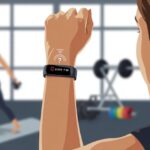
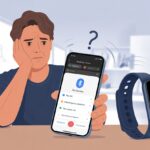
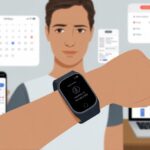
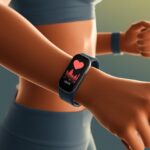
We’ve all looked at our fitness tracker and wondered if we just ran a marathon or fought off a wild animal, judging by that bizarre heart rate. Loose straps, sweaty wrists, body movement, skin tone, and even hydration can mess up our tracker’s heart rate readings. Sometimes, it feels like our tracker’s imagination is working harder than our actual heart.
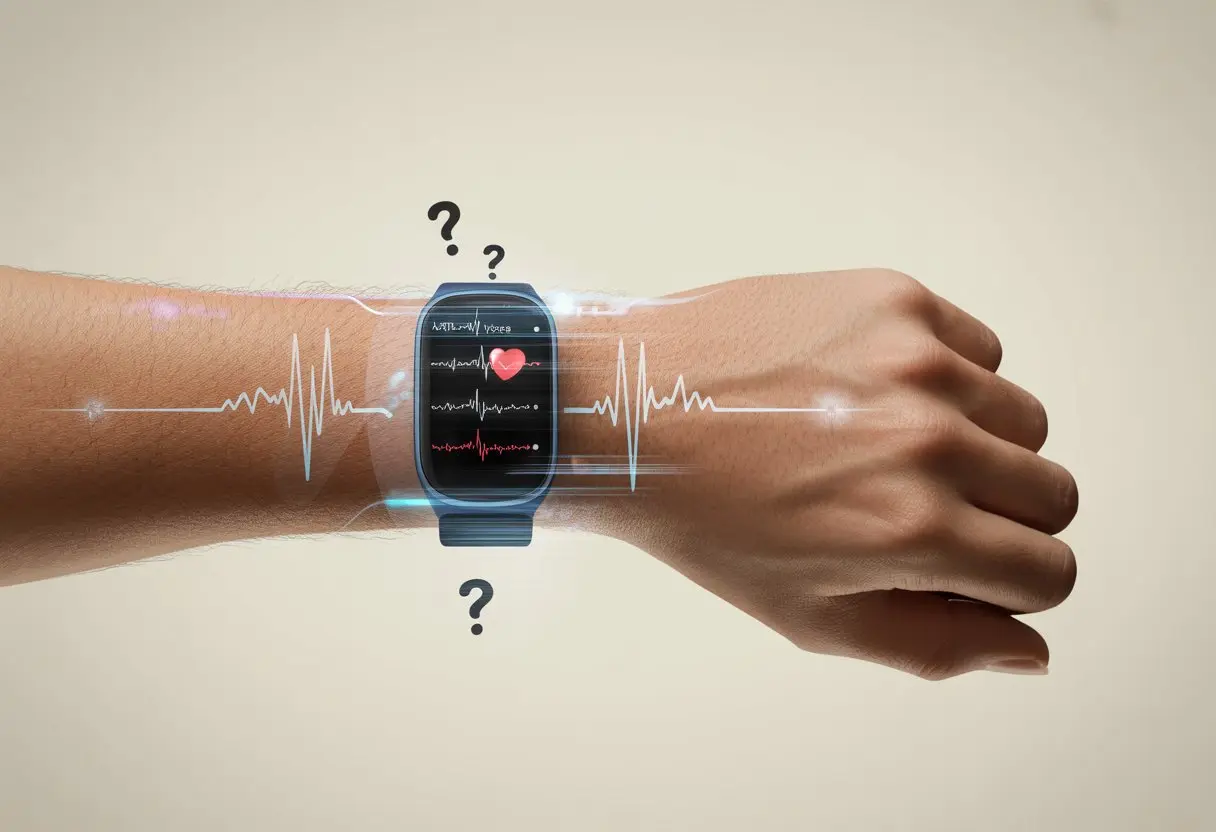
One minute the device claims we’re calm, and the next, it insists we’re climbing Everest—while we’re just lounging on the couch. If your tracker keeps skipping a beat, relax.
You’re definitely not the only one scratching your head at those roller-coaster numbers.
Small things like how tightly we wear our device or where it sits on our skin can throw off the numbers. Before we panic or swear off wearables forever, let’s dig into what’s really going on so we can start trusting our stats a bit more.
Common Reasons Fitness Trackers Show Inaccurate Heart Rate
Sometimes, our trackers spit out heart rate numbers that feel more like guesses than real advice. Usually, a few main factors are to blame—quirks with the device or just the way our bodies are built.
Let’s see what’s really behind those weird numbers.
Sensor Malfunctions
Honestly, sometimes technology just has a mind of its own. Heart rate sensors use tiny lights and detectors to measure blood flow through our skin.
If something glitches, our readings can get seriously weird. Ever had your tracker claim you’re running a marathon while you’re just scrolling on your phone? That’s probably a sensor malfunction.
The optical sensors can get confused by sweat, dirt, or even a particularly energetic workout. It’s almost like the tracker wants to invent its own workout story.
Some sensors also fall for “cadence lock,” where the device mistakes our steps or movement rhythm for our heartbeat. When that happens, the data isn’t just off—it’s totally made up.
Don’t believe it? Check out the discussion on Garmin heart rate errors.
Improper Device Positioning
Where we wear our tracker makes a huge difference. If it’s too loose, too tight, or just in the wrong spot, the sensor can go haywire.
It’s like trying to eat soup with a fork—just not going to work well. Fitbit, Apple Watch, and Garmin all recommend wearing the device snugly above the wrist bone for the best results.
Wear it too high or low, and it might measure your arm hair instead of your pulse. If it’s loose, it bounces, lets in light, and confuses the sensor more.
Here’s a quick guide for better positioning:
| Tip | Effect on Reading |
|---|---|
| Snug fit | More accurate |
| Too loose | Lower or unstable numbers |
| Too tight | Can affect blood flow |
A well-fitted tracker is a happy tracker. And a happy tracker means fewer “Why is my heart rate 180 while watching TV?” moments.
Skin Interference
Our skin can really mess with things. Tattoos, scars, thick arm hair, and darker skin tones can block or scatter the light from the heart rate sensor.
This makes it tough for the device to get a good reading. The Garmin optical heart rate accuracy guide says tattoos are especially good at hiding our pulse from the watch’s lights.
Even if we have no ink, sweat or lotion can form a barrier. Dry skin or super sweaty skin both cause problems.
Sometimes, it’s not the tech—it’s just our skin doing its thing. Keeping our skin clean and dry helps, or we can try the other wrist.
But let’s be real, perfection isn’t likely—especially if our arm looks more like a canvas than a forearm.
How Different Activities Affect Heart Rate Accuracy
Heart rate data can jump around during workouts, even when we’re trying to be scientific about our sweat sessions. The exercise we pick can make our tracker either shine or totally lose the plot.
Running and High-Intensity Training
Running or doing high-intensity workouts makes our arms swing a lot. That’s not great for wrist-based heart rate sensors.
All that movement can make the band lose contact with our skin, even for a split second. That’s all it takes for the numbers to go from “spot on” to “totally random.”
Temperature changes and how tightly we wear the tracker can make things worse. Some of us see strange heart rate spikes or drops that don’t match how we feel.
Plenty of runners on Reddit say wrist monitors just can’t keep up with fast-paced or interval workouts. If we want really accurate numbers, a chest strap might be the better call—unless we’re fine with guessing games.
Low-Intensity Workouts
Low-intensity activities like walking or steady cycling are easier for heart rate sensors. Less arm movement means the tracker can stay put and do its job.
Studies have found wrist-worn devices can be pretty accurate during steady activities. The numbers might actually match our effort for once.
Wearing the tracker snugly (but not like a vice) helps a lot, too. So, if we want our fitness tracker to behave, taking it easy might be our best bet.
Of course, then we’d miss out on those wild, mystery heartbeats.
The Role of Technology in Heart Rate Measurement
Fitness trackers promise us insights into our bodies, but the tech inside isn’t magic. How our devices measure heart rate—and where we wear them—matters a lot.
Sometimes, the limitations are as obvious as our pale wrists in winter.
Optical Heart Rate Monitor Limitations
Most of us wear wrist-based trackers with those tiny flashing lights—optical heart rate monitors. These sensors shine light into our skin and measure blood flow.
It sounds high-tech, but it’s not foolproof. If you’ve ever watched your watch lose track during a jog, you know motion can throw the numbers way off.
Sweat, tattoos, skin tone, and how snug the band is all mess with accuracy. Optical tech gives us a general idea of our heart rate when we’re still, but during hard exercise, the numbers often wander, as shown in several scientific studies.
Some trackers use algorithms to “clean up” the data, but it’s not perfect. You might see your watch say you’re at “max heart rate” just climbing a few stairs.
Chest Straps vs Wrist-Based Trackers
If we want the gold standard, chest straps are the nerdy sibling of wrist trackers. They use ECG (electrocardiogram) tech to measure the heart’s electrical signals directly, so they’re more accurate—especially when we’re working hard.
Here’s a quick comparison:
| Feature | Chest Strap (ECG) | Optical Wrist Tracker |
|---|---|---|
| Accuracy when Exercising | High | Moderate-Low |
| Comfort | Low-Moderate | High |
| Use with Tattoos | Fine | Can Cause Issues |
| Battery Life | Long | Shorter |
Chest straps aren’t stylish, but they win for cardio accuracy. We’ll actually know what our heart is doing, not just get a wild guess.
Wrist trackers are convenient, but sometimes the data is more fiction than fact, especially when things get intense.
Brand Differences: Are Garmin, Apple, and Fitbit Any Better?
Some trackers really want to be our reliable workout buddies. Others need a pep talk just to count our steps.
Trying out Garmin, Apple, and Fitbit is like taking three friends to the gym—each one swears they’re the best.
Garmin Devices
Garmin is for those of us who want our numbers to go the distance. Runners, cyclists, and people who think “rest day” means a mountain hike often love Garmin.
Garmin’s heart rate sensors usually do well during exercise, especially steady cardio. Some models even track heart rate underwater.
For sweaty workouts (or bragging rights), Garmin can be great, though quick heart rate changes can trip it up. Sleep tracking isn’t its best trick, but sports stats are where it shines.
If data is your thing, and you don’t mind a few quirks, Garmin’s up for it. For more on this, Garmin’s focus on exercise really sets it apart.
Apple Watch Heart Rate Features
Apple likes to do a bit of everything—and look good doing it. The Apple Watch has an optical heart rate sensor that checks our pulse all day, whether we’re moving or just relaxing.
It tracks workouts, daily stats, and even alerts us if our heart rate looks suspicious. It’s not perfect (wrist tattoos and hairy arms can still fool it), but it keeps up pretty well.
Apple also makes it easy to see trends and understand the numbers. The downside? Battery life.
If we’re running a marathon, the Apple Watch battery might quit before we do. For everyday use with a side of style, though, it keeps things simple.
Fitbit Accuracy
Fitbit’s like that friend who shows up, keeps things simple, and tries really hard not to stress us out. Its heart rate feature, PurePulse, uses green LED lights to track blood flow and count our heartbeats.
Fitbit does a decent job tracking heart rate during steady activities, like walks or moderate cycling. But it sometimes loses its cool with high-intensity sprints or when we’re flailing our arms in a dance workout.
You get easy-to-read graphs and recovery scores—checking our data every morning feels oddly fun. Some folks have run into software bugs causing inaccurate readings, though regular updates usually help keep things in line.
If you want basic tracking without much hassle, and maybe a decent sleep report, Fitbit’s a strong pick. Just don’t expect it to nail hardcore interval training or wild dance battles every time.
Troubleshooting and Improving Heart Rate Accuracy
Sometimes our fitness trackers act like they’ve had too much coffee—heart rate numbers bounce around, and we wonder if our wrist is secretly training for a marathon. Tidying things up and making small adjustments can help us get better numbers instead of wild guesses.
Cleaning and Maintenance Tips
Trackers can’t do their job if sweat, sunscreen, or yesterday’s mystery sandwich gunk up the sensor. Wipe down the sensor area with a soft cloth after each workout.
A little soap and water is fine, but harsh chemicals might just ruin the mood. Make sure the band fits snugly—if you could slip a hamster between your wrist and the device, it’s too loose.
A snug fit gives the sensor a better read, but don’t overdo it. We want to track our pulse, not cut it off.
If our heart rate data still looks odd, remember wrist temperature and sweat can play a role (see more about these factors from COROS Help Center). Keep the back of the device clean, dry, and free from gunk.
A tracker with a clear view of our skin will always work better.
Adjusting Settings for Better Data
Sometimes it’s not us, it’s our settings. Double check that you’re using the right workout profile.
Nothing confuses a tracker more than calling a run “yoga.” Using the best-matching activity profile helps the device tune its magic for the job (read more about this from Garmin’s tips).
Make sure heart rate tracking is actually on. It sounds obvious, but we’ve all missed the “on” button before.
If you can, use higher recording frequency or “continuous” heart rate mode. Gaps in data just leave us guessing.
If your tracker lets you calibrate or update firmware, go for it. Updates can fix bugs or add improvements we didn’t even know we needed.
That way, our step-counting, pulse-reading friend stays at its best.
When to Trust or Ignore Your Fitness Tracker
Let’s be honest—sometimes our fitness trackers nail it, and other times, they act like they just rolled out of bed.
We all wonder when we should actually listen to that little gadget on our wrist and when it’s just making stuff up.
Times We Can Trust Our Tracker:
- Sitting and relaxing—these moments, our tracker usually gets it right.
- Walking at an easy pace—it tends to keep heart rate readings pretty reliable.
- The band is snug on your wrist, and your skin’s clean and dry. That always helps.
When We Might Want to Ignore It:
- During sweaty workouts—the tracker might claim our heart is racing, but really, it’s just doing its thing.
- If it’s sliding around like we forgot how to wear it.
- People with darker skin, tattoos, or poor circulation might notice wrist sensors acting confused, as if they’re reading a book upside down (more here).
| Situation | Trust It? |
|---|---|
| Resting | Yes |
| Easy walk | Yes |
| Interval sprints | Not so much |
| Loose band | Nope |
| Wet skin | Doubtful |
If the heart rate reading seems way off, try restarting the tracker.
Or just take a breath, maybe laugh about it—some days, the tracker just isn’t ready for the Olympics (see tips).

From a young age, I have always had a big interest in technology, and this blog is an extension of that interest. Through this blog, I hope to provide others with all of the information they need regarding tech options to consider, and things such as compatibility. Some of the different items I will be discussing include headphones, smartwatches, and how to fix common issues.
- The Best Rugged And Waterproof Smartwatches - October 21, 2026
- 10 Best Military Smartwatch – Find The Best Tactical Military Watches in 2023 - October 20, 2026
- Are Wired Headphones Safer Than Bluetooth? A Friendly Guide - October 20, 2026
Related Posts: