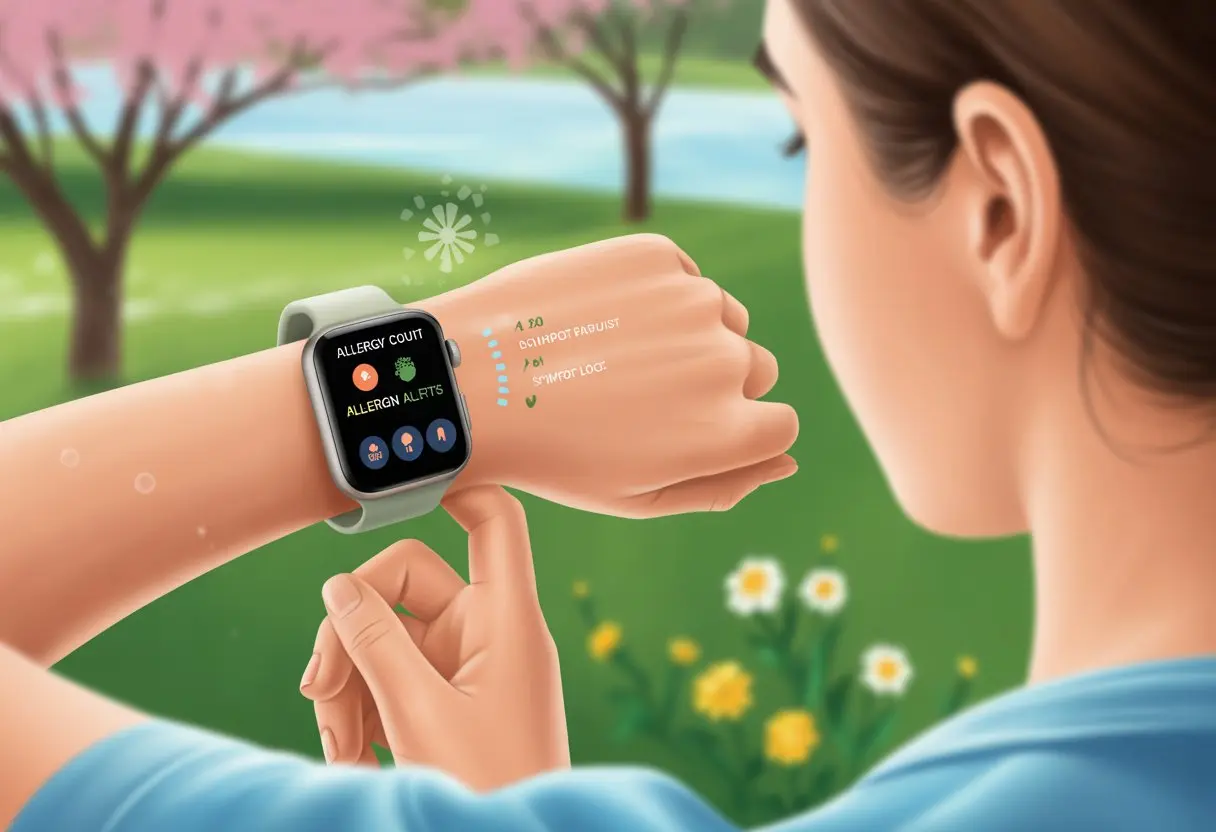
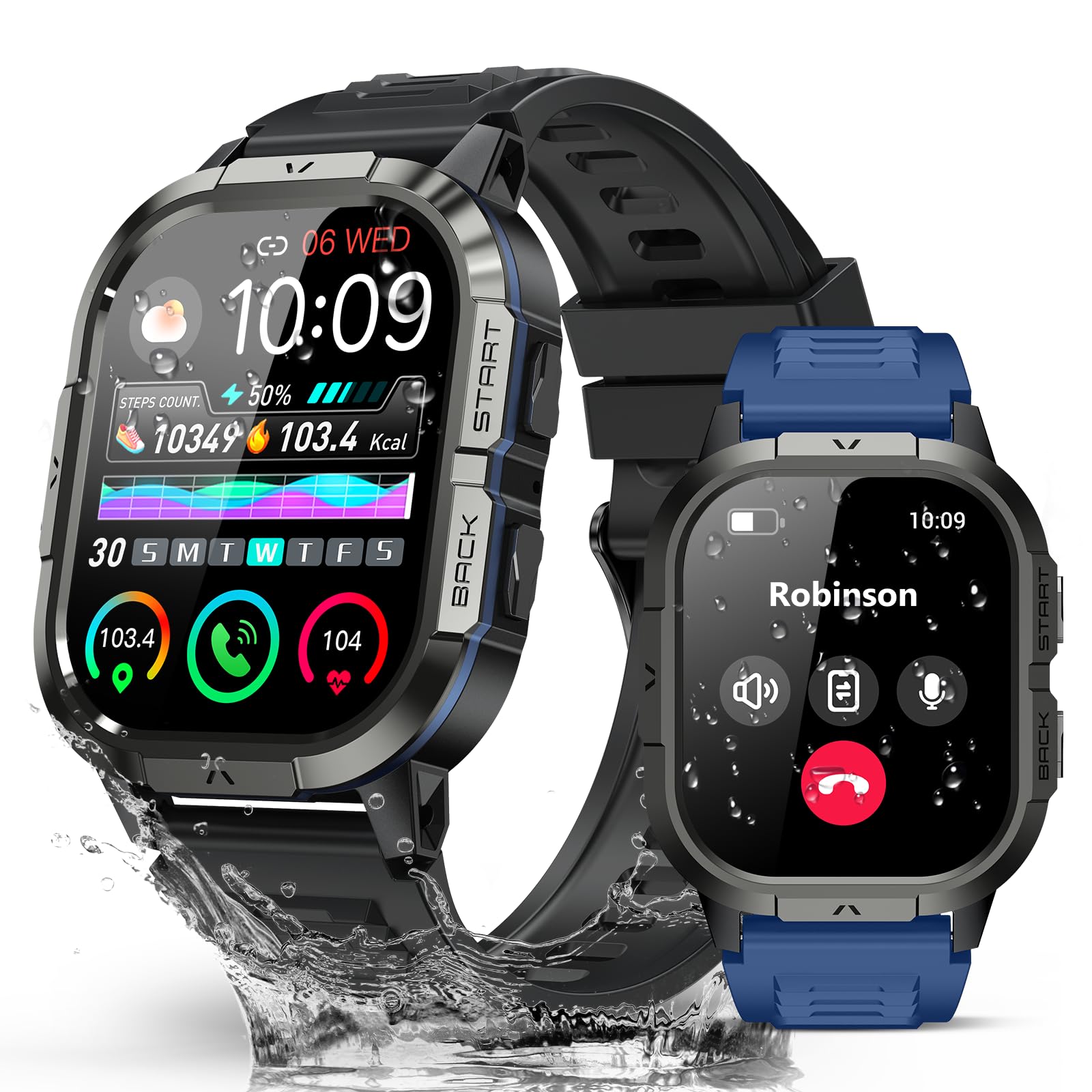
Allergies can turn a perfectly good day into a sneezy, itchy mess. But hey, our smartwatches are more than just step counters—they can actually make allergy tracking way easier.
With the right setup, you can use a smartwatch to track symptoms, check pollen levels, and even catch early warning signs before things get out of hand.
Imagine your wrist buzzing to warn you that today’s pollen count is high, or your heart rate just spiked—could save you from a full-blown sneeze attack. Some wearables even let you map out allergy hotspots or send a quick alert to someone if things go sideways. It’s honestly a bit futuristic.
Of course, smartwatches won’t fight off allergies for us (wouldn’t that be nice?), but they definitely give us the info we need to dodge the worst triggers. So, let’s see how these little gadgets can take the guesswork out of allergy season and make life a bit less sneezy.
Getting Started With Allergy Tracking on Your Smartwatch
We all want to keep our sneezes under control—and avoid wrist rashes, too. With the right setup, your Apple Watch or other wearable becomes your new allergy-fighting sidekick.
A few smart moves help you dodge tech headaches and get the most out of your device.
Setting Up Your Device
First things first: let’s make sure our smartwatch doesn’t irritate us before the pollen does. If you get skin irritation, grab a hypoallergenic band and keep the back of the device squeaky clean.
Even the fanciest wearables can cause itchy wrists if sweat and dirt pile up.
Make sure your watch fits snug, but not too tight—no need to lose circulation just to track a sneeze. Go through the setup steps in your phone’s companion app, and check that Bluetooth is on.
Nothing ruins a good tracking streak like a disconnected device.
Don’t forget to charge your smartwatch. If it dies right in the middle of allergy season, it’s just a pricey wrist weight.
Nobody needs more disappointment.
Downloading Allergy Tracking Apps
Here comes the fun part—making your smartwatch even smarter. Head to the app store (Apple or Google Play) and look for allergy tracking apps with solid reviews and fresh data on pollen, air quality, and maybe even food allergies.
Some smartwatches already have health trackers, but a specialized allergy app usually digs deeper.
If you’re on Apple Watch, check out apps that sync with Health. That way, you can easily share your symptoms with your doctor.
Some apps even warn you about local triggers—no more surprise hay fever attacks at the park.
After downloading, follow the setup instructions. Usually, it’s just a few taps, unless your device decides to be stubborn.
Nobody likes a surprise allergy attack. Set up alerts on your smartwatch for high pollen or pollution days.
Most apps let you pick how you get notified: vibration, sound, or a subtle tap on the wrist.
Custom alerts help you remember meds or pack extra tissues. On Apple Watch, you’ll find alert settings in the Watch app on your phone.
Adjust vibration strength or mute some warnings for meetings—because a loud allergy alert during a presentation isn’t the vibe.
Honestly, these customizations save the day. Your smartwatch is now on pollen patrol, and your nose will thank you.
Syncing Allergy Data With Your Fitness and Health Metrics
Mixing allergy info with your fitness and health tracking helps you spot patterns you’d probably miss otherwise.
Allergic reactions can mess with your heart rate, or show up during different activities or places.
Integrating Heart Rate Monitoring
Heart rate spikes aren’t just for crushes—they happen when allergies hit, too. If you link heart rate monitoring with allergy tracking, you can see exactly how your body reacts when symptoms kick in.
Say your smartwatch logs a higher heart rate during pollen season. That’s a hint your body’s not loving the environment.
Set up alerts for when your heart rate jumps after exposure to pet dander or peanuts.
Some devices monitor your heart rate all day and keep a history. You’ll spot weird spikes on days you’re sneezing a ton.
It’s a lot more scientific (and less messy) than just guessing what made you itchy.
Tracking Physical Activity and Allergy Incidents
Pair your step count, workouts, or even couch potato days with allergy notes, and you might notice some surprises.
Maybe a walk in the park makes you sneeze, or dusting the living room gets your eyes watering.
Here’s a simple table—because who doesn’t love a little organization?
Activity
Time Spent
Allergy Symptoms
Heart Rate Change
Jogging in the park
30 min
Sneezing
+10 bpm
Yoga in the studio
45 min
None
Normal
Dusting the living room
20 min
Watery eyes
+5 bpm
Logging both activity and allergy incidents is easy with your smartwatch. The more details you add, the easier it is to avoid what sets you off.
Connecting to Wellness Apps
It’s not just about pollen warnings—sometimes you want to feel like a health detective. Syncing your smartwatch with wellness apps lets you pull together allergy data, exercise logs, heart rate, and more.
You can set workout goals, see if your new smoothie helped or hurt your allergies, and even send data to your doctor.
Try apps focused on wellness or ones that target your specific health quirks. Your fitness and allergy management stay organized—and maybe even a little fun.
How To Log Allergic Reactions Using a Smartwatch
Let’s be real—it stinks when your body rebels against pollen, peanuts, or whatever random thing wants to ruin your day.
If you want your smartwatch to help, you’ve got to know how to record every sniffle, itch, and sneeze.
Smartwatches make it quick, easy, and a little less dramatic.
Real-Time Symptom Reporting
As soon as that first tickle or rash pops up, your smartwatch is ready. Most devices have a health app or allergy feature where you can log symptoms in real time.
No more relying on your fuzzy, sneeze-filled memory later.
Just tap a few buttons and pick from lists like “itchy eyes,” “swelling,” or “difficulty breathing.” Some watches let you add notes—handy for remembering that Aunt Sally’s casserole might be the culprit.
Quick tip: Set reminders for regular symptom check-ins if you’re around allergens a lot.
Some devices, like Aibi and the A-Watch for Allergies, can even alert caregivers automatically when symptoms show up.
Using Voice Commands to Record Symptoms
Typing on a tiny screen while your eyes water? Hard pass.
Lots of smartwatches let you use voice commands to log symptoms instead. Just ask Siri or Google Assistant to “Log itchy throat at 2 PM.” Done.
It’s perfect when your fingers are swollen or covered in anti-itch cream. Plus, it keeps a precise timestamp for sharing with your doctor.
And honestly, it feels a little bit like being a secret agent.
Monitoring Daily Allergies With Wearables
Surviving allergy season with your dignity (and nose) intact? That’s the dream.
A smartwatch helps you track daily symptoms, catch problems early, and maybe even outsmart that evil pollen.
Setting Up Daily Reminders
Our calendars are already packed, but smartwatches make reminders easy.
Set up daily nudges for allergy meds, eye drops, or just to remind yourself not to pet the neighbor’s cat.
Most wearables let you pick how and when reminders pop up. With smart notifications, you’re less likely to skip meds or forget nasal sprays.
Some smartwatches even track when you actually take your medicine, so there’s no more fibbing to the doctor.
Don’t forget about location-based features. Set your device to beep when you’re near pollen hot spots, and you’ll be ready for anything.
Smartwatches with GPS can map trouble spots as you go. For more on GPS and location perks, check out how wearable tech maps allergy areas.
Reviewing Trends and Patterns
When it comes to allergies, patterns are only good if you’re tracking them.
Wearables log your daily symptoms, meds, and even things like breathing rate in a handy app or chart.
Reviewing these trends helps you figure out if Mondays are worse than Fridays, or if spring is just cursed.
Looking back over your history can help you talk to your allergy doctor with real evidence, not just hunches.
If your rituals and reminders are working, your smartwatch will show it.
Keeping Your Smartwatch Durable and Allergen Ready
Nobody wants a crusty, broken, or rash-inducing smartwatch—especially when you’re trying to track allergies, not create new ones.
Keep your device clean and pick the right bands to make sure it stays comfy (and working) all season long.
Cleaning and Maintenance Tips
Let’s be honest—our wrists don’t always smell great after a long day. Sweat, dust, pollen, and sometimes even some weird sticky stuff end up on our smartwatches.
I usually wipe the screen and band with a damp cloth every day. For a deeper clean, I grab a soft toothbrush and a bit of mild soap (definitely skip bleach unless you want ghostly white straps).
Let the band dry out completely before strapping it back on. Nobody wants to deal with wrist fungus just because they rushed.
If your device has sensor openings, use a toothpick or cotton swab—gently, of course—so you don’t block those allergy-tracking features.
Quick Cleaning Checklist:
Take your smartwatch off your wrist
Wipe with a soft, damp cloth
If needed, scrub the band gently with soap and water
Dry everything fully before putting it back together
Some wearables even measure air quality and pollen right from your wrist. If you’re curious, check out devices that track allergens.
Choosing the Right Bands for Allergy Sufferers
If our skin could talk, it’d probably beg for a break from sweaty plastic. Silicone, fabric, and leather bands all have their ups and downs.
For those of us with sensitive skin or allergies, hypoallergenic silicone or cloth bands usually work best.
Try to avoid nickel or cheap metal bands. They can cause redness or that annoying “watch rash.” Adjustable straps help too—tight bands just trap sweat and pollen against your skin.
Switching bands now and then gives your wrist a breather. If you’re still itchy, try bands labeled “medical grade,” or test different materials for a few hours to see what’s best.
Using Your Apple Watch for Advanced Allergy Tracking
Apple Watch isn’t just another fitness gadget—it can actually help keep sneezes, sniffles, and allergy alerts under control. With a few tweaks and the right apps, your wrist can turn into a mini allergy-fighting sidekick.
Customizing Apple Watch Health Features
First things first: make your Apple Watch allergy-aware. In the Health app on your iPhone, add details like allergies, symptoms, and any bad reactions.
Your Apple Watch can show your Medical ID right on the Lock Screen. EMTs or anyone helping during a flare-up can see your info—super useful when you can’t talk between sneezes.
You can log medications, set reminders for allergy pills, or remember to pack your inhaler. These reminders keep your allergy routine on track, even when pollen counts are high and your brain feels foggy.
If you need extra help, use daily medication notifications, health data logging, and share reports with your doctor—all from your wrist. For more setup info, visit the Apple Watch safety features page.
Integrating with iOS Allergy Apps
Apple Watch syncs smoothly with many iOS allergy apps. These apps send real-time alerts, reminders for meds, and warnings if pollen or allergen levels spike.
Some apps let you track symptoms, triggers, and treatments right from your wrist. You can log sneezing fits, monitor patterns, and pull up trends on your iPhone before your next doctor visit.
Combining Exercise Tracking and Allergy Management
When we hit the gym or head outside, our smartwatches do more than nag us about steps. They also help us spot allergy triggers and dodge sneezes while staying active.
Recording Allergies During Workouts
Honestly, the only thing worse than gasping for air during a run is gasping because of pollen. Many smartwatches let you log allergy symptoms and fitness stats at the same time.
If you start sneezing, wheezing, or itching mid-workout, it’s easy to record it with a quick tap. Some apps let you add notes, so you can be dramatic—or not—about how you feel.
For example:
Symptom
Start Time
Activity Type
Air Quality
Sneezing
8:15 AM
Cycling
Fair
Watery eyes
7:40 PM
Running
Poor
Keeping a log like this helps you spot trends. Maybe your body just can’t handle jogging on high pollen days. This info makes it easier for you and your doctor to see what’s really going on—not just when your muscles complain, but when your sinuses do too.
Getting Notified of Allergens While Exercising
Nobody wants a surprise pollen attack while chasing step goals. Some smartwatches give real-time allergen and air quality alerts during workouts.
A buzz on your wrist might mean, “Congrats on those push-ups, but pollen just went wild.” You can customize these alerts—if ragweed is your nemesis, set the watch to warn you only when it’s high.
Some devices pull in local air quality and pollen data, so you’ll know if today is a “run outside” or “embrace the treadmill” kind of day. This helps you plan workouts that keep you fit without turning you into a sniffling mess.
Making the Most of Your Wearable: Tips and Best Practices
If you want your smartwatch to keep up with your sniffles and sneezes, you’ve got to treat it right. Staying charged and using up-to-date apps makes allergy tracking smoother—and lets you worry about one less thing.
Maximizing Battery Life
There’s nothing worse than being ready to log a new allergy symptom, only to see that dreaded low battery icon.
To keep your smartwatch alive:
Turn off unnecessary features: GPS, Wi-Fi, and constant heart rate monitoring drain the battery. Only turn them on when needed.
Lower the screen brightness: Unless you’re signaling passing airplanes, keep it dimmer to save power.
Shorten screen timeout: Make sure the display shuts off quickly when not in use.
Use power-saving modes: Most wearables have them. They help by limiting background tasks.
Charging overnight works, but don’t overdo it. If you wear your device all day and night, it might be worth picking up a second charging cable for work, school, or your car.
Updating Apps and Software
A smartwatch running old software? That’s basically a bicycle with square wheels. Regular updates help us track allergy symptoms better and usually squash those annoying bugs.
Here’s how I stay on top of it:
Check for updates weekly. Developers seem to drop updates at the weirdest times, don’t they?
Connect to Wi-Fi before downloading. Updates can gobble up mobile data faster than a sneeze in a hayfield.
Restart after updates. Sometimes, you just need a good old-fashioned reboot to make things stick.
Look for new features. Updates might add better allergy tracking tools, improved accuracy, or even a clever new way to log your pollen-filled days.
If I keep my apps and device up to date, I get the latest perks. Plus, I avoid those “Why won’t this thing work?” headaches.
Hi, my name is Garrett Jones, and I am a tech enthusiast. I enjoy researching the new tech that has been released, and have a vast knowledge of the best tech to purchase.
From a young age, I have always had a big interest in technology, and this blog is an extension of that interest. Through this blog, I hope to provide others with all of the information they need regarding tech options to consider, and things such as compatibility. Some of the different items I will be discussing include headphones, smartwatches, and how to fix common issues.