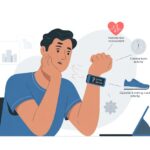
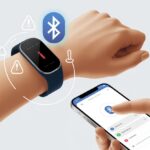
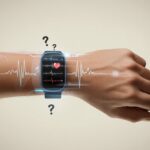
Let’s be honest—most of us trust our fitness trackers more than our own memory. But sometimes, these wrist gadgets claim we’ve run a marathon while we’re just stirring spaghetti.
Fitness trackers show inaccurate step counts because they use wrist movement to estimate steps, and normal arm motions can easily fool them. So, if we’re clapping, waving, or brushing our teeth with some gusto, those steps might rack up—no walking necessary.
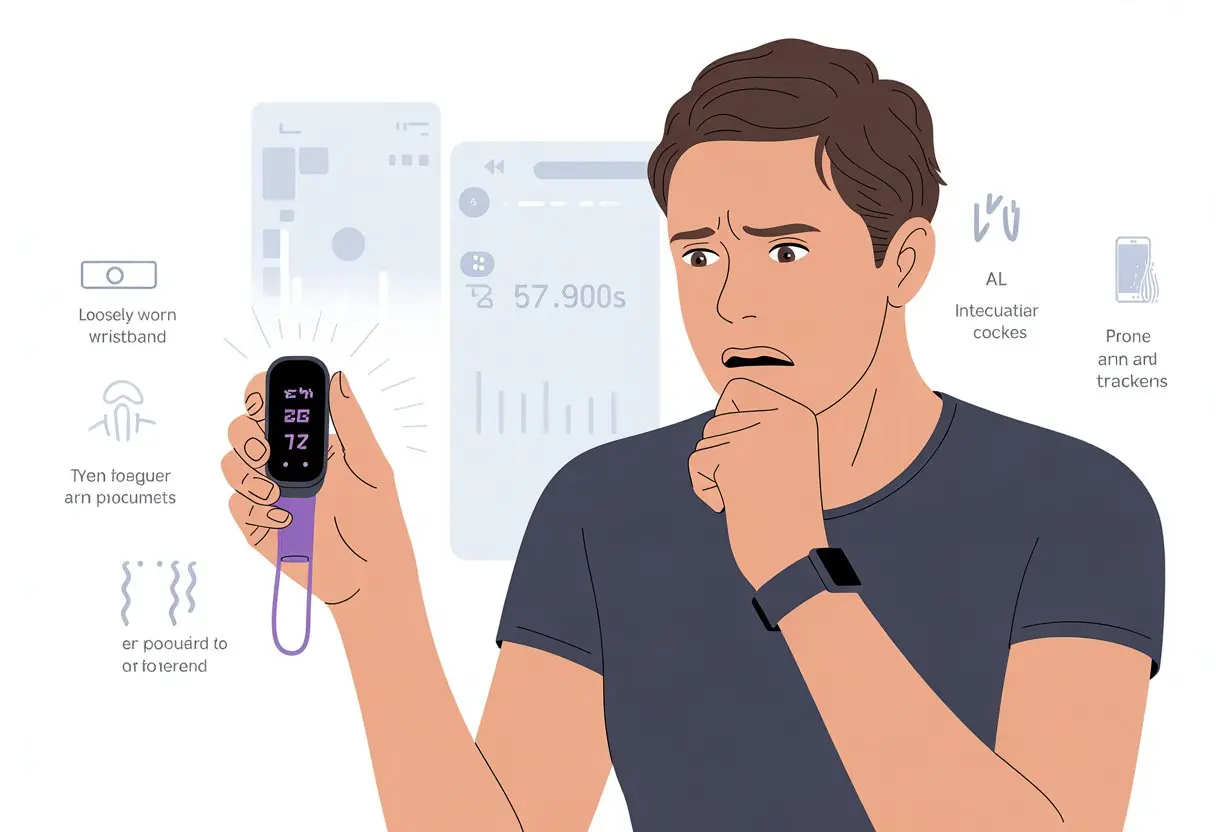
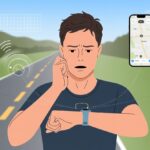
We might spot wild step numbers after a car or train ride since vibrations can trick our device into thinking we’re strolling. If we’ve got more than one gadget or app connected, our steps might even get double-counted, giving us some hilariously fake stats.
The world of step tracking gets pretty weird, as fitness fans love to discuss on places like the Apple Watch forum.
It’s important to stay active, but knowing why our trackers miscount can save us from celebrating a “couch-potato marathon.” Let’s break down the most common reasons—and maybe laugh a little—about why our fitness devices sometimes get it so wrong.
How Fitness Trackers Count Steps (And Why They Sometimes Don’t)
If you’ve ever felt like your fitness tracker has a mind of its own, you’re not the only one. Step counts can jump for no reason or suddenly lag behind, leaving us wondering if we walked or just waved our arms with too much enthusiasm.
Step Counting Technology Basics
Fitness trackers act like nosy detectives, keeping tabs on every shake, jump, or wiggle. They use a built-in pedometer, designed to spot repetitive motion.
These gadgets don’t know what our feet are doing. They look for movement patterns that resemble walking or running.
If we’re sitting and waving our hands, sometimes the tracker decides that’s a brisk walk. It’s not perfect, but hey, the convenience is tough to beat.
Sometimes we get “credit” for clapping at a concert or pushing a cart like we’re on a secret mission. That’s just part of the deal.
The Role of Accelerometers in Fitness Trackers
The accelerometer sits at the heart of step tracking. It’s a sensor that notices how quickly our arms move.
When we take a step, the movement jolts the tracker, and the accelerometer tries to tell a real step from just fidgeting. But it’s not always great at that.
If we’re riding in a car, stroller, or brushing our teeth, our tracker sometimes thinks we’re running a marathon. The device senses movement, not footsteps.
Advanced trackers might use more sensors or GPS for better accuracy, but most just trust that little accelerometer. Even a small vibration can trick the smartest tracker, making our step count look like we just bounced through a funhouse. Fitness trackers really struggle with vibrations sometimes.
Common Counting Mistakes
Fitness trackers try to be helpful, but sometimes they just get it wrong. Riding public transportation, moving your arms while sitting, or cheering can all add steps that never happened.
Other times, they miss steps: pushing a stroller or carrying groceries means our arms barely move, so our step count barely budges—even though our legs are working overtime. That feels pretty unfair if we’re chasing a daily step goal.
Step counts can also get thrown off if we set up our activity trackers wrong or wear them too loose. The best move? Wear the tracker on your wrist and use your arms when walking.
If only trackers could read our minds (though honestly, we’d probably still try to trick them for a few extra steps). For more on these quirks, check out this Apple Watch step counter story.
Factors That Affect Step Counting Accuracy
If your fitness tracker seems to invent step counts, you’re definitely not alone. Plenty of real reasons can make those numbers extra wild—or oddly low—and sometimes it’s got nothing to do with us running marathons in our sleep.
Walking Versus Other Movements
Not every shake of the wrist means we’re walking. Trackers use sensors to spot a walking motion, but brushing teeth, clapping, or cooking can trick them into thinking we’re on a power walk.
If our arms are at our sides or we’re pushing a shopping cart, the tracker might miss steps we actually take. Some trackers, like Fitbit, have even underestimated steps by about 30% if we don’t swing our arms.
Meanwhile, “phantom steps” add up if we use our hands a lot—so baking cookies might make us look more athletic than we feel.
Vibration and False Positives
Sometimes trackers get startled—like us when a car horn blares at 6 a.m. Strong vibrations, like a bumpy car ride or mowing the lawn, can trigger sensors to register steps even when we’re just sitting there.
Most step counters use accelerometers, which measure movement and vibration but can’t always tell a walk from a shaky bus ride. We might see our step count climb while typing or drumming, or even just moving to loud music, leaving us with numbers our legs didn’t earn.
Wrist Placement and Wearing Habits
How we wear our fitness band actually matters. If our watch is too loose, it might not pick up our movement. Too tight, and the sensors might miss the action.
Tightness, wrist placement, and wearing habits can all throw off step counts. Wearing the tracker on our non-dominant hand might give a different number than the dominant one, just because we move differently.
Even small daily habits—like switching wrists or taking the watch off—can impact what our tracker records, leaving us with step counts that look more like rough guesses than real measurements.
Device-Specific Issues and Compatibility Problems
Fitness trackers can be drama queens—throwing fits when paired with the wrong device or asked to count steps in a weird situation. Some brands and scenarios just have their own special headaches.
Fitbit and Its Unique Quirks
Fitbit trackers love to count “ghost” steps. If we wave our hands, push a shopping cart, or ride in a bumpy car, Fitbit might mistake these for real walking.
Some of us notice the step count climbing while driving, which honestly feels like winning at exercise—if only it worked that way. Some users turn to apps like Drivefit to stop Fitbit from counting car rides as workouts. More on these car-ride step woes and fixes over at this Fitbit community discussion.
Fitbit also gets confused during certain workouts. If we’re holding treadmill rails or pushing a stroller, the sensors just don’t catch the actual steps.
Apple Watch vs. iPhone Step Counts
We’ve all looked at our Apple Watch and wondered why it doesn’t match the iPhone’s Health app. The mix-up happens because each device records movement differently.
The Apple Watch tracks steps on our wrist, while the iPhone needs to be carried or in a pocket. If we leave our phone on a desk and only wear the watch—or vice versa—the numbers can be off by a lot.
Some users have reported step count differences even after a good walk. The two devices don’t always sync step totals perfectly, especially if we don’t connect them often. It’s enough to make anyone a little frustrated.
Why Treadmill Stepping Confuses Trackers
Walking on a treadmill feels simple to us, but trackers often disagree. The main problem? We usually hold the rails for balance, so our arms aren’t moving like they would outside.
Most trackers—Fitbit, Apple Watch, or phone—use arm swings and body movement to log steps. When our arms stay still, the tracker can’t tell we’re walking.
Some devices do this better, but many still struggle with treadmill exercise. Letting our arms move naturally or using a treadmill-mode setting (if our device has one) can help cut down on step miscounts.
Step Counting Challenges in Unusual Situations
Our fitness trackers promise to count every step, but sometimes they get confused by certain activities. We’re left scratching our heads when the step count shoots up while we’re typing, or refuses to budge while we’re pedaling a bike.
Bicycling and Why Trackers Get Dizzy
When we hop on a bike, we might expect our trackers to cheer us on with sky-high step counts. But most trackers depend on wrist movement or the shake from our legs hitting the ground.
With hands glued to the handlebars and feet spinning, there’s just not much “stepping” for the device to sense. After a long bike ride, our trackers sometimes stubbornly refuse to give us the step credit we want.
Some trackers try to guess based on vibration or position, but they still get things wrong—or maybe just dizzy from all the cycling. Sometimes, trackers even count steps while we drive, making us wonder if they need a driving mode app to calm down.
Why Your Computer Time Is Not a Workout
We all wish tapping a keyboard counted as a workout, but trackers can get confused by those little wrist and hand movements. Sitting at our desks, stirring coffee, or pounding out emails can sneakily rack up steps on devices that rely on arm swings and shakes.
Some of us see step counts climb during long meetings or epic typing sessions. The tracker isn’t reading our minds—just our twitchy fingers.
According to this discussion on step counting accuracy, even drumming or strumming a guitar can trick some fitness rings and watches. So unless we’re professional tap dancers, we probably shouldn’t trust our trackers to log calories burned at the computer.
How to Improve Step Count Accuracy (So You Can Brag Properly)
If you want to impress your friends—or at least not look silly at the top of the company step leaderboard—accuracy actually matters. Step counting isn’t magic. It’s about where you wear your tracker, how well your data syncs, and a little math with your own stride.
Wearing Your Fitness Tracker Correctly
Let’s start with the basics: your tracker can’t read your mind, only your movements. The best way to avoid step chaos is to strap the device onto your non-dominant wrist, since that hand usually moves less.
A loose fit might feel nice, but honestly, it’s not great. You need it snug so the sensors pick up your movement and not just random shaking.
A wobbly tracker is perfect if your main exercise is “How Many Times Can I Wave My Arm?” That’s not most of us, though. If you sleep with your watch on, remember to switch it to ‘sleep mode’ or you’ll wake up with a thousand “sleep steps.”
Daily stuff like brushing your teeth or typing can fool some sensors. If you can, pick a device that ignores those sneaky, fake steps. You can find more tips on wearing your fitness tracker correctly.
Syncing With Apple Health and Other Apps
We’ve all felt the pain when our steps get split between a watch, a phone, and maybe a running app we forgot about. To get a real step count, pull everything into one hub like the Apple Health app.
If your devices show different numbers, your step total might look like it belongs to three people. Open your apps regularly and make sure everything’s connected.
Many apps, including Apple Health, let you choose which device gets priority. Pick your most accurate tracker as the main one. That way, you cut out duplicates or missing steps.
Double-check permissions. If Apple Health can’t get the data, syncing just won’t happen. You’ll have even more explaining to do at your next group walk.
Calibrating Your Tracker for Your Stride
Everyone walks differently. Maybe you’ve got long legs, short legs, or you moonwalk when nobody’s watching.
Your fitness tracker won’t know your stride length unless you tell it. Without calibration, even the fanciest tracker will just guess—and sometimes it’ll guess badly.
To fix this, most devices let you enter stride length manually. Walk 20 steps in a straight line, measure the distance, and divide by 20. That’s your stride length. Plug that number into your device settings.
Some smartwatches use GPS to auto-calibrate, but it never hurts to check. A properly calibrated stride means more accurate (and, let’s be honest, more impressive) step counts. Want more details? Here’s a guide to calibrating your tracker for your stride.
When To Seek Support (And Who To Email When All Else Fails)
Sometimes your fitness tracker seems to have a mind of its own. Maybe it counts steps when you’ve barely moved, or ignores you when you’re running around like a maniac.
It helps to know who to talk to and what to send when things get weird.
Troubleshooting With Support Teams
When the basics—like restarting the device or reseating the strap—don’t work, it’s time to call in the pros. Most tracker makers, like Fitbit, Apple, or Garmin, have support teams who’ll actually listen to your tragic tales of lost steps and missed badges.
Before you reach out, make a list of what you’ve tried. Support will ask about syncing issues, recent updates, and if you’ve been dancing around with your wrists in funny ways.
Some forums, like the Fitbit Community and Apple Support Community, are packed with tips from other users who are just as annoyed as you are.
If support can’t fix the issue, they might ask for screenshots, error logs, or a diary of your frustrating week in step-count limbo. Sometimes they’ll push a secret software fix or offer a replacement if your tracker is under warranty.
How to Email About Pesky Step Counts
Sometimes, live chat and help articles just don’t cut it. When that happens, you’ve got to write an email. The key? Give support all the details up front—think Sherlock Holmes, but with sneakers.
Include things like:
- Your device model and serial number
- A quick timeline of what went wrong
- The fixes you already tried
- Screenshots or error messages, if you have them
Try a subject line that’s polite but a little dramatic, like, “Help! My step count is going on vacation without me!” It usually helps. You can usually spot support emails for big brands right on their websites or on the product box.
You might wait a day or two for a reply. In the meantime, maybe every clap counts as a step, or you could challenge your friends to see who gets the strangest tech support response.

From a young age, I have always had a big interest in technology, and this blog is an extension of that interest. Through this blog, I hope to provide others with all of the information they need regarding tech options to consider, and things such as compatibility. Some of the different items I will be discussing include headphones, smartwatches, and how to fix common issues.
- How to Get Text Messages on Fitbit Versa 2 Android: Simple Guide for Users - October 13, 2026
- Why Doesn’t My Fitbit Record My Sleep? Quick Troubleshooting Guide - October 13, 2026
- How to Change Face on Fitbit Versa 2: Quick and Easy Guide - October 12, 2026
Related Posts: