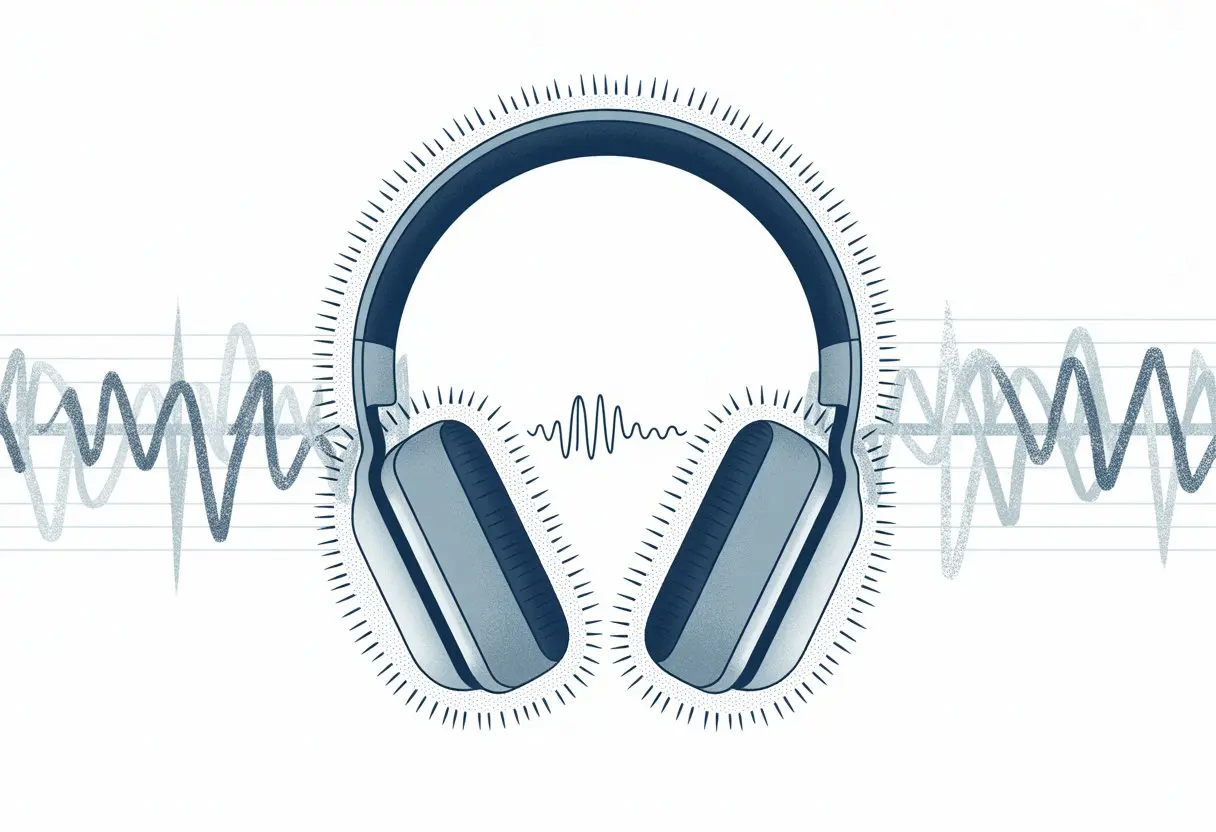
Let’s be real: nothing kills the mood faster than when our Bluetooth headphones start hissing, even with the music off. I know, sometimes it feels like the headphones are haunted or stuck in “snake charmer mode.” But honestly, most of that hissing comes from the noise floor inside the tiny amps or from interference with other electronics.
That annoying static sound isn’t just in our heads—it pops up on both new and old headphones, and it sticks around no matter the volume. Sometimes, it’s the way we connect the headphones, or maybe it’s a weird audio mode setting.
We want crisp, clear sound, not a constant “shhh” in our ears. If you’re tired of feeling like you’re listening to a white noise machine, it helps to know why this happens and what we can actually do about it.
Understanding Hissing Noise in Bluetooth Headphones
Ever put on your headphones and wonder if they’re trying to talk to dolphins? We expect to hear music or podcasts, but sometimes we get weird extras—hissing, buzzing, or static.
What Is Hissing and Why Does It Happen?
When we say “hissing,” we mean that soft, steady sound—like air leaking from a tire. Bluetooth headphones can add static, white noise, or a faint buzz, even when nothing’s playing.
Tiny amplifiers inside the headphones usually cause this. Because they’re so small, there’s less room for high-quality parts, so we end up with a higher noise floor and more little audio gremlins, especially at low volume. Headphones with active noise cancellation (ANC) tend to add their own flavor of hiss, thanks to behind-the-scenes electronics.
Sometimes it almost feels like our headphones just want attention, but not in a good way.
The Science Behind Audio Artifacts
Let’s get a little nerdy, but not too deep. When our headphones process sound, the DAC (digital-to-analog converter) and internal amps can slip in tiny errors. We hear these as static, hissing, or other random sounds.
Bluetooth has its limits compared to wired headphones, so we might notice faint buzzing or audio artifacts. Battery-powered headphones use lightweight parts, and those can pick up interference more easily.
Devices can act up too. If our headphones are in communication mode instead of music mode, we might notice extra static noise. Charging the headphones can even add its own hum.
So yeah, sometimes our headphones just want to join a static orchestra, whether we like it or not.
Common Causes of Hissing and Static Noise
When our Bluetooth headphones start hissing, buzzing, or crackling, it gets annoying fast. Sometimes it’s just a software hiccup, or maybe our earbuds are getting bombarded by other wireless signals.
Wireless Connection Issues
Let’s be honest—wireless tech isn’t magic, even if it feels that way sometimes. Weak wireless signals are a top reason for static noise and crackling. If we wander too far from our phone or put walls in the way, the connection drops, and background noise sneaks in.
Bluetooth needs a clean signal to sound its best. When interference shows up, our headphones struggle, and suddenly there’s more hiss than music. Other wireless devices—routers, microwaves, or even WiFi from neighbors—can make the static worse. Sometimes, if we’re surrounded by a bunch of wireless signals, we get buzzing too.
How do we tell if it’s a connection issue? If the noise changes or disappears when we move, it’s probably the wireless handshake acting up. If wired headphones sound fine but Bluetooth ones don’t, that’s another clue. For more troubleshooting, Simply Headsets has some handy tips.
Software Glitches and Firmware Problems
Sometimes, headphone software just decides to misbehave. Outdated firmware or buggy updates can make headphones and earbuds spit out static or crackling. A failed update or mismatched software—especially after a phone update—can mess things up.
It’s not always the headphones’ fault. Our phone, tablet, or music player can be the troublemaker too. When either device glitches, sound quality drops, and our patience wears thin.
Brands usually tell us to keep headphone firmware updated. Manufacturers often post fixes for known bugs on their websites. If noise shows up after an update, rolling back or waiting for a new fix might help. Switching sound modes (like from low quality to high fidelity) sometimes clears things up, as folks mention in this Ask Ubuntu thread.
Interference From Other Devices
Ever notice everything in the house wants WiFi at the same time? Our Bluetooth headphones feel it too. Laptops, microwaves, routers, smart fridges, and other Bluetooth gadgets crowd the airwaves.
When too many devices fight for space, it’s like starting a band in a noisy gym—static, buzzing, and random crackling everywhere. Bluetooth shares its frequency with lots of things, so some headphones pick up more radio noise than others.
Turning off unused wireless gadgets nearby can help. Moving away from crowded spaces or powerful electronics might make the static disappear. Sometimes, interference comes from weird places—busy intersections, offices packed with smart gear, you name it. For more on how interference messes with our listening, check this Reddit thread about Bluetooth headphone hiss.
How Noise Cancelling Features Impact Hissing
Sometimes, when we put on our fancy headphones, we hear a surprising hiss. Noise cancelling tech, like in Bose QuietComfort Earbuds and Bose Noise Cancelling Headphones 700, isn’t always as quiet as we hope. Honestly, it’s often the sneaky reason for that soft white noise in our ears.
Active Noise Cancelling Explained
Active Noise Cancelling (ANC) might sound like magic, but it’s just clever science. Headphones use tiny mics to listen for outside noise. Then, they play an opposite sound wave to cancel out the background.
But here’s the thing: this trick isn’t perfect. The circuits that make the anti-noise can add a low, static hiss—even when nothing’s playing. This happens a lot in high-end headphones like the Bose Noise Cancelling Headphones 700, where the ANC works overtime. Some brands handle it better, but most ANC headphones add some noise. If we want pure silence, ANC might sneak in a little hiss instead.
When Noise Cancelling Goes Wrong
Noise cancelling is supposed to block out annoyances. Sometimes, though, it creates its own. The most common symptoms? A steady hissing or buzzing, even when music is paused. Sadly, it’s just a side effect of the noise cancelling circuits doing their thing.
Sometimes, white noise or static gets worse depending on the connection or if the ANC is set too high. If one side hisses louder than the other, it could mean a hardware issue. Bose usually says a faint hiss is normal for their QuietComfort and other premium models. So, while noise cancelling keeps the outside world away, it can give us a little homegrown static too.
Brand-Specific Issues and Product Support
Hissing can creep into our music for all sorts of reasons—sometimes it’s the headphones, other times it’s something odd in our setup. Each brand has its own quirks, so product support can be a lifesaver.
Common Issues With Bose Products
Bose headphones and speaker accessories have been hissing since Bluetooth became a thing. For instance, the Bose Smart Soundbar 900 sometimes whispers static if the firmware’s outdated or there’s wireless interference. Even our Wi-Fi router can mess with the party.
The Bose Sport Earbuds and Bose QuietComfort Earbuds also get a little hissy when ANC is on. This gentle white noise is normal, but it shouldn’t sound like a wind tunnel. We should check for firmware updates and mess with Bluetooth settings. Bose support offers guides and fixes that make troubleshooting easier.
If the hiss sticks around, reaching out to Bose’s customer service usually helps—and sometimes they’ll even swap out the gear if it’s truly haunted.
Sonos Ace, The New Kid on the Block
Let’s talk about the Sonos Ace—the brand’s new jump into headphones. Like any “new kid,” it’s got some growing pains. People have reported faint hissing, especially in quiet rooms.
Unlike Bose, Sonos Ace’s support is still finding its feet. Their help site has troubleshooting steps like resetting the headphones or checking for updates. If the hiss won’t quit, a Sonos tech can usually help.
The Sonos Ace tends to pair better with newer devices, and interference happens less often. But, as with anything wireless, sometimes a quick restart is all it takes. Out of all the speaker accessories, these headphones might need a bit more patience while Sonos updates their support game.
Troubleshooting and Solutions for Annoying Sounds
Even top Bluetooth headphones can surprise us with buzzing, crackling, or that delightful squeal nobody asked for.
These sounds don’t just annoy us—they can ruin our music and calls. Let’s talk about what we can actually do ourselves, and when we should definitely not grab the duct tape.
Quick Fixes You Can Try at Home
Let’s start simple before we panic and toss our headphones in a drawer. First, check if the hissing happens everywhere or just on one device.
If you only hear it with one device, the Bluetooth connection or settings could be the problem.
For wired connection modes, make sure the cable isn’t damaged. A frayed audio cable can sneak in static or crackling before you know it.
Sometimes, unplugging and re-plugging the headphones really does the trick.
Turning headphones off and on isn’t just for computers—it can clear up weird glitches. Don’t ignore software updates either.
Outdated firmware can cause problems like persistent static, so check for updates once in a while.
In a pinch, try switching audio sources, moving away from wireless interference (think Wi-Fi routers), or turning off other Bluetooth devices.
Our ears deserve a break from all that squealing.
When to Call in the Pros
If you’ve tried everything and still can’t get through a song without weird sounds, it’s probably time for professional help.
Loud hissing, nonstop buzzing, or mysterious squealing after all the basic fixes usually means there’s a hardware issue.
Don’t open up the headphones unless you really know what you’re doing. Most products come with warranties or product support you can use without risking more damage.
If they’re still under warranty, reach out to the manufacturer or support team. Most of the time, they’ll offer a repair or replacement.
And hey, it never hurts to use your best “sad headphone face” for customer service.
Understanding Cookies, Website Features, and User Experience
When we listen to music with Bluetooth headphones, there’s more happening than just the sound.
Sites we visit and the features they load can actually shape a lot of what we experience—even before we hit play.
Cookies and Why They Matter for Audio Devices
Let’s talk about cookies. No, not the chocolate chip kind. These are tiny text files websites leave behind after we visit.
Cookies remember our preferences, so we don’t have to set up our audio choices every single time.
They help websites know if we want our music louder, or if we prefer dark mode at night.
We don’t see these cookies, but sometimes our headphones notice when our settings don’t stick.
If your audio keeps resetting, maybe blame the cookies—not the headphones.
How Websites Analyze Site Traffic and Improve User Experience
Websites love keeping tabs on what we do—kind of like a digital hall monitor peeking over our shoulders.
They watch site traffic to figure out which pages get clicks. If a bunch of us are reading about Bluetooth hiss problems, they notice.
This helps them decide where to plop that big red “Fix My Headphones” button. When tons of visitors search for “hissing noise when connecting headphones,” the site just makes that answer pop up front and center.
We actually get a better experience because of this tracking. Maybe the site loads faster, or the support chat appears right when we start poking around looking lost.
All this behind-the-scenes stuff means we deal with fewer headaches when troubleshooting.
And yeah, we can always hunt down the cookie settings, hidden somewhere in the privacy page… if we’re willing to dig for them!
Hi, my name is Garrett Jones, and I am a tech enthusiast. I enjoy researching the new tech that has been released, and have a vast knowledge of the best tech to purchase.
From a young age, I have always had a big interest in technology, and this blog is an extension of that interest. Through this blog, I hope to provide others with all of the information they need regarding tech options to consider, and things such as compatibility. Some of the different items I will be discussing include headphones, smartwatches, and how to fix common issues.