We’ve all been there. We just want to keep an ear on the baby while listening to our favorite playlist, but our Bluetooth headphones stubbornly refuse to work with the baby monitor.
Suddenly, it’s a silent disco, or even worse—just static and weird clicking noises instead of lullabies.
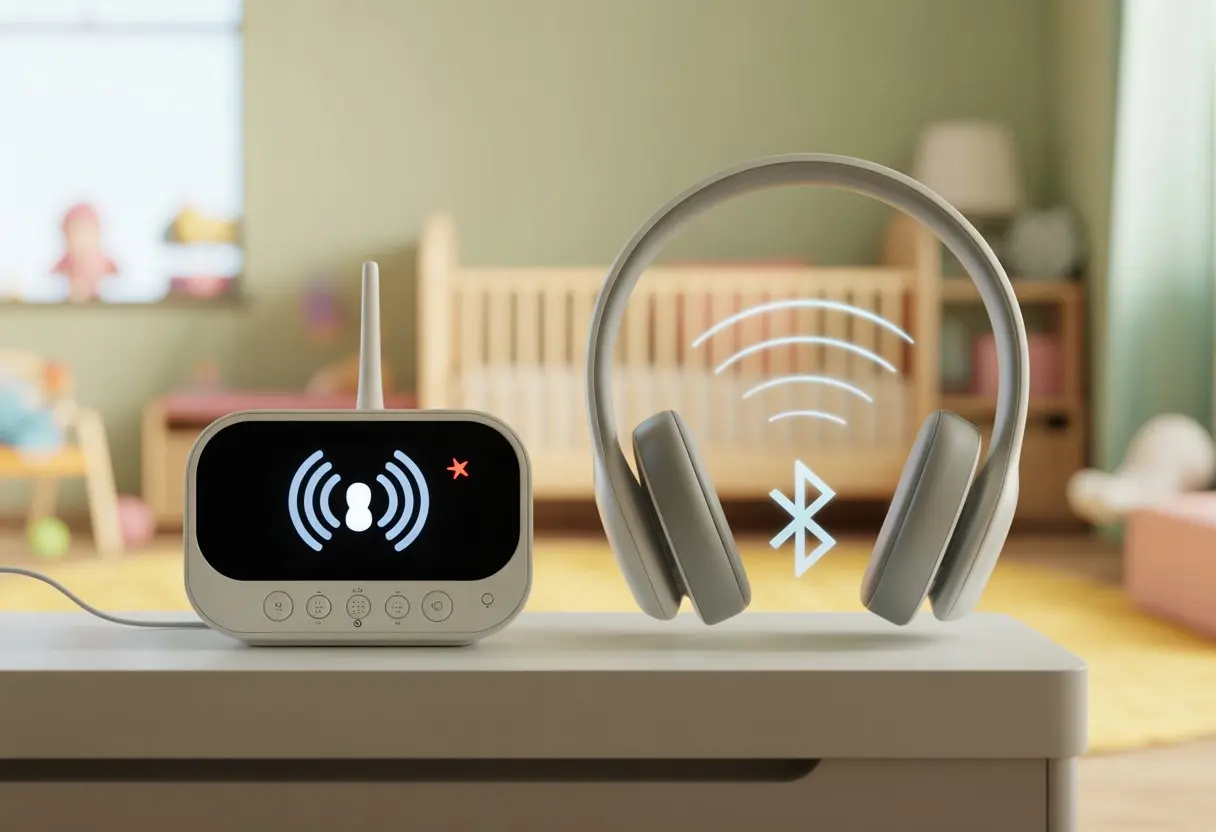
Bluetooth headphones usually don’t work with most baby monitors because they use different wireless signals and can interfere with each other. Some baby monitors use frequencies that clash with Bluetooth, so they just don’t play nice.
If we try to connect both, we might only get annoying sounds or, sometimes, nothing at all.
If you’re hoping there’s some secret trick to make them work together, don’t worry—we’re about to dig into all the weird tech mysteries and possible fixes.
Let’s see if there’s a way to listen for cries without missing a single beat.
How Bluetooth Headphones And Baby Monitors Work
To figure out why Bluetooth headphones won’t play nice with a baby monitor, we need to peek at how each gadget actually works.
Some signals cooperate, and some act more like grumpy neighbors.
Bluetooth Technology Basics
Bluetooth is kind of like the quiet kid in class passing secret notes. It uses short-range radio waves, usually at 2.4 GHz, to let headphones talk to phones, tablets, or computers.
No wires, no mess—at least most of the time.
We pair our headphones by turning them on and letting our device find them. This connection is intentional and only works when both sides agree to join up.
The range is usually about 10 meters, which is enough for wandering around the kitchen looking for snacks.
Bluetooth supports music, calls, and even games. But it needs another device that speaks Bluetooth.
Baby monitors? Well, most of the time, they don’t even know what Bluetooth is. It’s like bringing a French phrasebook to a Spanish test—close, but not helpful.
Bluetooth keeps things private with a process called “pairing.” Unless both gadgets support Bluetooth, they’ll never connect, no matter how hard we try.
What Makes Baby Monitors Tick?
Baby monitors are a bit more old-school. Most models use analog or digital radio signals that travel through the air.
These signals run on different frequencies than Bluetooth—like two radios tuned to different stations.
There are a few kinds of monitors: some do audio only, some handle video, and a few connect to Wi-Fi. But unless a monitor is designed for wireless headphones or Bluetooth, it won’t send sound to our headphones.
Most just blast sound through their built-in speaker, loud enough to make us jump during those rare silent moments.
A handful of monitors are getting fancier and can connect to apps or Wi-Fi. Still, Bluetooth headphones usually get left out in the cold.
If our devices can’t agree on a way to talk, they end up ignoring each other—kind of like two toddlers after a toy squabble.
Why Bluetooth Headphones Can’t Connect To Most Baby Monitors
Bluetooth headphones and baby monitors might seem like a tech match made in heaven, but in reality, they’re usually more like oil and water.
The real problem is how these devices communicate—or, well, how they don’t.
Compatibility Issues Explained
Let’s be honest, most baby monitors are old school. They use their own special radio signal and don’t even bother with Bluetooth.
When we try to pair our fancy Bluetooth headphones, the monitor just stares back at us blankly.
Bluetooth works on digital protocols and needs both devices to agree to connect. Most baby monitors would rather stay in their comfort zone, pairing only with their base station or receiver.
It’s like inviting headphones to a party where only walkie-talkies are allowed.
Some newer monitors claim to be smart, but even then, they usually skip standard Bluetooth audio connections. We might have to get creative or hunt for special monitors that actually work with wireless headphones.
Different Frequencies, Different Worlds
Bluetooth headphones and most baby monitors aren’t even talking on the same channel. Bluetooth uses the 2.4 GHz band, sharing space with wireless keyboards, mice, and even microwaves.
Baby monitors often use totally different frequencies, especially analog ones, and try to stay as far away from Bluetooth as possible.
So the base station for a baby monitor sends audio on its own private frequency—one our headphones can’t understand.
If we could listen in, it’d just sound like static. The headphones search for Bluetooth, but the monitor is off playing on a completely different playground.
Even if the baby monitor uses the 2.4 GHz range, it’s not “Bluetooth-compatible” 2.4 GHz. Bluetooth is picky about its protocols.
That’s why the two just don’t “see” each other, no matter how much we wave our phones around.
Signal Interference And Range Woes
If compatibility and frequency problems weren’t enough, we also deal with interference issues. Baby monitors and Bluetooth headphones can clash if they use similar wireless bands.
This leads to stutters, drop-outs, or mysterious crackles. It’s like trying to hear a whisper at a rock concert.
Bluetooth also has its own limits. Most headphones only work up to about 30 feet away.
Many baby monitors claim to cover more ground, but that’s just between their base station and receiver—not with random Bluetooth gadgets.
If we wander too far, we’ll be left in digital silence.
Even everyday stuff like thick walls, microwaves, or other wireless gadgets can mess things up. We end up with a spotty connection, or worse, headphones that just refuse to connect.
Not exactly the peaceful nap monitoring we hoped for.
Common Scenarios Where Baby Monitors Ignore Headphones
Some baby monitors and Bluetooth headphones act like neighbors who pretend not to see us waving across the street.
The tech just doesn’t want to cooperate, and we’re caught in the middle, wishing we could listen in.
Analog Baby Monitors And Digital Headphone Blues
Analog baby monitors are like cassette tapes in a Spotify world. They send out an old-school radio signal, and our Bluetooth headphones just shrug and say, “Where’s the Bluetooth?”
There’s nothing to pair to—no wireless feature, just static and confusion.
Analog monitors stick to their own frequencies. Bluetooth headphones want digital streams from a phone or laptop.
If we try to pipe that analog feed into our wireless headphones, nothing happens. It’s like bringing a breadstick to a Wi-Fi party—totally out of place.
Even with adapters or splitters, the result is usually disappointing. Sound quality drops, interference creeps in, and we still don’t get that direct connection we hoped for.
Analog devices really love being stubborn.
Trying To Pair With The Base Station
Sometimes we assume, “The base station must have Bluetooth, right?” Nope.
Most baby monitor base stations are about as tech-savvy as a potato. They only talk to their own receivers, not our headphones.
Trying to pair Bluetooth headphones with these base stations is basically tech limbo—neither side gives in.
Some newer monitors have audio out sockets, but plugging in means our precious wireless dreams turn into tangled cord nightmares.
Nobody wants to wear headphones tethered to the wall like it’s 1999.
Base stations are built to communicate with their own handsets, not our gadgets. These missed connections can drive us almost as crazy as a night of lost sleep.
When Apps Don’t Save The Day
Apps promise us everything—streaming, two-way audio, push notifications. But when we want to use Bluetooth headphones, suddenly we’re stuck.
Many baby monitor apps won’t send the sound directly to our headphones, especially if the app doesn’t support Bluetooth audio routing.
Even when apps work, our phone’s quirks can get in the way. Sometimes only calls go to the headphones, and the baby’s cries just come out of the phone speaker.
It’s enough to make us wonder if the app is secretly siding with the baby.
There are some workarounds, but not all apps or devices play along. We might need to dig through settings, install third-party apps, or just cross our fingers.
If we want a setup that’s simple and reliable, apps alone rarely deliver.
Possible Workarounds And Alternative Solutions
Honestly, getting Bluetooth headphones to play nice with a baby monitor can feel like trying to fit a square peg into a round hole.
There are a few clever tricks, though, if we’re determined—or just desperate for a little peace.
Using Apps For Streaming Audio
If we can use a smartphone app as a baby monitor, we’re in luck.
Many modern monitors or baby monitor apps let us stream the baby’s audio straight to our phones. Once it’s on our phone, we can just connect our Bluetooth headphones and listen in peace.
There are a bunch of apps in this league, like Cloud Baby Monitor and Baby Monitor 3G.
Some phones even have accessibility features that amplify background noise, so we can use them with Bluetooth headphones to listen in on our little one (as weirdly brilliant as that sounds).
For more on using this built-in trick, check out these tips for using Bluetooth earphones as a baby monitor.
We just need two smart devices—one with the app running in the baby’s room, and the other on our end, connected to headphones.
Just a heads up, though: this means our phones are out of commission for games or doomscrolling.
Adding Bluetooth Transmitters To Baby Monitors
Classic audio baby monitors and Bluetooth don’t really speak the same language. But we can introduce them with a little gadget called a Bluetooth transmitter.
These plug into the headphone jack (if our monitor has one!) and send the audio to our Bluetooth headphones.
Here’s how it usually works:
- Find an audio out port on the monitor (headphone or line out)
- Plug in a Bluetooth audio transmitter
- Pair the transmitter with our Bluetooth headphones
Now, baby’s cries come through in stereo.
We do need to watch battery life, though. Some transmitters die before baby’s nap is over.
And yeah, there might be a slight audio delay, but it’s still better than dragging the monitor around like a walkie-talkie from the ’90s.
Alternative Ways To Listen In
If none of these options work, don’t panic—there are still ways to keep an ear on baby.
Some monitors work with Wi-Fi and let us listen from another room using a computer, tablet, or smart speaker.
Others offer volume and vibration alerts, so we’re not relying only on our ears—super handy if we’re drowning out “Cocomelon” with headphones.
For the crafty types, combining smart home devices like baby cameras with audio streaming apps or smart speakers can work wonders.
We just need to make sure the setup is secure, so the only person creeping on baby is us—not some random on the internet.
The Not-So-Silent Dangers Of Using Bluetooth Headphones With Baby Monitors
Let’s be real—when we try to connect Bluetooth headphones to a baby monitor, we just want a little peace, quiet, and maybe a break from endless static.
But this high-tech combo can actually bring more problems than it solves, especially when it comes to safety and catching every late-night baby holler.
Safety Risks For Babies (And Sleep-Deprived Parents)
Wireless tech is awesome, but let’s be honest—Bluetooth headphones and baby monitors can make life trickier than it needs to be.
Some baby monitors run on different wireless tech, so they just won’t connect, no matter how hard we try.
Even when things seem to work, we’re not in the clear. Bluetooth signals can drop out, and audio delays have a way of showing up exactly when we don’t want them.
When we rely too much on Bluetooth, we might miss sudden changes—a baby’s cry, a cough, you name it.
Throw in low battery warnings or headphones that randomly disconnect, and suddenly we’re trusting a setup that’s just waiting to stress us out.
A plain old audio monitor is always on—no charging, no pairing, and no frantic searching for cables at 3 AM.
Honestly, digging around for Bluetooth headphones in the dark is a surefire way to stub a toe or step on a Lego.
Some monitors, especially those designed for accessibility, skip Bluetooth and use flashing lights or vibration. That way, we still get the alert if the tech decides to misbehave (see wireless baby monitors for deaf parents & caregivers).
Why Missing Alerts Could Be A Problem
It’s rough enough waking up groggy, but Bluetooth headphones can make it even easier to miss alerts from the baby monitor.
Bluetooth connections fail for all sorts of reasons—interference, dead batteries, or just random glitches. Most baby monitors don’t even bother with Bluetooth support (see this New York Times article).
Here’s a quick rundown of what can go sideways:
- Signal drops: That peaceful silence? It might mean we missed our baby’s epic wailing.
- Audio delays: Sometimes, we hear the baby crying after everyone else already knows.
- Pairing fails: Ever spent ten minutes pairing devices at 2 AM? Been there.
- Low battery: There’s nothing like hearing “battery low” right when things get urgent.
Relying on Bluetooth headphones means we risk missing what matters most—our baby’s needs.
Maybe that’s why so many new baby monitors use lights and vibration instead of just audio. It’s a backup for those moments when the headphones decide to nap.
Other Audio Devices And Their Relationship With Baby Monitors
Let’s be real: parenting tech is wild sometimes.
Gadgets seem to have a mind of their own, especially when it comes to baby monitors, headphones, and trying to sneak in a little music.
Using Regular Headphones Instead
When Bluetooth headphones won’t connect, we might wonder if regular wired headphones could save the day.
Most classic audio baby monitors don’t have a headphone jack—unless we’re brave enough to start soldering, which sounds like a terrible idea during nap time.
Some video monitors with a parent unit might include an audio-out port. In that case, we can use wired headphones to listen in without blasting white noise across the house.
But most wireless models don’t offer this feature.
If the monitor only has a built-in speaker, headphones aren’t going to help, no matter how much we wish they would.
We’d probably have better luck just convincing the baby to sleep.
Streaming Music And Baby Monitor Audio
We finally get our headphones on—now what if we want to listen to music and keep an ear out for the baby?
Sadly, most baby monitors and music apps don’t play well together.
Bluetooth doesn’t like to share. Our phones or tablets usually can’t juggle two audio streams at once. We have to pick: music or baby monitor, but not both.
A few techy parents try sidechain setups with audio, but it’s hit or miss and usually needs extra equipment.
Here’s a quick table of what’s possible and what just leads to frustration:
| What We Want | Happens? |
|---|---|
| Listen to monitor only | Yes (if device allows headphones) |
| Jam out to music only | Yes |
| Both together, easily | Usually no |
| DIY audio hacking | Brace for frustration |
Honestly, the baby always wins.
When To Call In The Tech Pros Or Upgrade Your Setup
Sometimes, all the fiddling in the world won’t fix things.
If Bluetooth headphones just refuse to cooperate with the baby monitor, it might be time to try something new or ask someone who actually understands this stuff.
Upgrading To A Smart Baby Monitor
If our old baby monitor looks like it belongs in a toy box, maybe it’s time to check out a smart baby monitor.
A lot of new models have their own mobile app and WiFi, so we can skip the headset pairing drama.
With a smart monitor, we can watch and listen to the baby from our phone—even if we’re hiding out in the backyard.
Some even have night vision, two-way audio, or sound sensitivity settings. Honestly, they’re more reliable than that one friend who never replies.
Upgrading can help us avoid headaches, improve connection stability, and finally escape the Bluetooth blues.
If you want more tips for streaming and app connectivity, check out the VTech RM2851 support page.
Consulting A Tech Wizard
Maybe you’ve already restarted everything a dozen times (and there’s a dent in the wall to prove it). That’s usually when it’s time to call in a tech-savvy friend or a pro—someone who somehow makes gadgets behave.
Tech pros can check for compatibility issues or update firmware. Sometimes, they’ll just tweak settings that most of us probably shouldn’t touch.
They know how to troubleshoot Bluetooth pairing issues that pop up because of bugs in the baby monitor or the app, as this Wirecutter page about Bluetooth problems explains.
A good tech expert might tell you when a fix is simple, or when you’d be better off just buying new gear instead of wrestling with the old stuff. If nothing else, at least you’ll get a little sympathy—and maybe a cup of coffee—out of it.

From a young age, I have always had a big interest in technology, and this blog is an extension of that interest. Through this blog, I hope to provide others with all of the information they need regarding tech options to consider, and things such as compatibility. Some of the different items I will be discussing include headphones, smartwatches, and how to fix common issues.
Related Posts: