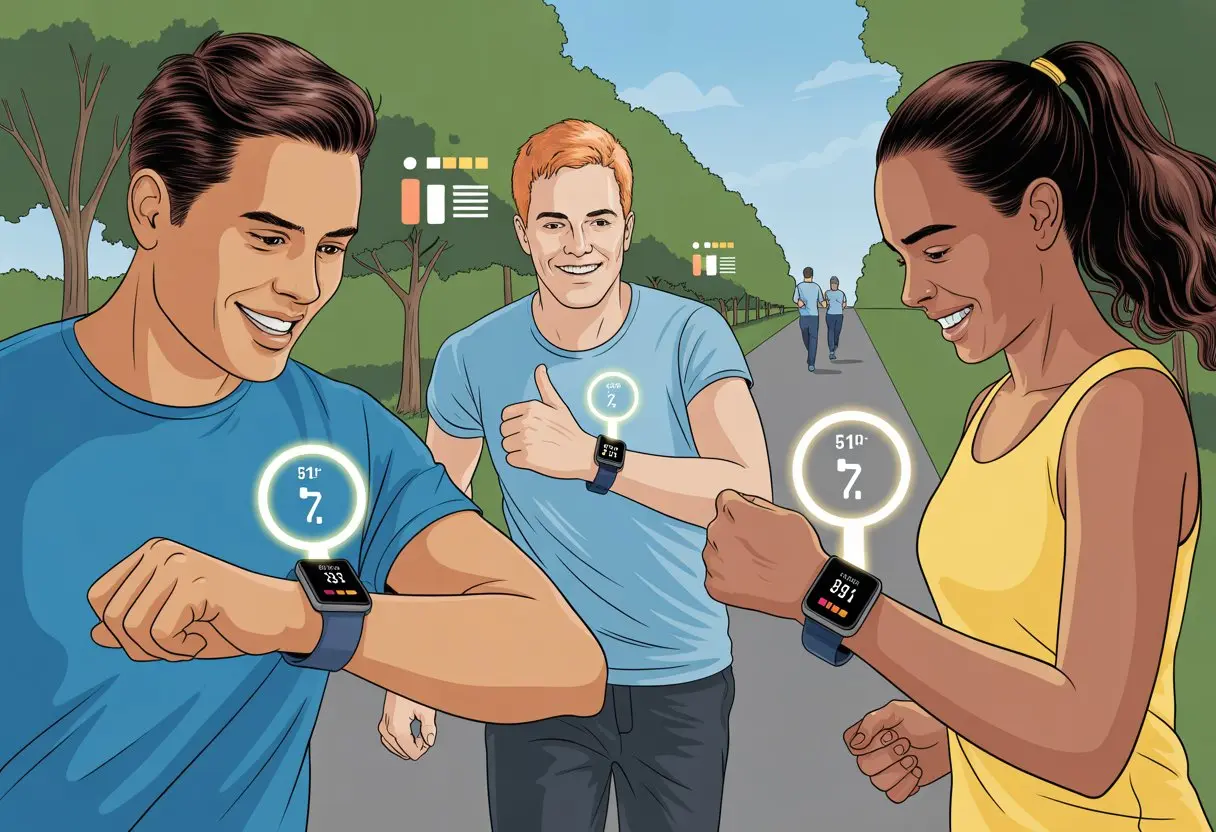
Ever wondered if all those steps from our daily hustle actually add up to something? Here’s some good news: with a smartwatch, we can jump into step challenges and finally show ourselves (and our friends) that we really do walk more than just to the fridge. Using a smartwatch for step challenges is a fun way to track movement, chase goals, and maybe stir up a little friendly competition.
Just strap on a smartwatch, let it count every step, and use the easy-to-read data to join step challenges or start your own. Many smartwatches let us connect with friends, set group goals, and send encouraging messages for that extra push.
It’s not all about the numbers, though. These little gadgets use built-in sensors—almost like tiny fitness detectives—to figure out if we’re actually walking or just flapping our arms. If we need a nudge to move more, step challenges with a smartwatch might be exactly the motivation we need (plus, it’s way more fun than counting in our heads).
Getting Started With a Smartwatch for Step Challenges
Before we start counting every step—including the ones to the fridge—let’s make sure we have the right gear and a bit of know-how. Smartwatches use fancy sensors and apps to track our progress, challenge friends, and help us beat our step goals every now and then.
Setting Up Your Device
First, we unbox our new fitness tracker or smartwatch—Apple Watch, Garmin, Galaxy Watch, or whichever one caught our eye. Charge it up, because, honestly, our steps won’t count if the pedometer’s taking a nap.
When the screen wakes up, we follow the setup steps on the watch and our phone. We’ll pair over Bluetooth, connect to our app (like Garmin Connect or Apple Health), and log in—maybe after resetting that forgotten password.
Most step challenge apps ask for a few details—height, weight, and maybe our favorite snack (well, probably not that last one). This helps the watch estimate our steps and distance more accurately.
Sync the device to the app right away so we don’t lose any hard-earned steps.
Choosing the Right Smartwatch Model
Picking a smartwatch sometimes feels like picking a new pet. Do we want a fancy touchscreen, or just the basics?
Apple Watch is great for folks who love seamless iPhone integration. Garmin smartwatches attract serious walkers and runners who love digging into data.
The Galaxy Watch pairs well with Android phones and also does solid step tracking. Some watches come loaded with extras like heart rate monitoring, sleep tracking, or customizable faces—perfect for anyone who wants to match their watch to their socks.
Battery life matters too. Look for a model that won’t quit halfway through the day, or we’ll end up wondering if that extra lap around the store even counted.
And comfort? Big deal. We don’t want a watch so heavy it counts every wrist lift as a step.
Understanding Step Tracking Basics
A step challenge is simple: we walk, the smartwatch counts, and our competitive streak wakes up. These watches use pedometers and movement sensors to count steps accurately—sorry, just shaking the watch doesn’t usually work.
Most apps reset our step count every day, so we’re starting fresh. We can check our progress, set goals, and join group challenges to compete with friends, family, or even strangers who somehow walk all day.
Accuracy can vary. If we push a stroller, steps might not register if our wrist stays still. Some models let us tweak sensitivity or calibrate step length in the app.
The best way to win? Wear the watch, walk honestly, and maybe pace around while waiting for the microwave.
For a step-by-step setup guide in Garmin Connect, check out this handy tutorial.
Configuring Step Challenge Features
Let’s get our step challenge started with a few quick settings. It’s easy, and the payoff is more steps with less hassle.
We’ll set our step goal, connect to our favorite fitness apps, and make sure our watch cheers us on (or nags us) just enough.
Customizing Your Step Goal
Let’s talk step goals. We don’t need to aim for the moon if we’re barely making it around the block, right?
Most smartwatches—Fitbit, Apple Watch, Garmin—let us set our own daily step target. Just head to settings, find “Step Goal,” and pick a number that fits our life. Maybe it’s 8,000 steps on weekdays, or just a few more than yesterday.
Some apps let us adjust goals based on other fitness targets, like burning calories or hitting a certain distance. We can tweak it anytime if we start feeling ambitious.
If competition helps, lots of smartwatches let us join step challenges with friends or coworkers. Nothing like a little rivalry for motivation.
Syncing With Fitness Apps
Our smartwatch isn’t doing this walk alone. Syncing with popular fitness apps keeps everything in one spot and makes step challenges a breeze.
Wearables can connect directly to apps like Apple Health, Fitbit, and Google Fit. Usually, we just need to allow permissions in the smartwatch’s companion app, and syncing happens automatically.
If we want more features, we can try step challenge apps like Big Team Challenge, which track progress on group leaderboards and integrate with our devices.
Syncing also lets us post our step totals to social media—sometimes a humblebrag is the best motivation for the group chat.
Enabling Notifications for Motivation
Let’s be honest. Without reminders, half of us would forget about the step challenge by lunchtime.
Turning on notifications keeps our watch acting like a friendly coach (or a slightly pesky drill sergeant). We can usually enable notifications for milestones, falling behind, or competing with others right from the settings menu.
Some apps let us choose which alerts we get, so we’re not getting buzzed every three minutes—unless that’s our thing.
For group challenges, notifications often include updates when a friend sneaks past us on the leaderboard. Nothing gets us moving like a well-timed nudge reminding us the lunchroom rivalry is still on.
Mastering Step Counting Accuracy
If our smartwatch says we did 10,000 steps, we want those steps to count for real. Step counting accuracy depends on both how we set up the device and how we use it.
Calibrating the Pedometer
Our smartwatch pedometer tries its best to play detective. It uses sensors like accelerometers to spot movement, but sometimes it gets tricked—a dramatic arm wave might sneak in a bonus step.
To help it out, we should enter our correct height, weight, and stride length in the settings. This helps the pedometer measure distance and steps more accurately.
Wearing the watch on our non-dominant wrist also helps cut down on extra steps from things like brushing teeth or epic fist pumps. Some watches offer calibration walks: short strolls that teach the pedometer how we move.
And, honestly, strapping the watch to the family dog isn’t going to win us any step challenges. That trick’s been tried—and caught.
Reviewing Your Step Count Metrics
After we’ve logged our steps (and resisted the urge to attach the watch to a blender), what do all those numbers mean? Modern smartwatches usually show daily, weekly, and sometimes hourly counts.
Most devices display total steps, distance walked, calories burned, and streaks. Watching these numbers helps us spot patterns—maybe we walk more at lunch or get extra steps during TV commercials.
Charts and graphs make it easy to see progress at a glance. For the data lovers, some watches track active minutes and step intensity.
Staying Healthy and Productive With Step Challenges
We all want to hit our step goals, but health and productivity matter too. Smartwatches help us track important info like heart rate and make step challenges way less chaotic than trying to count laps in the living room.
Monitoring Heart Rate During Challenges
If we’re racking up steps, we probably want to avoid looking like tomato-faced sprinters by lunchtime. Most smartwatches include a heart rate monitor that checks how hard our hearts work while we move.
This lets us see when we’re actually exercising (not just strolling to the fridge). Real-time heart rate updates help us spot if we’re pushing too hard or if we could step it up a bit.
Staying in a safe heart rate zone is important for our health. Many smartwatches buzz or show a warning if we hit levels that are too high, reminding us to slow down.
Some watches save heart rate data so we can compare our “gym hero” days with the regular ones. It’s a good way to avoid overdoing it—since explaining a “step challenge accident” at the doctor’s office is just awkward.
Utilizing Timer Functions for Intervals
Let’s be honest—eyeballing how long we’ve been power walking never works. That’s where timer functions on our smartwatches come in handy.
We can set a timer for interval walking or jogging, breaking the challenge into smaller, more manageable chunks. Interval training isn’t just for show—it helps boost productivity with energy bursts and short breaks.
Setting a timer to beep every few minutes lets us sneak in steps during work calls. No one’s the wiser, except maybe the dog.
Most watches have repeat timers or interval modes, so we can focus on moving instead of counting seconds. Less counting, more stepping—and more bragging rights when we hit our goals.
Tips, Tricks, and Tactics for Step Challenge Success
Winning a step challenge isn’t about walking in circles around your kitchen for hours. The real trick is using our time and connections wisely, mixing in some strategy with a bit of fun.
Time Management Strategies
We all claim we don’t have time, but let’s be honest—our smartwatches totally caught us spending 12 minutes staring at the microwave, waiting for popcorn. Maybe we could use those minutes for something better? Try splitting your steps into quick bursts—five minutes here, ten there.
Set reminders on your smartwatch or phone to give you a little nudge every hour. Even just walking during TV commercials or pacing around while you’re on the phone can help more than you’d think.
Planning daily step goals keeps you focused. If your smartwatch says you’re behind, just take a brisk lap around your house or step outside for a minute.
You can turn chores into step-earning missions. Vacuuming, grocery shopping, even a quick game of hide and seek with the kids—they all count.
Honestly, a peek at step challenge tips from past winners shows that these small habits really add up over time. Forget marathon training; just try to out-walk your couch potato self.
Social Sharing and Friendly Competition
Nothing gets us moving like a bit of healthy rivalry.
Why not invite coworkers, family, or friends to jump in? Most smartwatches sync upwith social features, so you can set up a group challenge and let the step-counting smack talk begin.
Honestly, it’s just more fun to post our progress on social media—bonus points if you toss in a funny hashtag or a dance move video.
When we brag a little online, we get support and might even inspire someone else to join or push themselves.
If you want to keep things interesting, throw in a small prize: maybe the winner chooses the next movie night, or the loser has to wear socks with sandals for a day. That’s motivation you can’t really ignore.
A bit of friendly banter and some good-natured trash talk keep everyone in the game. So let’s just lean in and make every step count.
Hi, my name is Garrett Jones, and I am a tech enthusiast. I enjoy researching the new tech that has been released, and have a vast knowledge of the best tech to purchase.
From a young age, I have always had a big interest in technology, and this blog is an extension of that interest. Through this blog, I hope to provide others with all of the information they need regarding tech options to consider, and things such as compatibility. Some of the different items I will be discussing include headphones, smartwatches, and how to fix common issues.