Ever tried listening to a podcast with Bluetooth headphones and realized your hearing aids just don’t want to join in? Yeah, we’ve been there too. It’s like these gadgets are having their own argument right inside your head. Usually, our Bluetooth headphones won’t work with our hearing aids because most devices only connect to one Bluetooth audio source at a time.
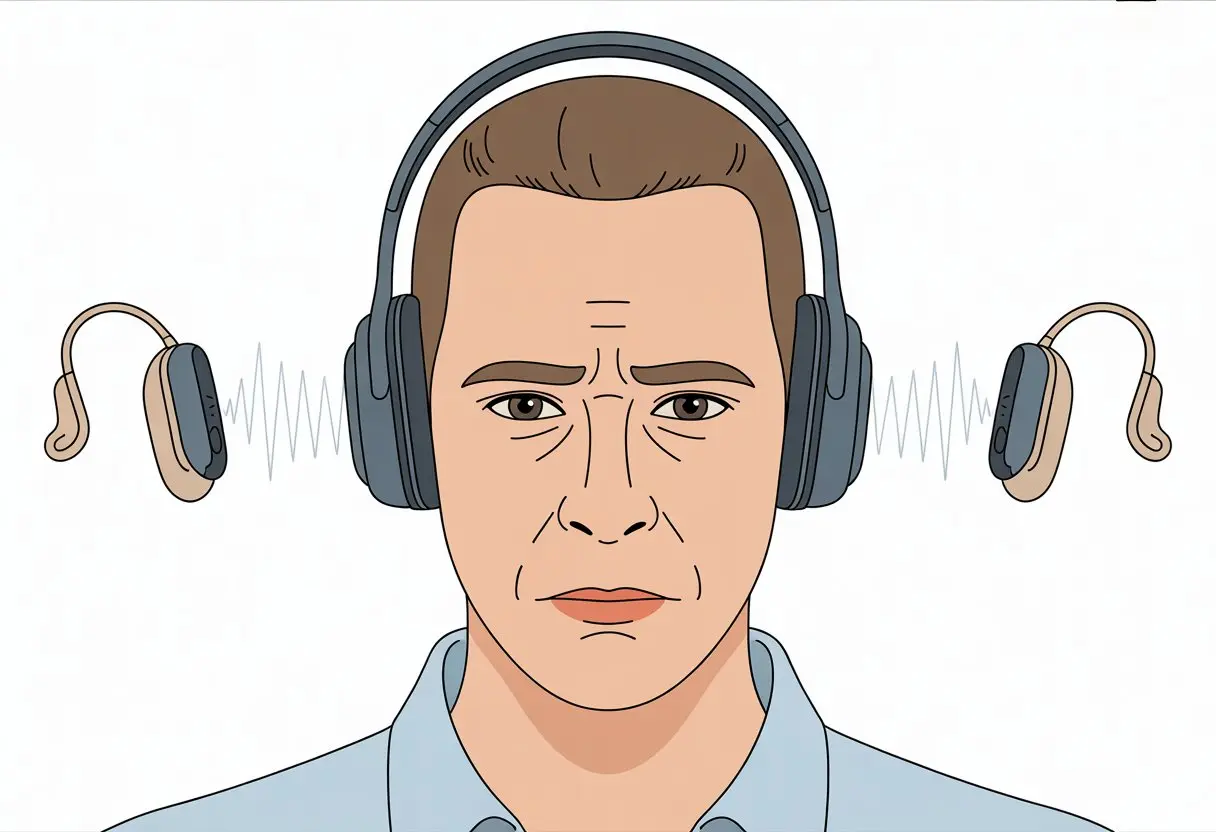
Sometimes, interference from Wi-Fi routers or other electronics gets in the way, or the batteries in our hearing aids or headphones just run low and throw a fit. When our phone gets confused, it’ll stubbornly refuse to pair with both devices—like two cats fighting over the same spot on the couch.
Restarting the devices or having your phone “forget” and re-pair them in the settings can actually help. It’s basically a peace offering—sometimes they accept, sometimes they don’t (Bluetooth Hearing Aid Problems and How To Fix Them).
If you’re worried your hearing aids might “hear” someone else’s headphones, you can relax. They’re not eavesdropping. So, how do we get all this tech working together instead of turning our ears into a daily drama?
How Bluetooth Works With Hearing Aids
If you’ve ever tried syncing your hearing aids and Bluetooth headphones, you know it’s rarely smooth sailing. Understanding what’s going on under the hood helps a bit—even if it doesn’t make the devices any friendlier.
You need to know what kind of gadgets you’re dealing with, and whether they’ll actually cooperate.
Bluetooth Technology Basics
Bluetooth is that wireless magic that lets our gadgets talk to each other without a mess of cords.
It sends data over short distances using radio waves. Most of our phones, tablets, and speakers already use it, but things get complicated with hearing aids.
Hearing aids require special Bluetooth features to connect, usually Bluetooth Low Energy (BLE) to save battery. Not every Bluetooth gadget is compatible, so sometimes we play matchmaker and it gets awkward fast.
If you want a solid connection, avoid standing next to huge Wi-Fi routers or powerful electronics. They can mess things up in seconds. Just one cranky router nearby can make your hearing aids act like they’re ignoring you—kind of ironic, right?
Different Types of Hearing Aids
Hearing aids come in all sorts of “flavors,” though none of them taste good.
Some are “Made for iPhone,” and they work well with Apple stuff right away. Others play nice with Android, but might need a streamer—a little gadget that acts as a go-between.
Then there are the basic hearing aids that don’t even bother with Bluetooth. They just live in their own world.
If your hearing aids don’t support Bluetooth, they’re not going to join the wireless party, no matter how much you beg. For more info, check if your model is listed among the major Bluetooth hearing aid brands.
Connecting Bluetooth Headphones to Hearing Aids
Here’s where things usually fall apart. Most hearing aids can connect to phones, but they don’t connect to Bluetooth headphones at the same time.
If your hearing aids already pair with your phone, the phone sends sound straight to them. But if you try to use Bluetooth headphones with the same device, forget it. Phones don’t like sending audio to both at once—one at a time, please.
People try to connect hearing aids and headphones together, but Bluetooth just doesn’t work that way. If things aren’t working, restarting your phone or re-pairing the devices might help. For more troubleshooting, check out expert advice for fixing Bluetooth hearing aid connection problems.
Sometimes, you just have to accept your gadgets don’t want to double-date.
Common Compatibility Issues
Trying to connect your Bluetooth headset to hearing aids can feel like wrestling with invisible wires. Different devices, new standards, and fussy technology all pile on.
Not All Hearing Aids Are Created Equal
Some hearing aids cling to old tech like it’s a family heirloom. Newer models have built-in Bluetooth, but older ones need an extra device or streamer just to say hello to your headphones.
So, two hearing aids could be completely different when it comes to features. Older ones might not even know what Bluetooth is. Newer aids might only work with certain phones or tablets.
Some hearing aids only pair with their own brand’s accessories. If yours doesn’t allow direct Bluetooth streaming, don’t expect music from your Bluetooth headset—it’s just not happening.
Bluetooth Standards and Conflicts
Bluetooth doesn’t follow a single rulebook. There’s classic Bluetooth, Bluetooth Low Energy (BLE), and special protocols just for hearing aids.
Android has Audio Streaming for Hearing Aids (ASHA), and Apple uses its Made for iPhone (MFI) protocol. If your hearing aids only know MFI and your headset speaks ASHA, nothing’s going to connect.
When Wi-Fi routers or other gadgets get too close, they love to mess things up. Interference can turn Bluetooth signals into a game of broken telephone, leaving you with spotty or missing audio. For more about these issues, check this Bluetooth troubleshooting page.
Why Bluetooth Headsets Don’t Always Sync
We’ve all tried syncing headphones and hearing aids, and sometimes nothing happens. It’s not just hardware—it’s a compatibility dance.
Most Bluetooth headsets are made for phones and computers, not hearing aids. Both headphones and hearing aids want to claim the “audio out” channel, and neither wants to share.
If you turn off your hearing aid’s Bluetooth or “forget” it on your device, sometimes your headphones will finally connect. Other times, you just keep clicking and hoping something gives.
Mac users can click the Bluetooth icon and switch devices, but that’s not exactly seamless. For step-by-step help, this Apple community thread explains how to bounce between audio devices.
Brand-Specific Obstacles To Pairing
Let’s be real—pairing Bluetooth headphones with hearing aids can feel like setting the clock on an old VCR. Every brand has its own quirks, and sometimes they don’t even agree with themselves.
Starkey Hearing Aids Bluetooth Support
Starkey hearing aids offer some good features, but their Bluetooth support can be picky. Only certain Starkey models stream audio directly, and usually only with specific phones.
If you’re using an Android device, things get even trickier. The headphones and hearing aids often fight over who gets to play sound. Sometimes, neither wins and the audio just vanishes. When you try to use both a Starkey hearing aid and Bluetooth headphones, they often refuse to connect at the same time.
Starkey hearing aids also rely on apps that need regular updates, and phone compatibility can lag behind new devices.
Here are some common Starkey pairing issues:
| Problem | What Usually Happens | Common Fix |
|---|---|---|
| Won’t pair with headphones | Devices “see” each other but won’t connect | Forget and re-pair |
| Drops connection during calls | Sound stops mid-call | Restart both devices |
| Only recognizes one device at a time | Can’t use aids and headphones together | Choose one or the other |
We spend a lot of time fussing with settings, hoping Starkey and our phones will finally get along.
Other Popular Brands and Pitfalls
Other brands aren’t much better. Oticon, Widex, and Phonak all have their own unique headaches.
Sometimes, the phone says it’s connected, but the hearing aids refuse to play the audio. Other times, you get random dropouts during streaming and wonder if your gadgets are just messing with you.
Phonak usually supports more devices, but pairing errors still happen. Oticon hearing aids and Android phones seem to have a rocky relationship, at least according to frustrated users on forums.
Call audio might not transfer to hearing aids, or the connection just drops for no reason. Resetting Bluetooth settings or re-pairing the devices is the classic “turn it off and on again”—annoying, but it often works.
With so many brands, we keep learning new tricks to keep our gadgets on speaking terms. If only our tech got along as well as our pets do when snacks are involved. For more troubleshooting, check out these common Bluetooth hearing aid problems and hearing aid connectivity pitfalls.
Troubleshooting Your Devices
Sometimes Bluetooth headphones want all the music, while hearing aids get left out. Figuring out who’s to blame—our phones, audio settings, or even the app store—gets us closer to a fix.
Checking Audio Output Settings
Let’s admit it, we sometimes forget our phones are set to play music out loud, or not at all. First, open your device’s settings and see where the audio is going. Is “audio out” set to Bluetooth headphones, hearing aids, or lost somewhere in tech land?
Selecting the right device really does help. Often, phones or tablets default to the built-in speaker, even when both gadgets are connected.
It’s worth disconnecting and reconnecting, or even forgetting and re-pairing the Bluetooth devices just to be sure. When you see the little check mark next to your device, you know it’s ready.
On some newer phones, you can pick the audio device right in the control center or quick menu. That makes switching between headphones, hearing aids, or the phone’s speaker way easier.
Testing Audio Input Sources
Before blaming Bluetooth, let’s check if the audio itself is the culprit. Open up your favorite music app or play a podcast with clear sound, then switch between devices to compare.
If audio sounds fine on one device but not the other, you’re probably dealing with a single device issue—not a universal one.
We tend to forget that some apps just pick their own audio input source without telling us. For video calls or chats, the app might grab the built-in mic, even if you picked something else.
Double-check the app’s audio input settings or permissions. It’s not fun when someone can’t hear you—or when your singing voice gets lost.
Try using different apps to see if the issue sticks around. If YouTube works on headphones but the phone app doesn’t, you’re probably looking at an app-specific quirk.
A quick restart or settings reset sometimes works wonders, even if it feels a bit old-school.
When to Blame the App Store or Google Play
Sometimes, it’s not your fault—it’s the app stores. An update rolls out on the App Store or Google Play, and suddenly, your Bluetooth hearing aids or headphones just won’t cooperate.
Maybe the new version brought a bug or just isn’t quite ready for prime time.
Key signs it could be an app store issue:
- The problem pops up right after you update an app.
- You see multiple users complaining on support forums.
- Rolling back to an older app version actually fixes things.
Check the latest Bluetooth hearing aid bugs and fixes to see if there’s a patch coming soon. If things get really bad, leave a review or report the issue—sometimes that speeds up a fix.
And hey, if nothing works, at least your phone can still play Snake, right?
Alternative Solutions and Creative Fixes
When Bluetooth headphones and hearing aids refuse to get along, it feels like herding cats. But don’t worry, there are a few clever tricks you can try to help your ears and your gadgets play nice.
Using Streaming Accessories
Sometimes your gadgets just need a little nudge. Streaming accessories—like TV connectors or Bluetooth streamers—act as middlemen between your hearing aids and headphones.
These handy devices usually plug right into your TV’s headphone jack and then beam the sound wirelessly to your hearing aids.
If you’ve got Bluetooth-enabled hearing aids, some streamers connect directly to them and skip the headphones completely. Some brands even offer sleek, clip-on streamers that look way cooler than the usual tangle of wires.
Here’s a tip: Always check compatibility before buying a streamer so you don’t end up with an expensive paperweight. If you’re working with older devices, adapters and transmitters might work—though, like grandma’s pie recipe, you might need a bit of patience to get it right.
Mobile Apps That Might Help
There are loads of mobile apps out there trying to play matchmaker between your hearing aids and your phone or tablet. Some let you control volume and settings, while others help you stream music or calls.
Major hearing aid brands usually have their own apps on the App Store or Google Play.
Just install the brand’s app, pair it with your hearing aid, and follow the instructions. It’s usually pretty straightforward—even if you’re not a tech whiz.
A few third-party apps claim to boost volume or add features, but honestly, results can be hit or miss (think: home haircuts).
Look for features like easy Bluetooth connection, music streaming, and call handling. And don’t forget to keep those apps updated—a glitchy app might be the only thing standing between you and your favorite podcast.
Professional Recommendations
If you’ve tried everything short of bribing your headphones, maybe it’s time to call in the pros. Audiologists and hearing care professionals can help you figure out which devices actually work together.
A lot of clinics have demos of popular Bluetooth accessories, so you can try before you buy. They usually give honest advice about compatibility and might even have a firmware update or a quick fix you haven’t tried yet.
Sometimes, they’ll suggest re-pairing devices or tell you to ditch a particular accessory. If you’re lucky, they can program your hearing aids for better clarity with headphones or other streaming gadgets.
Honestly, these folks have seen enough tangled wires and Bluetooth fails to fill a novel.
Conclusion: Embrace The Sounds, Dodgy Connections And All
We’ve all been there. One ear blasts music, the other just sits in silence, and our Bluetooth headphones play “Now You Hear Me, Now You Don’t.”
It almost feels like our hearing aids and tech want to whisper secrets—just not to us.
Let’s be real, syncing hearing aids and Bluetooth headphones is basically juggling invisible ping pong balls. Sometimes we nail it, sometimes we just drop everything and sigh.
At least we’ve got options, right?
Here’s a quick checklist for our next “Bluetooth Battle”:
| Step | Why It Helps |
|---|---|
| Re-pair Devices | Fixes bad connections |
| Check Batteries | Low power = weird problems |
| Move Closer | Walls hate Bluetooth signals |
| Update Software | Old software likes to glitch |
If nothing works, maybe it’s time to blame the weather, Mercury in retrograde, or that neighbor’s Wi-Fi. Some folks just switch to regular headphones and call it a day—a very popular workaround.
Our hearing aid-Bluetooth combo probably won’t win any tech awards, but honestly? At least we’re never bored.

From a young age, I have always had a big interest in technology, and this blog is an extension of that interest. Through this blog, I hope to provide others with all of the information they need regarding tech options to consider, and things such as compatibility. Some of the different items I will be discussing include headphones, smartwatches, and how to fix common issues.
- How to Use Bluetooth Headphones with Alexa Without Accidentally Calling Your Ex - March 30, 2026
- How to Use Bluetooth Headphones with a Camera So You Don’t Trip Over Cables (Again) - March 29, 2026
- Best Bluetooth Headphones for Audiobook Lovers: Hear Every Plot Twist Without Tangled Wires - March 28, 2026
Related Posts: