We’ve all been there: you settle in, ready to vibe to your favorite playlist, but your Bluetooth headphones just won’t skip to the next song. Usually, Bluetooth headphones refuse to skip tracks because of app permission problems, outdated software, or finicky headphone controls. It’s not just you—this happens to plenty of people, and honestly, it’s enough to make anyone want to dig out the old aux cord in frustration.
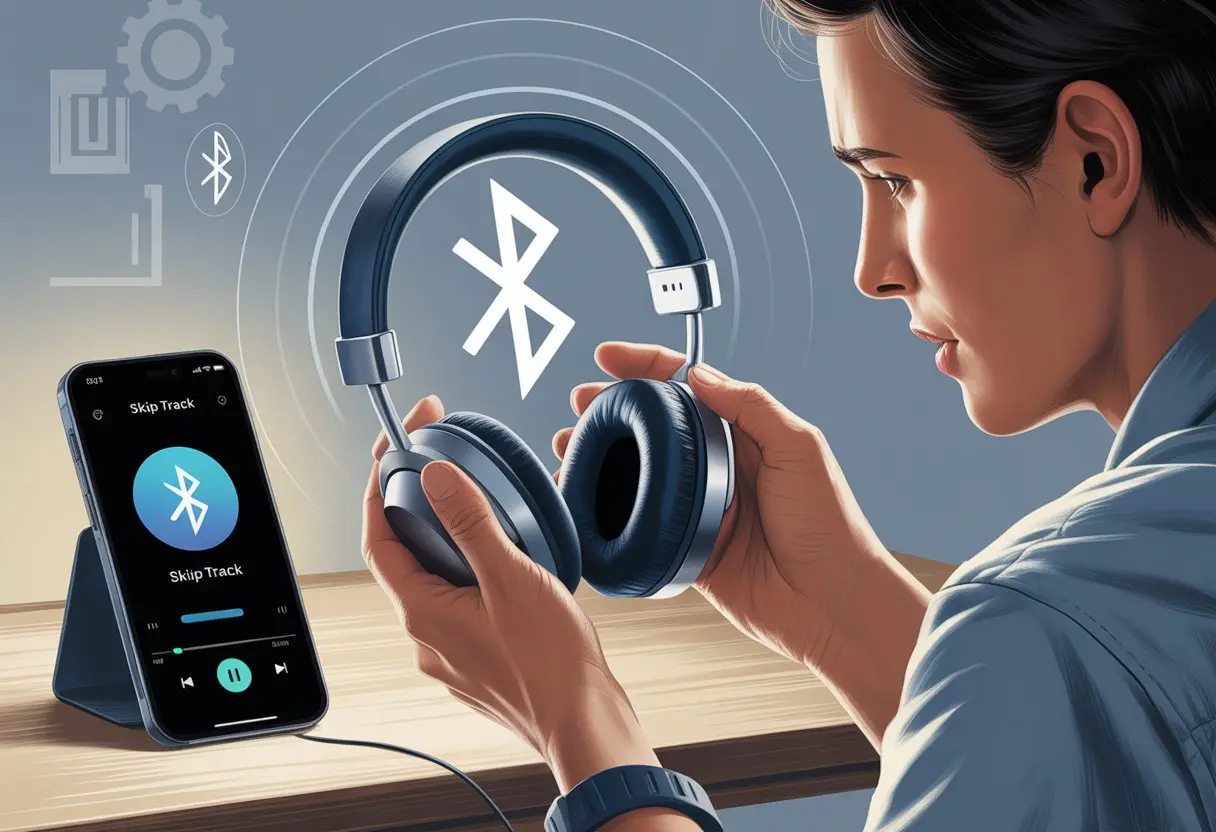
Why is it so hard to skip songs when we’re supposed to be living in the future? Is the phone holding us hostage to that one song we can’t stand, or are the headphones just messing with us? Let’s poke around and see what’s really going on here before we’re stuck listening to the same track forever.
Understanding Bluetooth Headphones Controls
Bluetooth headphones cram a lot of tech into tiny packages. They don’t just play music—they let us skip tracks, adjust volume, and sometimes do even more. If we know how the buttons work, we can save ourselves from endless button-mashing and keep the playlist rolling.
How Skip Track Functions Work
When we want to skip to the next song, the headphones send special signals over Bluetooth. Most wireless headphones have a button—sometimes labeled “next,” sometimes hidden as part of a multi-function button (which, let’s be honest, does everything but make breakfast).
Pressing or holding the button tells the device to skip tracks. But not all headphones use the same shortcut. Some want a double-tap, others a long press. For example, some headphones use double or triple taps on the play button to change tracks.
If you’re annoyed, you’re in good company! These controls work differently across brands and models, so confusion is pretty normal.
Multi-Function Button Breakdown
Almost every pair of Bluetooth headphones has a multi-function button (MFB). It’s basically the “Swiss Army knife” of the headset.
A single press usually plays or pauses music. Double or triple presses can skip forward or back, and sometimes a long press does the trick. It all depends on the brand.
This little button might even answer calls or wake up a voice assistant if you’re feeling fancy. Checking the manual helps, but let’s be honest—most of us just keep pressing buttons until something happens.
Common Audio Device Features
Besides skipping tracks, headphones come with other handy tools. Volume buttons let us crank it up or keep things quiet for sneaky listening.
Some models have touch controls, which means we sometimes hang up on Aunt Marge while just trying to skip a song. Many headsets support calls and voice assistants, too.
We can pause, play, skip, and even rewind—all with a few clicks or taps. Some headphones, like the Sony WH-CH520, want a long press to skip tracks, which kind of makes us feel like secret agents. Manuals sometimes list the button combos, but let’s be real—trial and error works most of the time.
Common Reasons Bluetooth Headphones Won’t Skip Tracks
Sometimes our Bluetooth headphones just refuse to skip tracks, leaving us stuck on the same song. Usually, a flaky connection, old settings, or just plain audio silence are to blame.
Bluetooth Connection Issues
We’ve all had that moment when our headphones act like they’re connected, but nothing works. Weak or interrupted signals often cause this.
Distance is a big deal—if we wander too far from our device, the signal drops. Obstacles like walls, microwaves, or even a pile of laundry can mess things up, too.
If we connect too many Bluetooth devices at once, things get chaotic. Disconnecting extras helps. Sometimes, just toggling Bluetooth off and on snaps the headphones back into action.
It’s smart to check what’s paired and disconnect what we don’t need. Skipping tracks is way easier when there’s no Bluetooth traffic jam. For more on this, see why Bluetooth headphones keep cutting out.
Outdated Bluetooth Settings
Sometimes, it’s not us—it’s our settings. Old Bluetooth settings can mess up skip controls.
Our devices might run outdated software or Bluetooth profiles that don’t play nice with newer headphones. If our music app doesn’t have all the right permissions, the controls might not work, and we’re left mashing buttons for nothing.
Double-checking app and phone settings helps. We need to make sure media apps can control playback. Clearing the Bluetooth cache can also help, especially after a system update.
If you want more details, check out this advice on fixing Bluetooth skipping issues. Staying updated and keeping settings tidy keeps things moving.
No Audio From Headphones
If we can’t skip tracks and can’t hear anything, our headphones might be staging a silent protest. Sometimes, dust in the headphone jack or a fake Bluetooth connection causes problems.
Trying audio from another device or app can help rule out bigger issues. Physical gunk, outdated drivers, or software glitches can also make things go quiet.
A restart never hurts. If that doesn’t work, try forgetting and re-pairing the headphones. Remember, both a solid Bluetooth connection and working playback controls need to cooperate. Some troubleshooting steps show up in this discussion on random audio pauses and skipping.
Device and App Compatibility
When Bluetooth headphones won’t skip tracks, it can be more confusing than folding a fitted sheet. Software quirks and compatibility between devices, music apps, and headphones are often the real troublemakers.
Android 8 and Newer Troubles
If we’re using Android 8 or newer, things can get weird. After a software update, Bluetooth buttons sometimes stop working right.
Tapping skip can feel like sending a message in a bottle—sometimes it works, sometimes nothing happens. Permissions might be the issue.
Android loves to make us double-check that our apps can actually control our music. We might need to go into Settings and enable the right permissions for our music apps, so the skip and volume buttons on our headphones actually do something.
Some users have found that even how we swipe or unlock our phone can affect this, which feels a bit like a magic trick nobody asked for. For more stories, see this discussion on issues with skipping tracks after updates.
Spotify App Settings
Spotify likes to play by its own rules. Sometimes the skip buttons stop working just because Spotify and our headphones aren’t getting along.
If skipping works with another player but not Spotify, it’s time to dig into the app’s permissions and settings. Make sure Spotify has access to control media playback.
Restarting the app or clearing the cache can help. If all else fails, sign out and back in. The old “turn it off and on again” trick still works sometimes.
The Spotify Community is full of fellow users who have fought with the skip button and shared their fixes, so we’re definitely not alone.
Playback Device Constraints
Not all headphones play nice with all devices. Some need newer Bluetooth protocols or just have their own quirks.
Some older Bluetooth headsets only work with built-in music players, ignoring other apps. Compatibility issues pop up if our playback device and headphones speak different Bluetooth “languages.”
This happens a lot with newer phones and older headphones—or the other way around—since different Bluetooth versions don’t always get along. Some devices just can’t send the right message, no matter how many times we press the button.
Physical and Environmental Factors
Even the best Bluetooth headphones can act up. Everyday obstacles and our environment love to mess with how track-skipping works.
Obstacles That Affect Functionality
Walls and big furniture are Bluetooth signal’s worst enemies. If we walk from the kitchen to the living room, a thick wall or couch can weaken the connection.
This can cause delays or make the skip button ignore us. Bluetooth also struggles with other gadgets.
If we’re at a party with lots of wireless speakers and Wi-Fi routers, it’s chaos. Our headphones get caught in the crossfire and stop skipping tracks.
A weak Bluetooth signal from too much interference makes the controls less responsive. Check out this Bluetooth signal strength guide for more details.
Even our bodies can block the signal. Sitting a certain way or putting the phone in a back pocket can lead to the classic “Why won’t this skip?!” moment.
Driving and Headphone Controls
Using Bluetooth headphones in the car brings more challenges. The car’s metal shell acts like a Bluetooth fortress—just not the helpful kind.
If our phone is buried in the cup holder or tossed in the back seat, the signal can get lost. Cars try to sync with our headphones for hands-free calling or music, but sometimes, control signals get lost between the car system, headphones, and phone.
It’s a technology love triangle, and nobody’s happy. Some users find their skip and volume buttons stop working after software updates or new car connections, as mentioned in this Reddit Bluetooth controls thread.
Throw in tunnels, signal drops, and Bluetooth drama, and you might end up tapping your phone to skip tracks. Even then, no promises!
Sound Quality and Track Skipping
Ever notice how Bluetooth headphones sometimes play music just fine but ignore you when you try to skip tracks? Other times, the sound jumps around more than a kid with a jump rope.
Let’s try to untangle what’s really going on here.
Does Sound Quality Affect Skip Track?
We all want high sound quality. That crisp, full sound feels amazing, right?
But honestly, great audio doesn’t make your headphones more likely to respond when you hit skip. The skip track feature actually comes down to your device’s Bluetooth connection and the software, not the quality of the sound itself.
Things start to get weird if your Bluetooth connection gets weak or your device is running too many apps. You might hear the music stutter or skip, but that’s not the same as “track skipping”—it’s more like the song is glitching out, kind of like an old scratched CD.
Sometimes, a slow phone can mess up both your music and the skip button. People talk about this a lot in forums.
Key differences:
- Sound skipping: The music stutters, pauses, or hiccups.
- Track skipping: The song changes when you hit the button (or, annoyingly, doesn’t).
So, don’t blame that sweet HD audio when your skip button refuses to cooperate. Save the frustration for that mysterious skip function that seems to have a mind of its own.
When All Else Fails: Service and Support
Sometimes, no matter how many times you mash the button or poke around on Google, your stubborn headphones just won’t listen. And if skipping tracks doesn’t work, things like phone calls hijacking your controls can drive you nuts, too.
How to Service Your Product
If your headphones ignore even the simplest commands, it might be time to play doctor. Most brands offer warranty programs or repairs, but figuring out where to start can feel like a scavenger hunt.
First, check the documentation or the brand’s website—if you can find that tiny warranty card, even better. Don’t hesitate to reach out to customer support, even if talking to strangers isn’t your favorite thing.
It helps to have your model number, purchase date, and a list of troubleshooting attempts ready. Some brands might swap or repair your headphones if it’s a common issue.
If you’ve tried everything, local tech repair shops might lend a hand. They probably won’t have magic skip-track powers, but they do have a lot of tiny screwdrivers.
Sometimes, your headphones just need a little vacation at the manufacturer’s spa.
Tip: Snap a few photos of any damage before sending your headphones out—unless you want to practice saying, “It definitely didn’t look like that before.”
When Phone Calls Get in the Way
Let’s be real—nothing kills a jam session faster than a random phone call. Headphones just freeze up or forget how to skip tracks the second someone decides to call.
Honestly, the struggle feels weirdly personal. You end the call, and suddenly your music controls won’t work until you restart the app or mess with your headphones.
It’s easy to blame whoever called, but Bluetooth just likes to put phone calls first. The call function totally bosses the other apps around.
If this keeps happening, try resetting your headphones or just reboot your phone. Sometimes you’ve gotta tell people, “Text me instead—I’m busy skipping tracks and can’t deal with actual voices right now.”
For chronic problems, check for firmware updates or poke around the official forums. Other folks have survived this Bluetooth chaos too—like in this thread on Bluetooth headphones losing music controls during calls.

From a young age, I have always had a big interest in technology, and this blog is an extension of that interest. Through this blog, I hope to provide others with all of the information they need regarding tech options to consider, and things such as compatibility. Some of the different items I will be discussing include headphones, smartwatches, and how to fix common issues.
Related Posts: