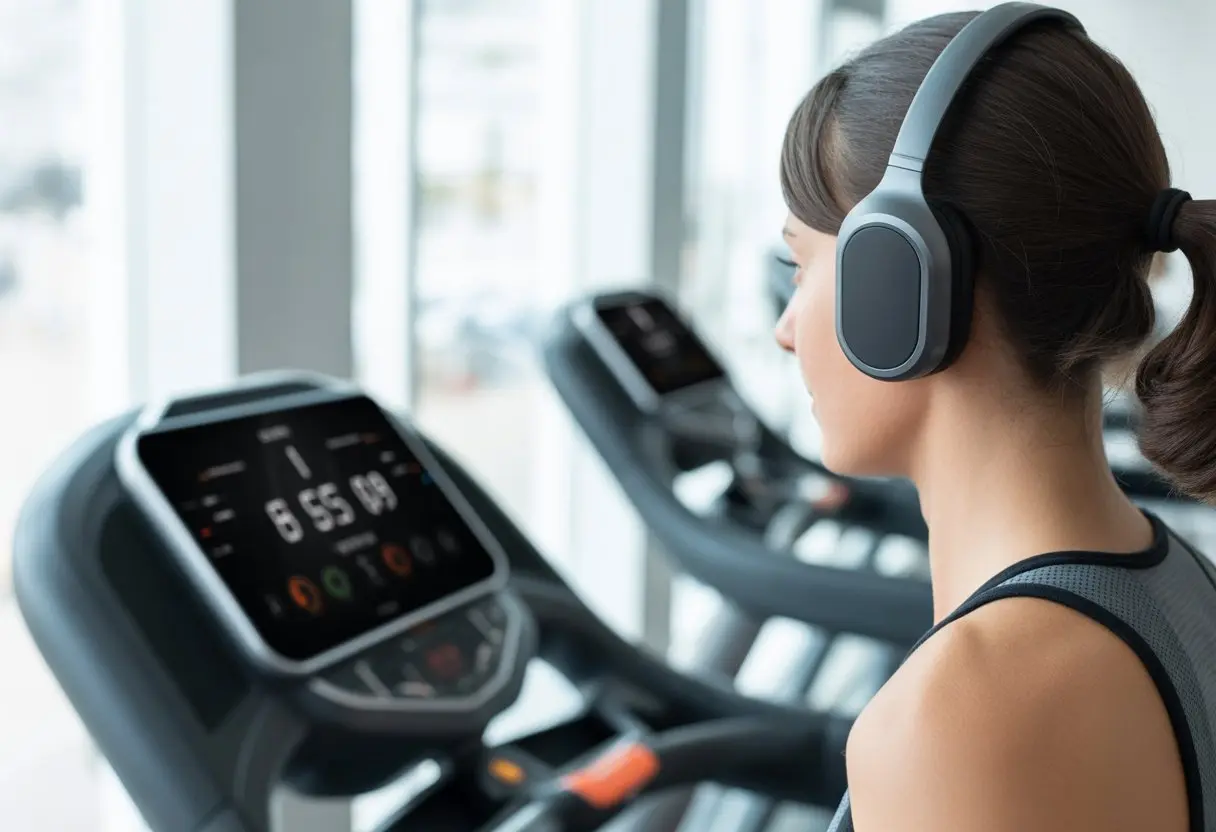
Let’s be honest: tangled headphone cords and treadmills are basically a recipe for disaster. I mean, who hasn’t nearly wiped out trying to dodge a swinging wire?
When we use Bluetooth headphones with a treadmill, we get to listen to music or podcasts without wires, making our workouts safer and honestly a lot more fun.
It only takes a few steps—a little button magic—and we’re set. Most treadmills these days let us connect Bluetooth headphones right from the machine’s screen, like on some NordicTrack models.
So, if we’re ready to sweat without a cable in sight, this guide will help us tune in and zone out—no acrobatics necessary.
Choosing the Right Bluetooth Headphones for Treadmill Use
When we run on the treadmill, our headphones need to keep up just as much as our legs do. Nobody wants earbuds that fizzle out halfway or feel like wet noodles once we start sweating.
Sweat Resistance and Comfort
Treadmills basically turn us into sweat machines, so our headphones need to handle it. Look for headphones with at least an IPX4 rating—that means sweat splashes won’t fry them.
If our headphones feel like torture devices, we’ll ditch them fast. Big, clunky over-ear ones can make our jog a neck workout, and earbuds that don’t fit might spend more time on the floor than in our ears.
We should go for soft silicone tips or adjustable bands for comfort. Some ear hooks and fins help keep headphones in place—even when our sprint looks more like interpretive dance.
If we sweat buckets, leather pads are basically a one-way ticket to ruined headphones.
Battery Life Considerations
Headphones dying mid-playlist? The worst. For longer runs (or those days we pretend we’re marathoners), we should look for headphones with at least 6 to 8 hours of battery life.
True wireless earbuds are usually small but often come with a charging case—handy if we don’t mind popping them in for a quick recharge. Over-ear models often last 20+ hours, which is great if we always forget to charge stuff.
Some headphones now do “fast charging,” so 10 minutes plugged in gives us an hour (or more) of play time. That’s about as long as it takes to argue with ourselves about working out.
Wireless Range and Connectivity
Bluetooth can be a bit of a diva. We definitely want headphones with Bluetooth 5.0 or newer, since that helps keep the connection steady on most modern treadmills.
Most headphones work within about 30 feet—plenty, unless we’re wandering off mid-run. Connection quality matters more than range, though. We want headphones that pair quickly and don’t drop out every time we skip a track.
If our treadmill’s screen lets us pair directly (like some NordicTrack models), that makes things easier. Some headphones even support multipoint connections, so we can bounce from treadmill to phone without a hitch.
Preparing Your Bluetooth Headphones
Before we hop on the treadmill, we need to get our Bluetooth headphones ready to connect and actually play sound. Let’s cover the basics: power and pairing.
Charging and Powering On
First off, let’s make sure our headphones aren’t gasping for battery. Nothing kills a workout vibe like music cutting out because we forgot to charge.
We should plug them in for at least an hour, or until the little LED turns green—or blue or, who knows, salmon pink.
Quick checklist:
Check battery level: Most headphones blink red or beep when they’re nearly dead.
Use the right cable: Micro USB, USB-C, lightning—using the wrong one is just asking for trouble.
Power them on: Usually, a long press on the power button does it. Wait for that little jingle.
If they still won’t turn on, try plugging them in again. Or, if we’re out of options, a pep talk can’t hurt.
Enabling Pairing Mode
To connect our headphones to the treadmill, they need to go into pairing mode—that mysterious state where they’re looking to make friends.
Usually, we hold down the power or Bluetooth button until a light blinks (blue or red, usually). Sometimes a robotic voice says, “Pairing mode!” If there’s a screen, even better.
A few tips:
Hold the button longer: Turning them on isn’t enough—wait for the flashing light.
Look for a blinking light: No blinking, no pairing.
Keep them close to the treadmill: Distance makes Bluetooth cranky.
Before we take off at full speed, we need to check if our treadmill supports Bluetooth audio, how to start pairing, and what to do if things get weird (they usually do). Bluetooth can be moody, but with the right buttons, we can usually win it over.
Checking Treadmill Bluetooth Compatibility
First, let’s not get our hopes up if our treadmill is ancient. Most newer treadmills have Bluetooth, but some only use it for heart rate monitors—not audio. We should check the manual for a Bluetooth logo by the headphones or look for a “Connect to Bluetooth Headphones” option on the screen.
If that’s missing, we might be out of luck. Some treadmills only pair with certain apps or fitness trackers, so not every headphone will work. A quick online search with our treadmill’s model can help. Some brands let us connect headphones directly using their built-in Bluetooth.
Initiating the Pairing Process
If our treadmill’s good to go, let’s get started. We turn on our Bluetooth headphones and put them in pairing mode (lots of blinking lights is a good sign).
On the treadmill console, we look for a menu or button that says “Connect to Bluetooth Headphones.” Sometimes, we have to start a workout before the option appears.
Once we find the connect button, we tap it, and the treadmill searches for headphones. When ours show up, we pick them. We might hear a beep or a “connected” chime—finally, music! If it all works, treadmill audio or guided workouts should play through our headphones, and we can skip the gym’s soundtrack. If things don’t work, sometimes a quick reboot does the trick.
Troubleshooting Connection Issues
Something will probably go wrong at some point—just being honest. If our headphones won’t connect, maybe they’re still paired with our phone. Bluetooth can be a little clingy. Turning off Bluetooth on other devices can help.
If the treadmill can’t find our headphones, restart both devices and try again. Keep the headphones close, since Bluetooth loses interest if we wander off. Double-check if the treadmill even supports headphone connections. Some only pair with specific accessories and not headphones, according to forums.
If nothing works, check for updates for the treadmill or headphones. Sometimes a new update solves things. Worst case, we might have to use wired headphones (if there’s a jack) or just accept our fate (kidding… mostly).
Optimizing Your Workout Experience With Bluetooth Audio
When we use Bluetooth headphones with our treadmill, having a smooth listening experience matters almost as much as good shoes. Let’s look at a few ways to keep our tunes crisp and controls easy, so we don’t end up jogging underwater or fumbling for the volume button.
Minimizing Audio Lag and Dropouts
Nothing messes up a workout like audio skipping or laggy sound. To avoid lag, we should keep our headphones and treadmill close together. Bluetooth hates walls—and our bodies count, apparently.
Before we start running, close any other unused Bluetooth connections on our phones or machines. Competing signals can confuse even the best headphones. Outdated firmware can also cause issues, so check for updates for both headphones and treadmill software. Manufacturers sneak in fixes we didn’t even know we needed.
Some treadmills have their own Bluetooth range, but sometimes it’s as weak as our willpower before coffee. Avoid running near a bunch of wireless gadgets, or we’re just asking for audio problems.
Adjusting Volume and Playback Controls
No one wants to sprint and realize their headphones are blasting at “wake-the-neighbors” volume. Most Bluetooth headphones have easy-to-find volume buttons, so we should get familiar before starting the treadmill. If the controls are confusing, check the manual or look up a quick guide—no shame.
Some treadmills, especially with iFit or similar features, let us change volume and pause right from the treadmill screen. That means fewer wild hand swings and more time focused on running. We can usually use either the headphones or the treadmill/phone for skipping tracks or changing volume, so we’re not stuck mid-song.
It helps to keep a list of controls handy for the first few workouts, so we’re not pressing random buttons and hoping for the best. Practice while walking—it’s less embarrassing than trying to figure it out at full speed.
Advanced Tips for Bluetooth Headphone Users
Sometimes, even when we do everything right, the tech just doesn’t want to play nice. Let’s get into what actually helps when Bluetooth acts up on the treadmill.
Using Third-Party Bluetooth Transmitters
Not every treadmill gives us Bluetooth audio out of the box. But hey, there’s a fix: third-party Bluetooth transmitters. These little gadgets plug right into a treadmill’s audio jack (if it has one) and beam sound straight to our headphones.
Table: Quick Guide to Bluetooth Transmitters
Step
What to Do
1. Buy a transmitter
Search for “Bluetooth audio transmitter.”
2. Plug into treadmill jack
Usually the headphone output on the console.
3. Pair with headphones
Press buttons until they connect (and cross fingers).
We should check that the transmitter matches our headphone version (like Bluetooth 5.0). If the treadmill doesn’t have an audio jack, maybe it supports USB transmitters instead.
Some transmitters need charging. If we forget to charge them, we might end up with a silent workout—honestly, that’s not ideal.
Managing Multiple Device Connections
Juggling devices can feel more complicated than running on a treadmill with your eyes closed (please don’t). Many Bluetooth headphones remember paired devices. Some of us like to flip between our phones, tablets, and the treadmill.
Tips to Manage Connections:
Pair the headphones with the device we want first.
Turn off Bluetooth on devices we’re not using to avoid confusion.
Some headphones have a “multi-point” feature, letting us connect to two devices at once. Sounds fancy, but sometimes devices fight over the connection. If that happens, just unpair one and try again.
If the treadmill has its own screen, connect directly to that for less delay.
Getting devices to cooperate can save us from being “That Person” at the gym, frantically tapping screens and muttering under our breath.
Care and Maintenance for Your Workout Gear
Sweat is going to happen, and so is the mess that follows. If we want our headphones to last longer than our motivation on leg day, we’ve got to clean and store them properly.
Cleaning Bluetooth Headphones Safely
Let’s be honest: after a good run, our headphones can smell pretty bad. Don’t freak out—cleaning them isn’t complicated, but we need to be gentle.
We should never dunk headphones in water. Instead, grab a soft, slightly damp cloth or a baby wipe and clean the outside. For those tiny crevices, a cotton swab works wonders for getting out sweat and grime.
If the headphones have removable ear tips, pop them off and wash them separately with mild soap and water. Let them dry completely before putting them back on.
Avoid using harsh cleaners or alcohol wipes—they might ruin the finish. If there’s a cleaning guide in the box, it’s worth a quick read (unlike the treadmill manual, which is probably lost forever). Regular cleaning keeps our gear fresh and our ears a lot happier. For more tips, check out this Groupon workout headphones care guide.
Storing Headphones After Exercise
After a workout, tossing headphones into a damp gym bag is just asking for trouble. Moisture and darkness create a perfect home for germs.
We should store headphones somewhere dry and cool. Most come with a little case—might as well use it, right? Letting them air dry before packing them up helps too.
If our headphones are wireless, turning them off before storage saves battery. That way, we’re not hunting for a charger next time.
Here’s a tip: If we use wired headphones, don’t wind the cable too tight. Wrap it loosely to avoid knots and stretching. Keep them away from sunlight, water bottles, and whatever’s left of your protein shake. Our headphones will thank us, even if they do it silently.
Conclusion: Striding in Style With Wireless Audio
We’ve all done that awkward dance—tugging at cords, earbuds slipping, almost sending our phones crashing to the floor.
Bluetooth headphones finally let us ditch those spaghetti wires for good.
Now, we can run to our favorite tunes without worrying about cables getting snagged mid-stride.
Sometimes, it even feels like we’re starring in a music video (minus the wind machines and dramatic camera angles).
No more stopping to untangle knots. No more blaming headphone wires for our questionable treadmill moves.
Hi, my name is Garrett Jones, and I am a tech enthusiast. I enjoy researching the new tech that has been released, and have a vast knowledge of the best tech to purchase.
From a young age, I have always had a big interest in technology, and this blog is an extension of that interest. Through this blog, I hope to provide others with all of the information they need regarding tech options to consider, and things such as compatibility. Some of the different items I will be discussing include headphones, smartwatches, and how to fix common issues.