Ever wondered if your smartwatch actually counts your steps when you’re holding onto the treadmill rails for dear life? Or maybe it’s just tracking your grip strength and stubbornness? If you want your watch to track treadmill workouts well, you’ll need to set it up properly—and yes, sometimes swing your arm, even if you feel a bit silly doing it.
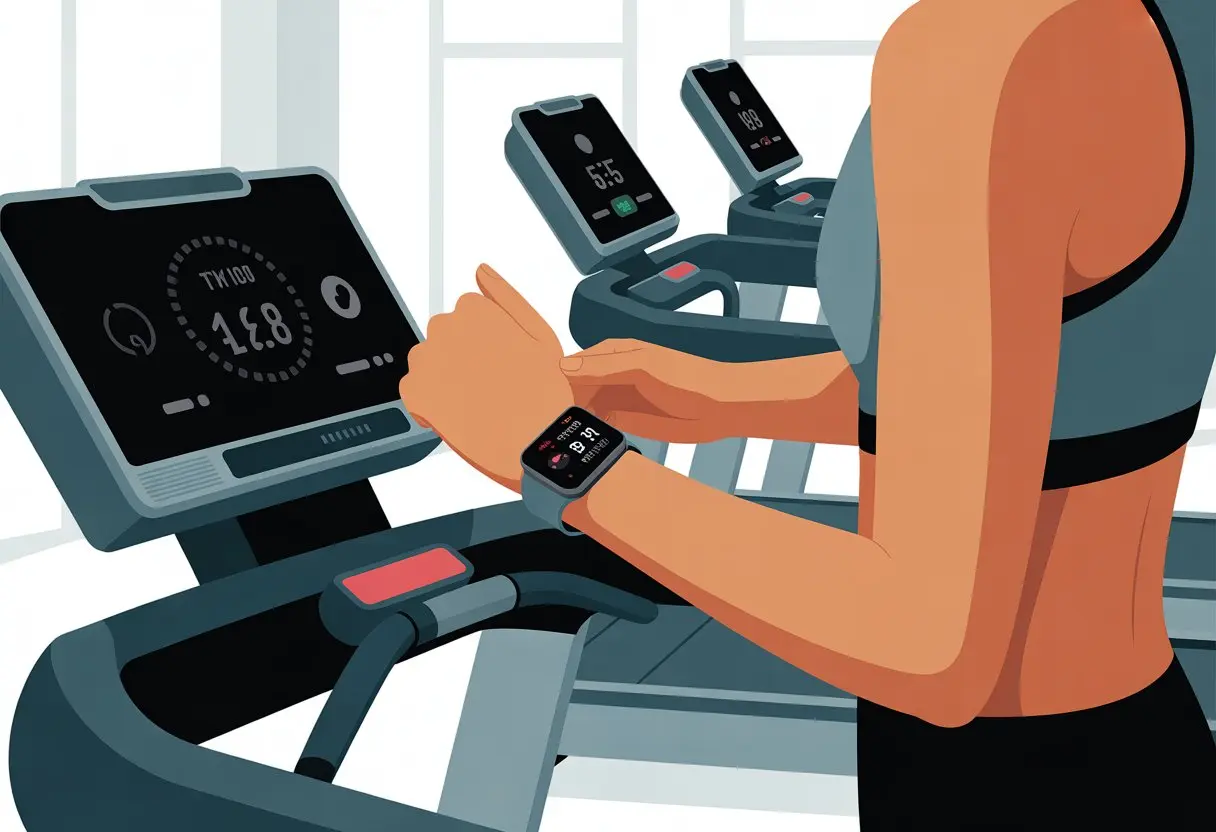
You can even sync smartwatches with treadmills, so you don’t have to rely just on your watch’s best guess. Some watches connect right to gym equipment, showing heart rates and calories burned, which makes you feel like you actually know what you’re doing.
Let’s make those steps count—especially if your main goal is beating your family in a step challenge.
Setting Up Your Smartwatch for Treadmill Runs
If you want your treadmill runs to count for more than just bragging rights, you’ve got to set things up right. Your smartwatch, the treadmill, and all that tech need to talk to each other like old gym buddies.
Pairing Your Device with the Treadmill
Most smartwatches measure stride and count steps, but pairing with the treadmill makes things way more accurate. Check if your treadmill supports Bluetooth or ANT+. Sometimes, there’s a QR code or device ID you can scan.
For Garmin and similar watches, you usually start syncing from the activities menu. Pick the treadmill option, let your device search, and then choose the right treadmill from the list.
If you’ve got an older treadmill, you might need to calibrate after your run by entering the distance manually on your watch. Garmin’s setup guide has the details.
Getting this right means you can finally stop arguing with yourself about whether you actually ran three miles.
Apple Watch and GymKit Integration
Apple Watch users get a nice bonus with GymKit. It lets you sync your watch straight to certain treadmills at the gym—or maybe your living room if you’re lucky.
When GymKit is available, it shares your workout stats like calories, distance, pace, and even incline.
Just hold your Apple Watch near the GymKit logo on the treadmill. The watch vibrates and shows “Connect.” Tap it, and your treadmill run gets logged with data from both devices.
Your move rings won’t know what hit them.
But—GymKit only works with certain treadmills. If you don’t see the icon, don’t stand there waving your wrist around hoping for magic.
Activating NFC Reader for Syncing
Sometimes, it’s all about NFC (Near Field Communication). Newer treadmills and smartwatches—especially Apple Watch—use NFC for quick syncing.
Look for the NFC or GymKit logo on the treadmill. Bring your watch face close to it.
If prompts pop up, just follow along. The devices pair, and your run data syncs up.
If it doesn’t work, double-check that NFC is enabled in your watch’s settings. Sometimes a quick restart does the trick—because, let’s be honest, that fixes almost everything except your gym socks.
Tracking Your Treadmill Activity Accurately
Using a smartwatch with a treadmill can make your stats a little wild. Let’s figure out how to keep things honest—at least as honest as your post-run sweat stains.
Measuring Distance and Pace on a Treadmill
We’ve all looked at our watch and wondered if we somehow skipped a mile. Most smartwatches use your arm movement to estimate distance and pace.
If you grab the treadmill rails the whole time, your watch might think you’ve stopped moving.
After your run, most smartwatches let you enter the actual treadmill distance. This calibration is important.
On Garmin devices, you can update the watch with the correct distance after each treadmill run for more accurate stats—even if your running form looked a bit odd. Here’s Garmin’s treadmill calibration support page if you need more details.
Here’s a quick cheat sheet:
- Let your arms swing naturally (even if you feel ridiculous)
- Input the actual treadmill distance after your workout
- Try to keep your stride and running style regular
Adjusting Product Features for Better Tracking
Smartwatches come with their own set of bells and whistles, but a few features matter most for treadmill accuracy. Many watches have a “Treadmill Activity” mode.
Turn this on so your watch knows you’re running in place, not escaping a shopping mall.
Calibration features help you match what the treadmill says with what your watch thinks you did. You’ll usually find these settings in the workout options or activity profiles, sometimes right on the summary screen after a run.
If you like holding the treadmill rails, try swinging the arm with the watch every so often, or switch wrists during long workouts. Your steps will get counted more accurately, and your distance tracking won’t look so suspicious.
Runners using a Galaxy Watch use this trick all the time. The more honest you are with your smartwatch, the less confusion you’ll have—and the more bragging rights you’ll earn.
Top Fitness Apps for Smartwatch and Treadmill Workouts
The right app can make treadmill runs way more fun. Some apps connect your smartwatch to personalized workouts or let you compete with other runners, tracking every sweaty step.
Using JRNY for Adaptive Fitness Membership
Let’s be real—some days you feel unstoppable, and other days you’re just hoping not to trip. JRNY gets it.
With an adaptive fitness membership, JRNY watches how you work out and changes your treadmill programs to match your abilities.
It pairs with your smartwatch and gives you a virtual coach who actually encourages you (instead of yelling). You get custom treadmill workouts, music, and video workouts if you want to switch things up.
You can track each session, see your progress, and brag about your improvements to anyone who’ll listen.
Key JRNY Perks:
| Feature | Benefit |
|---|---|
| Adaptive Workouts | Programs change as your fitness improves |
| Virtual Coach | Personalized encouragement and feedback |
| Stats Sync | Workout data tracked on smartwatch |
Zwift Virtual Runs and Real-Time Encouragement
If you’ve ever wanted to run with friends in other time zones—or just folks who run way faster—Zwift is your treadmill buddy.
Connect your smartwatch, launch the app, and you’re suddenly jogging through digital worlds with people from everywhere.
Zwift creates virtual runs with real runners around the globe. You can see others in real time and even chat.
You get badges, some friendly competition, and—let’s be honest—the urge to speed up when someone with a weird username sprints past. Zwift keeps things interesting and pushes you to keep going, even if your couch is calling your name.
Understanding Key Specs Before You Start
Before you hop on the treadmill with your fancy smartwatch, check if the numbers make sense. It’s not just about calorie counts.
The weight of your gear, your ceiling height, and your own stats matter if you want a safe, drama-free run.
Product Weight and Maximum User Weight
Let’s talk about lifting and limits. If your treadmill weighs more than your car, just moving it is a workout.
Check the product weight so you don’t wreck your floor or your back. Most treadmills weigh between 150 and 300 pounds.
Don’t stack them up if you like your floors.
The maximum user weight matters, too. Most treadmills handle up to 250 to 300 pounds, but heavy-duty ones go up to 400 pounds.
Trust the specs, not your wishful thinking.
Quick reference:
- Product Weight: Usually 150-300 lbs
- Maximum User Weight: 250-400 lbs
- Check both before inviting friends over for a treadmill marathon
Minimum Ceiling Height for Safe Running
Nothing ruins a treadmill run like whacking your head on the ceiling. The minimum ceiling height isn’t just for tall folks—it’s for everyone.
Add your height plus the treadmill deck height, then tack on another 15-20 inches for bounce.
If you’re 6 feet tall and your treadmill deck is 8 inches high, add 6 feet + 8 inches + at least 15 inches. That means you need a ceiling just over 7.8 feet, or you might give yourself an accidental new hairstyle.
Pro tip: Low ceilings force you to run hunched over. Give your head (and your pride) enough space to run tall.
Getting the Most from Your Smartwatch and Treadmill Combo
You spent good money on your gear, so get every bit of value out of it. Keep your stuff safe—and maybe even score some free perks you didn’t know about.
Exploring Warranty and Support Options
Nothing kills workout motivation faster than a busted smartwatch or a treadmill that suddenly hates you. Check your warranty coverage before you need it.
Most smartwatches come with at least a one-year warranty, but some brands give you extra time if you register online or pay a bit more.
If something breaks, contact customer support right away.
Some brands offer chat, phone help, or even mail-in repairs. Plenty of treadmill and smartwatch companies have FAQ pages and video guides, so you can troubleshoot before mailing anything in.
If you buy an extended protection plan, stash the paperwork somewhere safe. You’ll thank yourself later—promise.
Enjoying Free Trials and Bonus Features
Honestly, we’d be silly not to grab those free trials that come with our new workout toys. Tons of smartwatches offer perks, like a 2-month free trial of premium fitness apps or some pretty advanced health tracking stuff.
Samsung, Apple, and Garmin often toss in bonus workouts, exclusive badges, or even free coaching plans when you get a new device or update the software. Keep an eye on your emails—they sometimes sneak those offers in there.
Here’s a quick table to keep things straight:
| Feature | Brand Example | Benefit Type |
|---|---|---|
| 2-month free trial | Garmin, Fitbit | Premium app access |
| Free workout plans | Samsung | Training programs |
| Exclusive content | Apple | Coaching videos |
Don’t forget to sign up as soon as you unbox your device. Most free trials kick in right when you pair your smartwatch, so it’s smart to check right away.
Maybe set a calendar reminder, too—nobody likes those surprise charges when the trial ends.

From a young age, I have always had a big interest in technology, and this blog is an extension of that interest. Through this blog, I hope to provide others with all of the information they need regarding tech options to consider, and things such as compatibility. Some of the different items I will be discussing include headphones, smartwatches, and how to fix common issues.
- How to Improve WHOOP Recovery Scores Without Giving Up Pizza or Netflix - April 7, 2026
- Why is my fitness tracker not unlocking my computer? Tech tantrums and wearable woes explained - April 7, 2026
- Best Fitness Trackers for Stress Relief: Because Your Anxiety Deserves a Step Counter Too - April 6, 2026