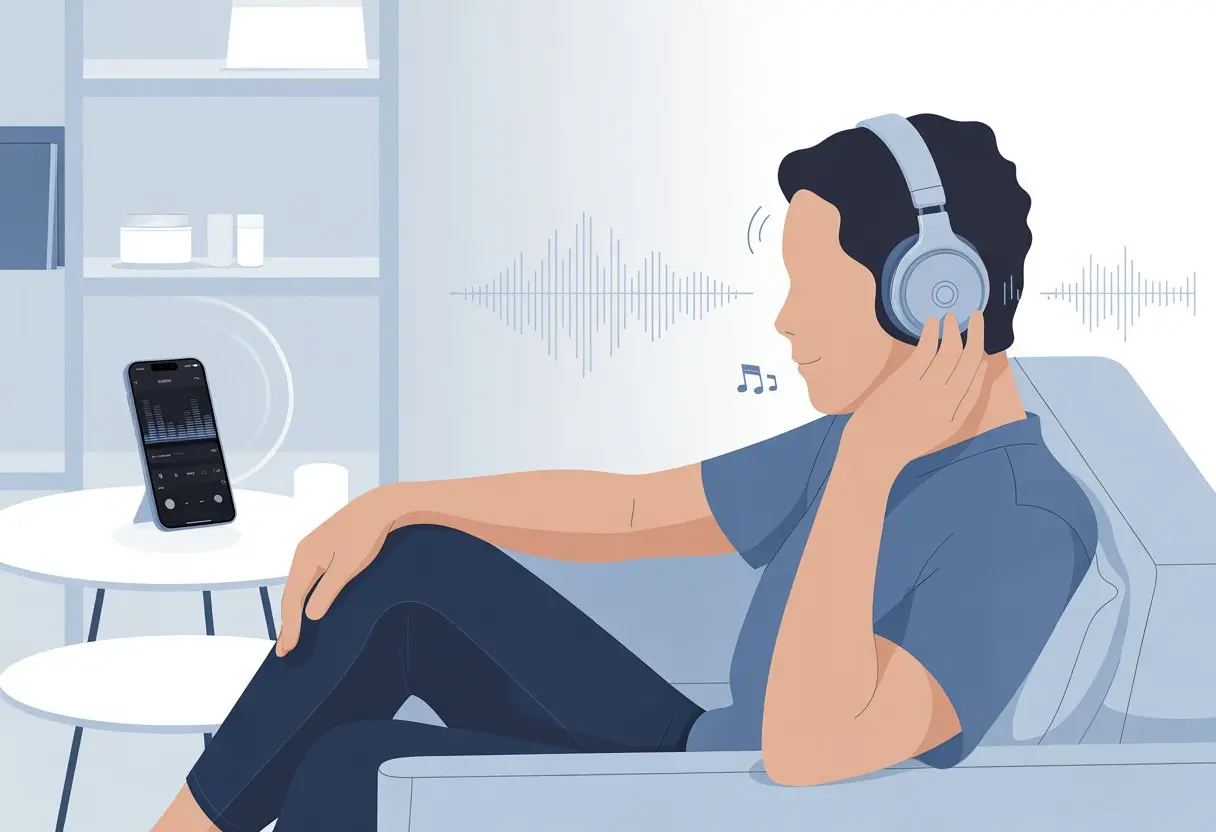
We all love the freedom of going wireless, but sometimes Bluetooth headphones sound like they’re playing music through a tin can on a string. To get the best sound, we need to pick the right settings, use high-quality audio codecs, and avoid “headset” modes on our computer—yeah, we’re looking at you, Windows.
Just a few tweaks can seriously boost your listening experience and save you from that dreaded muffled sound.
If you’ve ever felt like your expensive headphones sound worse than cheap earbuds, you’re definitely not alone.
Plenty of us have faced the classic “Why does it sound so bad on PC?” drama and found hope in tricks like setting the headphones as the default audio device or checking for better Bluetooth codecs, just like folks mention in this Reddit thread.
We all deserve better than weak bass and scratchy vocals.
Let’s unlock the true sound potential of our headphones—no need for a PhD in audio engineering.
Choosing the Right Bluetooth Headphones
Picking out Bluetooth headphones can be a real adventure.
There are so many models, brands, and specs, it almost feels like shopping for a spaceship.
But if you know what to look for, you can dodge the duds and land on something that makes your ears (and wallet) happy.
Understanding Sound Signature
Ever tried a pair of headphones and thought, “Why does everything sound like it’s underwater?” Welcome to the wild world of sound signatures.
Each headphone model brings its own “flavor,” and the best part is, we get to pick what actually excites our ears.
Some headphones crank up the bass, making every song thump like a parade.
Others turn up the treble, so every cymbal sounds extra sparkly.
There are also headphones that aim for a “neutral” sound, where nothing really overpowers anything else.
If you’re into music with heavy beats, a bass-heavy sound signature will keep you grooving.
Love podcasts or guitar-heavy music? Neutral or “mid-forward” headphones make speech and strings pop.
Let’s skip headphones that drown out vocals unless humming is your thing.
Trying out different sound signatures in-store, if you get the chance, really helps you figure out what your ears want.
Comparing Models and Brands
Brands are kind of like pizza toppings—some always deliver, others just don’t belong.
Sony, Bose, and Sennheiser usually get high marks for both build and sound quality.
It’s smart to check for features like battery life, folding designs, and even color (because, hey, style matters a little).
When choosing, product reviews and return policies can really save you from buyer’s remorse.
Decoding Technical Specs
Specs sheets sometimes look like someone spilled alphabet soup.
The stuff that matters? Codec support, battery life, and Bluetooth version.
Codecs: If you care about sound quality, look for headphones that support codecs like aptX, AAC, or LDAC—not just the basic SBC codec. These give you better sound, especially with high-quality music files. Both your phone and headphones need to speak the same codec language.
Battery life: Good Bluetooth headphones should offer at least 20 hours per charge. Unless you love plugging things in all the time.
Bluetooth Version: Version 5.0 or higher usually means a stronger signal and less lag, so your music doesn’t cut out if you wander away from your phone.
Don’t forget the extras.
Some headphones cancel noise, have built-in voice assistants, or let you control playback with a tap.
You don’t need every bell and whistle, but grabbing features you’ll actually use can make the difference between “Wow!” and “Meh.”
Getting a Snug and Comfy Fit
If you want the best sound from your Bluetooth headphones, just slapping them on and hoping for the best won’t cut it.
The way headphones fit makes a huge difference in comfort and sound—nobody wants sore ears or bad bass.
Finding the Ideal Ear Cup Size
Let’s be honest, our ears are as unique as our taste in snacks.
The fewer distractions your headphones face, the better they’ll sound—unless the dog starts barking.
Sorry, can’t fix that with settings.
Maintaining Bluetooth Performance
If you want your music to sound crisp and clear, you’ve got to treat your Bluetooth headphones with some TLC.
Regular software updates and smart placement around obstacles help you avoid signal drops or fuzzy sound.
Keeping Firmware Up to Date
Let’s be real—most of us ignore those update pop-ups. But skipping updates on Bluetooth headphones? That’s like never cleaning your ears and then wondering why music sounds weird.
Firmware updates squash audio bugs, fix connection hiccups, and sometimes even make your headphones sound better.
We should check the headphone app or the manufacturer’s site for updates every so often. Most headphones will bug us with a notification when it’s time. All we’ve gotta do is connect the headphones, tap a few buttons, and let them do their thing.
If we skip updates, we might miss out on cool features or fixes. Headphones can start to feel old way sooner than they should. Honestly, updates are like flossing—annoying, but in the end, totally worth it.
Avoiding Distance and Obstacles
Bluetooth signals are a bit like us before coffee—don’t expect them to go far or deal with too many walls. For the best sound, keep headphones close to your device, within about 10 meters (30 feet).
If you wander into another room, the sound might stutter or just drop out.
Walls, doors, metal stuff, microwaves, and even giant aquariums can mess with the signal. Devices want a clear shot at each other, not a maze.
To dodge those awkward interruptions, keep your phone nearby and avoid using headphones near a pile of electronics or metal.
If you really need to pace while listening, stick to open spaces. Bluetooth is like a conversation—it works better when you’re not yelling through walls.
A good pair of Bluetooth headphones deserves better than being shoved in a messy bag or covered in ear gunk. If we want clear sound and long life, proper cleaning and storage are musts.
Cleaning Ear Cushions Without Ruining Them
Let’s admit it, our ears aren’t always as fresh as we hope. Those ear cushions get dirty faster than we expect.
Here’s how we clean them without wrecking the soft feel:
Brush off dust, hair, and crumbs with a dry, soft cloth.
For grime, dampen a clean cloth with water and a tiny bit of mild soap. Never soak the cushions—unless you’re going for “swamp headphones.”
Wipe gently. Don’t let moisture drip or pool.
Use a cotton swab for seams and tiny spots.
Let the cushions air dry before using them again, unless you want surprise soggy ears.
Skip harsh chemicals, alcohol, or scrubbing pads. Those will leave you with flaking cushions and a need for replacements.
Storing Properly to Dodge Wire Goblins
Headphones want pampering, not a tangled mess courtesy of the mysterious wire goblins in our bags.
Here’s what works:
Table: Quick Storage Tips
What To Do
What To Avoid
Use a hard case
Toss in backpack
Hang on a hook
Leave on the floor
Fold (if allowed)
Squish or bend headband
If you’re traveling, a dedicated pouch saves your headphones from scratches and keeps them tangle-free.
At home, hanging them on a hook or stand keeps the headband from warping.
Never leave headphones plugged in and coiled tight around gadgets. That’s like doing yoga with a snake—awkward and probably painful.
Give them their own space, and they’ll stick around for ages.
Making the Most Out of Wireless Controls
Wireless headphones mean freedom, but they also come with a bunch of weird button combos and finger dances. There’s nothing cooler than skipping tracks or switching devices like a Bluetooth wizard.
Mastering Touch and Button Commands
Let’s be honest, fumbling with earbuds in public makes us feel like we’re diffusing a bomb. Knowing the right taps can save a lot of embarrassment.
Most Bluetooth headphones use taps and swipes for play/pause, skipping tracks, and changing volume. For example, lots of true wireless earbuds use one tap to play or pause, two taps to skip forward, and three taps to go back.
Some models let you swipe up or down for volume, which is way better than digging for your phone every time the music’s too loud or too quiet.
Here’s a quick rundown:
Command
Common Gesture
Play/Pause
1 tap
Skip Track
2 taps
Previous Track
3 taps
Volume Up/Down
Swipe up/down
Some headphones let you customize these actions in their app. If you keep hanging up on friends by accident, it’s worth tweaking.
Pairing With Multiple Devices Without Losing Sanity
Pairing headphones with more than one device always looks easy in ads, but reality? Not so much. That “seamless switching” promise usually means holding a button until the LED blinks like crazy.
When juggling devices, here’s what helps:
Make sure both devices have Bluetooth turned on.
Disconnect from the first before connecting to the second.
Use the headphones’ app if there is one—some make switching faster.
Look for headphones with multipoint pairing so you can connect to two things at once, like your laptop and phone.
Patience is key. If things get weird, just remove the headphones from the device’s Bluetooth settings and start fresh.
You might still look a little awkward while pairing, but at least you won’t be yelling at your Bluetooth settings alone.
Advanced Tweaks for Audiophiles
We’ve all tried to squeeze every last drop of sound quality out of our Bluetooth headphones. Sometimes, though, our ears want even more.
Here are a few “next level” tricks for those of us who don’t mind tinkering (or spending way too long in the audio settings).
Using External Audio Apps
Honestly, most default audio apps just don’t do it for me. Third-party apps like Poweramp, Neutron, or Wavelet give us real control, letting us customize EQ curves and tweak every frequency.
Want more bass? Sharper highs? Easy. Many external apps let you save your favorite audio profiles, so you don’t lose your sound after a week of random button presses.
Some apps even handle FLAC and other lossless formats, squeezing out extra detail that built-in players miss. If you’re up for it, try detailed EQ tuning with visualizers, analytic tools, and presets from audio geeks.
Experimenting With DACs and Adapters
Once you start using DACs (Digital-to-Analog Converters), you’re getting serious. A portable DAC or quality adapter can make your music clearer by handling the audio signal before it hits your headphones.
Bluetooth adapters with better chips support nicer codecs and reduce lag. You can even find gadgets that up-sample your music or just make everything louder.
Some of us even hook up dedicated external DACs for that “wow, I never heard that before” moment. Sure, the setup might look like a mini science lab, but the cleaner signal can really make a difference.
If you want more info or tips on experimenting with gear, there are plenty of audio hack guides out there.
Common Pitfalls and How to Outsmart Them
Bluetooth headphones rock, but sometimes they drive us up the wall. We’ve all had those moments when the sound cuts out or the headphones quit halfway through our favorite song.
Solving Audio Dropouts
Ah, the dreaded audio dropout. You’re grooving along and suddenly—nothing. Or worse, you get choppy robot noises.
Usually, this means you’re too far from your device or something’s blocking the signal, like a wall, microwave, or even your backpack.
To cut down on dropouts, try these:
Stay within 30 feet of your device.
Move big objects (and Aunt Marge’s metal fruit bowl) out of the way.
Update Bluetooth drivers or firmware so your headphones get the latest fixes. This really helps, especially on PCs—Sweetwater explains it well.
If your headphones let you pick a codec (like AAC or aptX), use the best one your device supports for a stronger connection. Some devices even let you tweak settings for better reliability, as Cleer Audio suggests.
Dealing With Battery Drain Drama
Let’s be real—sudden battery deaths are basically the arch-nemesis of wireless listening. We always think we’ll remember to charge, right up until that dreaded low-battery beep ruins the mood.
Most of the time, battery issues pop up because we leave headphones powered on after we’re done. Try to make it a habit to actually hit the power button when you finish.
Short battery life? Maybe it’s time to lower the max volume, turn off those flashy lights, or disable features you don’t even use. Sometimes it’s the little tweaks that make a difference.
Here’s another thing: don’t wait for your battery to hit zero. Charging up before it’s totally dead can help keep it healthier for longer.
If your headphones still can’t hold a charge after all this, well, it might be time to admit the battery’s just old or faulty. Maybe it’s time for a new pair.
Hi, my name is Garrett Jones, and I am a tech enthusiast. I enjoy researching the new tech that has been released, and have a vast knowledge of the best tech to purchase.
From a young age, I have always had a big interest in technology, and this blog is an extension of that interest. Through this blog, I hope to provide others with all of the information they need regarding tech options to consider, and things such as compatibility. Some of the different items I will be discussing include headphones, smartwatches, and how to fix common issues.