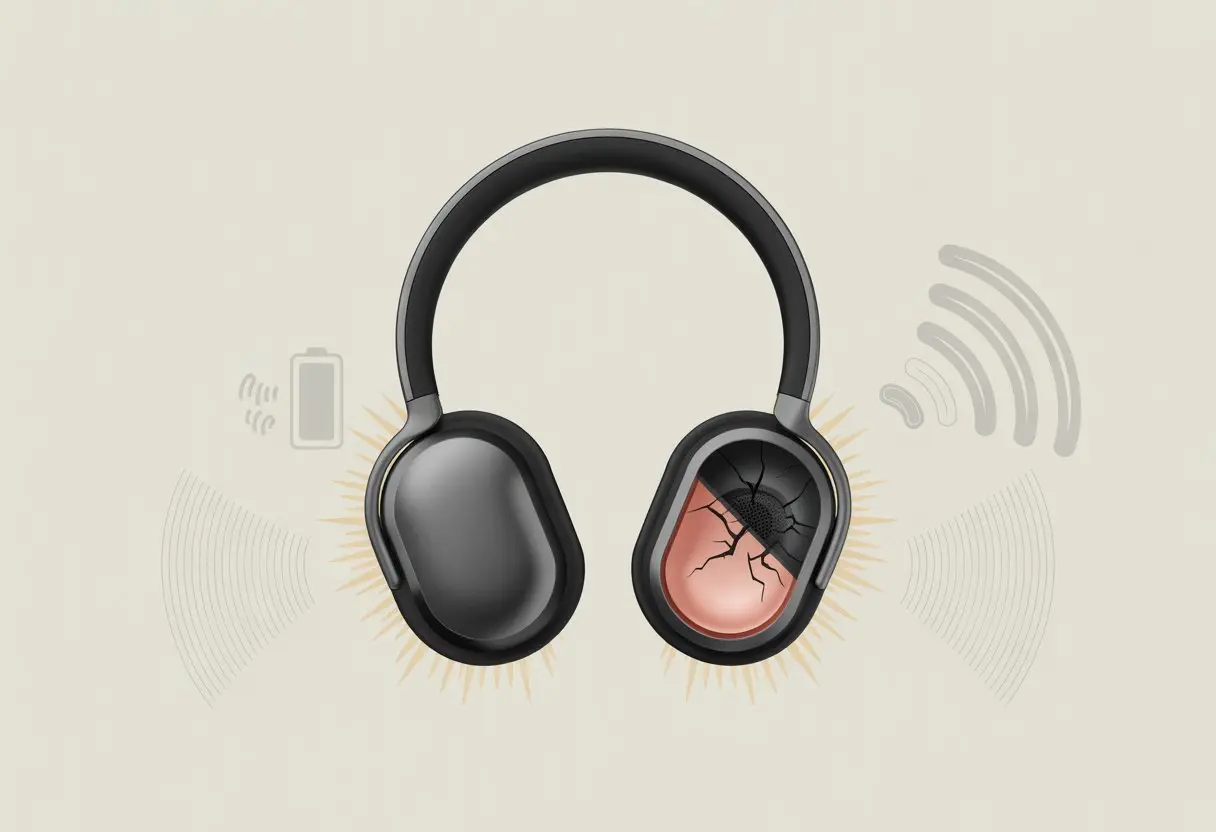
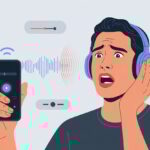
Let’s be honest—wireless headphones are awesome until they start popping and crackling like a bowl of Rice Krispies right in your ears. Bluetooth headphones usually make popping sounds because of interference, weak connections, or nearby electronics just messing things up. Sometimes, it honestly feels like the universe wants to add its own sound effects to your playlist when all you want is clear music.
Whether you’re deep into a podcast or just trying to block out a noisy neighbor, those little pops can totally throw you off. Before you panic or toss your headphones across the room, let’s figure out why this weird audio popcorn happens.
If you understand what’s causing these annoying noises, you can save your music and maybe even your wallet. Why do headphones sound like a campfire sometimes? Let’s try to untangle this together.
Understanding Popping Sounds in Bluetooth Headphones
You’ve probably been there—just relaxing with your favorite song, and suddenly, your headphones betray you with a random pop or crackle. These sounds are more than just annoying; they usually mean something’s up with your connection, device, or the headphones themselves.
What Causes Popping and Crackling Noises?
A few things cause popping and crackling, and most of them have nothing to do with your music taste. The biggest culprit? A weak connection between your Bluetooth headphones and your device, like your phone or laptop.
This weak link causes static, distortion, and those annoying noise interruptions. Loose or damaged headphone parts—think a tired battery or faulty jack—can mess with the signal and make your headphones sound like they’re auditioning for a popcorn commercial.
Interference from other gadgets, like Wi-Fi routers, microwaves, or another Bluetooth device, adds to the chaos. Sometimes, your drivers just need an update, especially if you recently installed new software. There’s a good discussion here if you want more details.
Bluetooth technology is super convenient, but let’s be real, it’s not perfect. It squeezes your music into data packets and shoots them through the air. Sometimes, those packets trip over each other like clumsy dancers.
When packets get delayed or lost, your headphones fill the gap with a snap, crackle, or pop instead of music. Sound quality depends on the Bluetooth version, too. Newer versions give you a more stable signal with less noise, but older ones might trip up more.
Physical stuff—walls, even your pocket—can weaken the connection and create those glitchy moments. If you’re using cheap headphones, the receiver circuits might be worse, so popping is more likely.
Even expensive headphones aren’t safe if there’s a lot of signal interference from other wireless devices. Want a deeper dive? Here’s a technical breakdown on Bluetooth crackling.
Common Issues Leading to Popping Sounds
Most of us have heard that annoying pop or crackle in our Bluetooth headphones and wondered if they’re haunted. But don’t freak out—the cause is usually just everyday tech stuff.
Wireless Interference and Connectivity Problems
Bluetooth headphones can be pretty picky about their environment. When you have too many Bluetooth devices nearby or a bunch of wireless signals flying around, interference happens.
This makes popping, crackling, or even a total drop in connection more likely. For example, using your headphones in a crowded café full of people on their phones turns the air into a mini battlefield of signals.
Microwaves, Wi-Fi routers, and even metal objects can add to the mess. Maybe don’t eat popcorn next to your router (here’s more on wireless interference).
Try moving closer to your device to get a stronger connection. Sometimes, just plugging in an aux cable and switching to passive mode works faster than anything else.
Hardware Malfunctions and Design Flaws
Sometimes, the problem is inside the headphones. A faulty control module or loose panel jack can turn every song into a popcorn party in your earcups.
Cheap or poorly made headphones often have issues with the cable or control buttons. Regular wear can make connections wobbly and send weird signals to your ears.
Even brand-new headsets can have hardware bugs straight from the factory. If resetting or initializing doesn’t fix it, you might have a warranty claim on your hands. Here’s what to look for in Bluetooth headphone hardware problems.
Environmental Factors and Audio Settings
Bluetooth headphones love to act up when you least expect it. Sometimes, all it takes is a small tweak or a sneaky audio gremlin to start the popping.
App & Device Settings That Mess With Sound
Honestly, we all wish audio settings were “set it and forget it,” but it never works out that way. Your EQ, volume, or random app updates can turn smooth bass into a crunchy crackle.
Cranking up mid or high frequencies in your equalizer sometimes just makes popping noises louder. System updates or Bluetooth driver changes can sneak in and ruin everything. After a driver or firmware update, you might get stuck with a weird popping that’s hard to track down.
Apps can fight over your audio settings, too. One app might boost the bass, while another resets everything. The result? Popping, and maybe a strong urge to throw your headphones out the window.
When Noise Cancellation Goes Rogue
Noise cancellation is awesome—until it decides to get dramatic. When you switch between quiet and noisy places, this feature tries to keep up, but sometimes it messes up and gives you random pops or clicks.
This usually happens when the headphones struggle to filter sudden background noises, like slamming doors or barking dogs. Bluetooth interruptions or a weak connection can make noise cancellation glitch out and add artifact sounds.
You’ve probably seen those “adaptive” or “ambient” sound buttons in your settings. Toggling them can sometimes help, or just make things worse. If noise cancellation is acting up, try resetting or re-pairing your headphones—Sony’s support guide has tips. Sometimes a simple reboot is all you need.
Aviation Headsets: Special Popping Sound Offenders
You’d think plugging in your fancy aviation headset would guarantee smooth sound. But sometimes, you just get a nonstop chorus of snap, crackle, and pop that’s more annoying than helpful.
Wired Connections and Weird Noises
Aviation headsets love to act up with popping sounds, especially when you use wired connections. Most headsets use a 5-pin XLR connection to hook into the avionics or aircraft panel.
If the plug isn’t all the way in or feels loose, you’ll get random crackles that make you wonder if there’s a squirrel in the cockpit. Dirty or corroded plugs just add to the drama.
Even a tiny bit of debris or oxidation on the connectors can turn every flight into a game of “what’s that noise?” Give those jacks and pins a quick look before plugging in.
A soft brush or a gentle blast of air usually does the trick. Bending or pinching the headset cable—like when it gets stuck between the seat and the panel—can also make popping sounds.
Try to keep cables neat and avoid tight bends to dodge those annoying surprises.
Grounding and Aircraft Electrical Oddities
Let’s be real: aircraft electrical systems aren’t always modern. Weird grounding problems or bad electrical connections can mess with your sound.
If the audio selector switch or intercom isn’t properly grounded, pops and clicks sneak into your headphones like uninvited guests. Sometimes, pops only happen when you flip other switches or power up equipment elsewhere in the plane.
That usually means your aircraft’s electrical gremlins are at it again. Sometimes, just making sure everything in the avionics panel and audio selector switch is secure will help, but grounding issues can be tricky.
If interference sticks around, try headsets with good shielding or ask a technician for help. You might not win every battle with aircraft wiring, but you don’t have to let pops and static drive you nuts. Here’s some advice for clicking sounds in both earcups.
Solving the Mystery: Troubleshooting Tips
Fixing those popping sounds can feel like detective work sometimes. Let’s look at some common solutions and talk about when it’s finally time to get real help.
Quick Fixes to Stop the Popping
First up—have you tried turning it off and on again?
Honestly, a restart fixes more issues than we’d like to admit.
Let’s check if the connection feels solid.
Unpair and repair your Bluetooth devices.
Is something else interfering?
Wireless routers and even microwaves can mess with Bluetooth, believe it or not.
Still hearing pops?
Check out the auto-on or power-saving features.
Sometimes headphones get weird when those settings kick in unexpectedly.
Dig into your device’s settings or skim the manual to switch them off.
Dirt and dust?
Total villains.
Clean out the headphone jack, and make sure the plug fits snugly.
If you snack near your gear, crumbs can sneak in.
Using a laptop?
Try updating or reinstalling your audio or Bluetooth drivers.
Windows updates sometimes cause crackling—here’s a thread about it.
When to Call in the Professionals
After all the DIY fixes, sometimes the popping just won’t quit.
If your headphones keep making weird noises, you might have a hardware issue.
Maybe a speaker driver or Bluetooth chip is failing.
Those parts can go rogue out of nowhere.
Humidity can also cause popping.
If your hair or ears are damp, dry them along with your headphones.
If that solves it, awesome.
If not, you could have deeper damage.
Some amplifier or wireless circuit issues—like a weak Bluetooth signal—can trigger auto-off or popping.
At that point, you’ll want a professional to check it out.
Check your warranty or reach out to the manufacturer’s support.
If you spent more on these headphones than you do on coffee in a week, getting them serviced is worth it.
Let the pros handle repairs, soldering, or inspecting—less stress for everyone.
Preventative Measures for Future Listening Bliss
Nobody wants to lose themselves in a favorite song and get interrupted by an annoying pop.
Taking care of your headphones means fewer distractions and happier ears.
Maintenance and Long-Term Care
Let’s be honest: most of us treat our headphones worse than our houseplants. We drop them, stuff them into backpack corners, and sometimes just forget them in the laundry.
If we want smooth sound, we really should change that. Wipe down the ear cups and headband with a slightly damp cloth every week.
Check the connectors for debris while you’re at it. Dirt and dust might look harmless, but honestly, they’re experts at ruining clear audio.
Use a soft brush or a blast of compressed air to keep things spotless. Focus especially inside the down cable and near the control module.
Don’t yank the cable like you’re starting a lawnmower. Unplug gently—trust me, it matters.
Stash headphones in their case. Please, not in tight pockets or rogue kitchen drawers.
By keeping our gear clean and our cables relaxed, we dodge most popping and crackling issues.
If you want extra credit, turn off Bluetooth before you put them away. That helps the control module last longer and keeps music sessions free of random drama.
Hi, my name is Garrett Jones, and I am a tech enthusiast. I enjoy researching the new tech that has been released, and have a vast knowledge of the best tech to purchase.
From a young age, I have always had a big interest in technology, and this blog is an extension of that interest. Through this blog, I hope to provide others with all of the information they need regarding tech options to consider, and things such as compatibility. Some of the different items I will be discussing include headphones, smartwatches, and how to fix common issues.