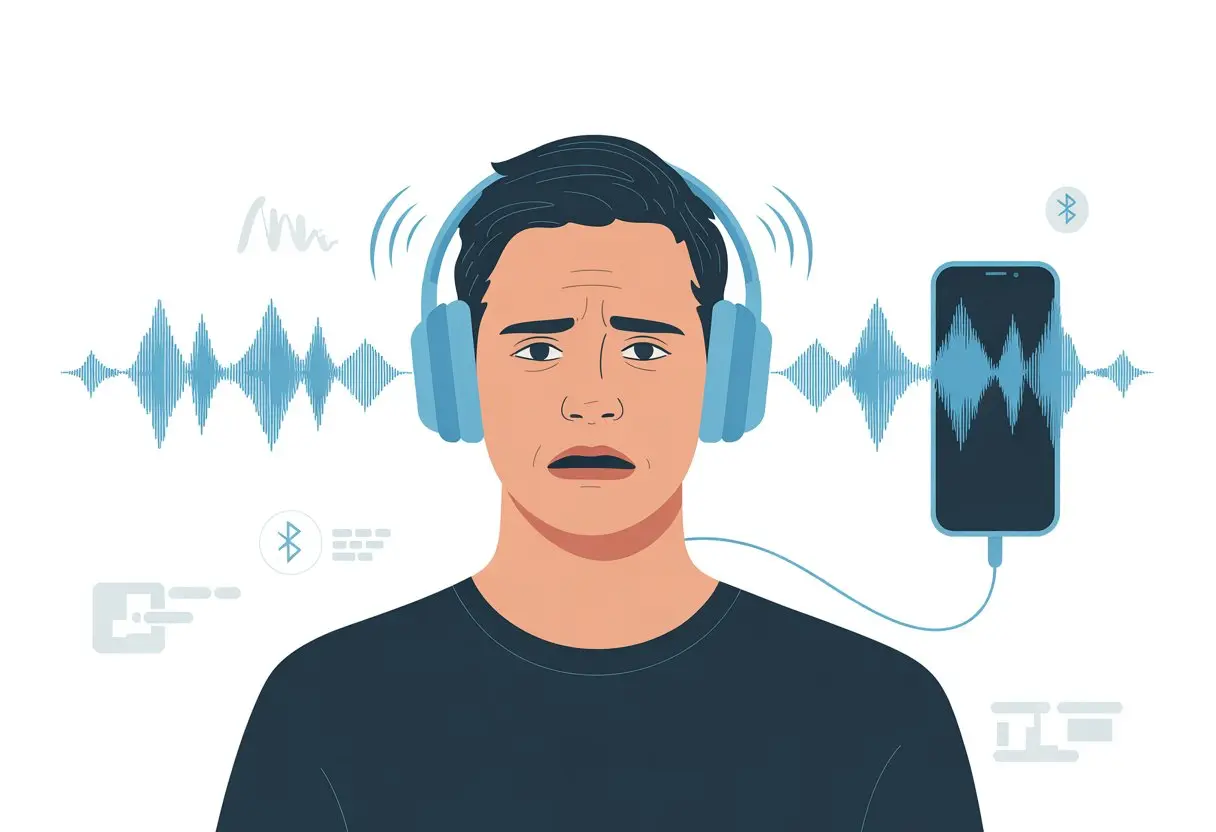
We’ve all been there—ready to relax with music or a movie, only to wonder if we’re suddenly in an echo chamber. Bluetooth headphones sound echoey when audio bounces back from the microphone into the speakers, or if there’s a glitch in the connection or settings. Sometimes, it honestly feels like our favorite songs are echoing around a giant hallway—and not in a cool way.
This gets so annoying, especially when all we want is clear sound. Luckily, there are a few common causes and easy fixes for this echo mess, so we don’t have to become sound engineers overnight.
Let’s try to unravel the mystery and get our headphones back to normal, without that cave vibe.
Understanding Echo in Bluetooth Headphones
Bluetooth headphones are supposed to make life easier, but sometimes they just throw weird sound problems at us. Echo is a pretty common one, and honestly, it’s more irritating than a ringtone that won’t stop.
Let’s look at what actually causes echo, where it comes from, and how to tell it apart from distortion.
What Causes Audio Echo
Audio echo happens when we hear our own voice or sounds repeating with a short delay. In Bluetooth headphones, this usually means the audio is being sent and received too slowly.
Our brains can handle a slight lag, but when it’s obvious, we get that awkward robot effect.
Sometimes our headphones’ microphones pick up sound from the speakers and send it right back. This creates a feedback loop, turning everything into a never-ending echo chamber.
In wireless headphones, a shaky Bluetooth connection or a rogue software setting can make things even worse.
Common Sources of Echo in Wireless Audio
The usual suspects behind echo in Bluetooth headphones are hardware issues, software bugs, or connection problems. For example, some laptops and phones keep both speakers and Bluetooth headphones active, so sound comes from both at once.
This “twinsies” audio mess is explained in this discussion about TV speakers and Bluetooth.
Low-quality Bluetooth signals also cause trouble, especially when lots of devices are fighting for space. Broken headphone jacks, damaged earbuds, and certain audio settings (like MaxxBass or enhancer modes) can stir up echoes too—see this Reddit thread on echoing issues.
Difference Between Echo and Distortion
Echo and distortion both crash the party, but they’re not the same. Echo is all about hearing sounds bounce back with a delay.
It’s like chatting in a cave, but you’re just sitting on your couch.
Distortion is when audio gets fuzzy, crackly, or just plain weird. It can come from damaged headphones, bad connections, or weird audio settings.
Distortion warps the sound, while echo repeats it.
If your music or calls sound like underwater karaoke, that’s distortion. If your words come back to haunt you, that’s classic echo.
Knowing the difference helps us hunt down the right fix—and stops us from blaming the cat or the neighbors.
Technical Issues Leading to Echo
Bluetooth headphones aren’t perfect; sometimes things just go sideways and our music bounces around like it’s trapped in a cave. When headphones sound echoey, there’s usually a technical reason, and it’s often something we can actually fix.
Bluetooth Connection Problems
Bluetooth is great—until the signal gets shaky. A weak Bluetooth connection can add a delay, making it feel like we’re talking to someone across a canyon.
Walls, furniture, and even our own bodies can mess with the signal. Using headphones too far from the device can make audio cut or bounce, which causes those weird echoes.
Signal interference is another headache. Too many Bluetooth gadgets or a crowded Wi-Fi zone can add extra noise.
Trying a different room or moving closer to the source can help. Here’s a quick checklist:
- Stay close to your device
- Avoid obstacles between you and the source
- Turn off other Bluetooth gadgets nearby
If the echo sticks around, try restarting the headset and the connected device. It’s not fancy, but it usually helps.
Improper Headset Fit
If headphones don’t fit right, sound leaks and bounces back into the mic. That rogue audio loops around and suddenly we’re in an echo chamber.
Honestly, most of us don’t have ears shaped like headphone designers expected. If the headset sits loose or ear cups aren’t snug, sound escapes where it shouldn’t.
Check these things:
- Are the headphones sitting properly on your ears?
- Is the ear tip or cup size right for you?
- Does the foam or silicone make a good seal?
Sometimes, swapping out ear pads or tips for a different size works wonders. Seriously, try the extras that came in the box.
Microphone Feedback Loops
Microphone feedback is a sneaky problem. If the headset mic is still on when we don’t need it, it may pick up what we’re hearing and play it back with a weird lag.
Some computers or devices send speaker audio back through the open mic, causing a loop. Windows does this a lot, and it’s enough to make you want to use tin cans and string. Check out this discussion on Windows headphone echo issues.
Here’s what can help:
- Mute the microphone when you’re not using it
- Check sound settings and disable extra inputs
- Make sure no software is “listening” and playing back your audio in real time
A few tweaks can turn your echo chamber into a normal conversation again.
Audio Settings That Affect Sound Quality
Sometimes, our own settings sabotage us and make Bluetooth headphones sound echoey. Maybe we fiddled with something and forgot, or maybe the settings were weird from the start.
App Settings Misconfiguration
Who hasn’t opened their favorite music or video app, changed a setting, and then totally forgotten what they did? (We’ve all been there.) Apps let us pick audio output, set stereo or mono, or add effects.
If these settings are off, we might hear echoes, pops, or voices from another dimension.
One big culprit is accidentally enabling both “speaker” and “headphone” output at once. Sound bounces all over, and suddenly it’s a bad karaoke night.
Some communication apps (Zoom, Teams, Discord, etc.) have built-in audio enhancements that, when left on, might create an echo. If it feels like your headphones are mocking you, it could just be app settings gone rogue.
Fixing it is usually as simple as finding the right toggle and switching it off. If you’re suspicious, peek at the audio settings on your device and apps.
Tweaking Equalizer and EQ Settings
Let’s talk EQ—sometimes it’s magic, sometimes it’s trouble. Equalizer settings let us mess with bass, treble, and everything in between.
If we boost certain frequencies too much or make wild custom settings, echoes and distortion might show up.
Presets are handy, but that “Pop” setting from 2005 might not work for today’s playlist. A wacky EQ can make voices or music sound hollow or far away, like we’re eavesdropping from the hallway.
The trick is to reset to flat, then nudge just a little if we want more bass or treble. Most headphones or devices let us do this in the Bluetooth or sound settings.
Clean up your EQ habits, and you’ll drop the echo but keep the jam.
Disabling Echo Cancellation
Echo cancellation sounds high-tech, but sometimes it backfires. Devices use it to stop sound from looping and causing feedback.
It’s like a bouncer for your audio party.
But if echo cancellation gets confused—especially with bad connections or buggy drivers—it can actually create more echoes.
On some devices, we can switch this setting on or off. If nothing else works, toggling echo cancellation might save the day.
Sometimes, just turning off extra audio “enhancements” in sound settings helps too. For step-by-step tips, check out solutions for echo issues in Windows.
If all else fails, yelling “Stop Echoing!” at your headphones probably won’t work—but hey, it might feel good.
Hardware-Related Echo Problems
Sometimes, echo in Bluetooth headphones isn’t just about software or settings. Often, it’s the tiny hardware inside waving a little white flag and asking for help.
Let’s dig into those physical gremlins.
Performance Issues with Headphones
Our headphones aren’t invincible. We toss them in bags, drop them, and sometimes even sit on them.
When parts inside—like speakers or wiring—get loose, we might hear echoes or a weird metallic ringing.
Cheap or older models can be extra sensitive to humidity, which makes sound bounce strangely inside the cups. Faulty drivers also cause echoes, since damaged components create sound delays.
If you notice echo every time you listen, or it happens on different devices, the hardware might be crying for help.
Here’s a quick checklist:
- Worn ear pads: They let in outside noise
- Loose connections: Wiggling the jack or Bluetooth module changes the sound
- Broken or weak drivers: These mess with how sound is processed
If you spot any of these, check your headphones’ condition and see if something looks off.
When to Service Your Product
No need to panic the second you hear an echo, but eventually, repairs or a warranty claim might creep onto your to-do list. If you’ve rebooted, updated, re-paired—basically tried every trick in the book—and that echo still refuses to leave, maybe it’s time to visit the headphone doctor.
Here are a few signs you should look out for:
- Echo pops up with every audio source, not just one
- Headphones start making crackling or popping noises
- Physical damage shows up, or the ear pads start falling apart
Lots of brands actually have customer support or service centers for these headaches. Sometimes, they’ll offer replacement parts or repairs if you just explain your echo problem, like folks mention in this forum discussion.
At this point, your headphones might just be begging for professional help—and honestly, who are we to say no?
Model-Specific Quirks (e.g. Bose QuietComfort Ultra Headphones)
Some headphones, like the Bose QuietComfort Ultra, have their own personalities—and quirks. Certain models love to create echo problems if you’ve got noise cancellation or ambient modes turned on.
Firmware bugs or the way a model’s designed can also be culprits. For example, some users say echoing only happens over Bluetooth, but not with a wired connection. Turning off extra features (just for a minute!) sometimes makes the echo vanish.
Other models just don’t handle mic feedback well, especially if the headset lets sound from the mic loop right into your ears. That’s the classic echo chamber effect. If you suspect this, it’s worth checking the manufacturer’s support page or updates, since other users have documented these quirks.
So, if your high-end headphones are echoing, you’re not losing your mind. They’re just showing off their “unique” features.
Other Sound Quality Issues Often Mistaken for Echo
Bluetooth headphones love to throw curveballs. Crackling, static, or random background noise can make you wonder if you’re hearing an echo—or if your headphones are just having a rough day.
Static and Crackling
Let’s be honest: hearing static or crackling in your headphones is about as fun as biting into a raisin cookie when you wanted chocolate chip. These sounds can trick your brain into thinking there’s an echo if you’re not paying close attention.
Static shows up for a few reasons. Weak Bluetooth connections like to mess with us and add crackling to our music. Low battery or a damaged cable can turn a smooth playlist into a sizzling bacon soundtrack.
Wireless interference from nearby gadgets can also be the main villain.
Quick fixes:
- Turn headphones off and back on (because, why not)
- Reconnect Bluetooth
- Keep devices away from microwaves, baby monitors, and your neighbor’s thirty-seven smart bulbs
If crackling sticks around, try cleaning the headphone jack or checking for software updates. If nothing works, maybe your headphones are just auditioning for a static radio show.
General Poor Sound Quality
Sometimes, you put on your headphones and the sound is so bad, it feels like the music’s coming from the bottom of a barrel. Bad sound quality can sneak in and make you think there’s an echo, especially when vocals get muffled or the bass just flops around.
Usually, old or low-battery headphones, outdated drivers, or, occasionally, a playlist that’s actually a dubstep remix of whale sounds cause this. Messed-up EQ settings or audio “enhancements” can muddy everything.
What helps:
- Charge your headphones
- Check (and reset) Bluetooth settings
- Turn off sound “enhancements” (they’re not always helping, honestly)
- Make sure everything’s properly plugged in—halfway connections can totally trick your ears
Background Noise or Distortion
Cranking up your favorite song, only to have your laptop fan join in on vocals, is never great. Background noise or distortion can make you think your headphones are haunted by echoes.
Sensitive headphones pick up every little bit of environmental sound. Even new headphones sometimes suffer from interference, loud background chatter, or overzealous air conditioners.
Active noise cancellation that’s not working right can even add its own weird hum.
Tips for keeping things clean:
- Move to a quieter spot
- Update headphone firmware
- Turn off extra Bluetooth gadgets nearby (your wireless toaster can wait)
If distortion keeps popping up, try the headphones with a different device. Sometimes, the music player’s to blame—not your beloved headset.
How to Troubleshoot and Fix Echo
Sometimes, Bluetooth headphones just want to put on a one-man echo show, which is fun for exactly zero minutes. You can fix most echo problems with a few quick checks, or dig deeper if the issue sticks around.
Quick Fixes and Adjustments
First, give your headphones and devices a quick pep talk—and maybe a reset. Most echo problems come from mismatched audio settings or something as simple as the volume being off.
- Unplug and replug. Classic move. Disconnect Bluetooth and reconnect.
- Check the room. If your mic’s picking up sound from headphones or speakers, it’s a feedback party. Lower the volume, or move the mic.
- Update software. Sometimes, your devices run on ancient software that’s just begging for a refresh.
- Switch audio settings. Make sure your headphones are set to “Stereo” and not “Mono.” That can cause echo, as some Reddit users point out on this troubleshooting page.
- Mute unused mics. If you’re on a call, make sure only one mic is live.
A quick trip to your sound settings and a couple of restarts can do wonders for your sanity—and everyone else’s ears.
Advanced Solutions for Persistent Echo
Still hearing that echo? Yeah, that’s annoying. Let’s dig into some advanced fixes.
-
Turn off sound enhancements. Those so-called fancy effects can really mess with basic audio. On Windows, open Playback devices, pick your headphones, hit Properties, and just disable every “Enhancement” you spot. If you need a walkthrough, check out this guide for turning off enhancements.
-
Test another device. Before you toss your headphones in frustration, plug them into a different phone or computer. If the echo sticks around, your headphones are probably the culprit. If it disappears, maybe your device needs a second look.
-
Bluetooth Interference. Thick walls, microwaves, or even a sneaky Wi-Fi router can mess with your signal. Try moving closer to your device and away from anything that might interfere. Sometimes it’s that simple.
-
Headset drivers. Go ahead and update or reinstall your Bluetooth and sound drivers. It’s not magic, but sometimes it feels like it when stuff suddenly works.
-
Replace or repair. If you’ve tried everything and the echo’s still there, it could be a hardware thing. Headphones, like socks, eventually wear out.
Give these steps a shot. Odds are, one of them will finally silence that echo and get you back to your music.

From a young age, I have always had a big interest in technology, and this blog is an extension of that interest. Through this blog, I hope to provide others with all of the information they need regarding tech options to consider, and things such as compatibility. Some of the different items I will be discussing include headphones, smartwatches, and how to fix common issues.
- Best Smartwatches for Elderly Care: Keep Grandma on Time and Grandpa Out of Trouble - September 7, 2026
- Why is my fitness tracker not showing incoming calls? Maybe It’s on a Silent Fitness Retreat! - September 7, 2026
- How to Use Bluetooth Headphones with Zoom Without Accidentally Broadcasting Your Playlist - September 6, 2026
Related Posts: