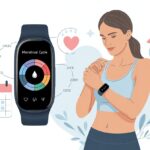
Isn’t it wild how our fitness trackers can count every single step but somehow act totally clueless about our menstrual cycles? We’ve all been there, staring at the screen and wondering why the “period” section is as empty as our motivation on a rainy Monday. Usually, our fitness tracker skips menstrual cycles because of syncing issues, outdated apps, or missed settings that need a quick fix.
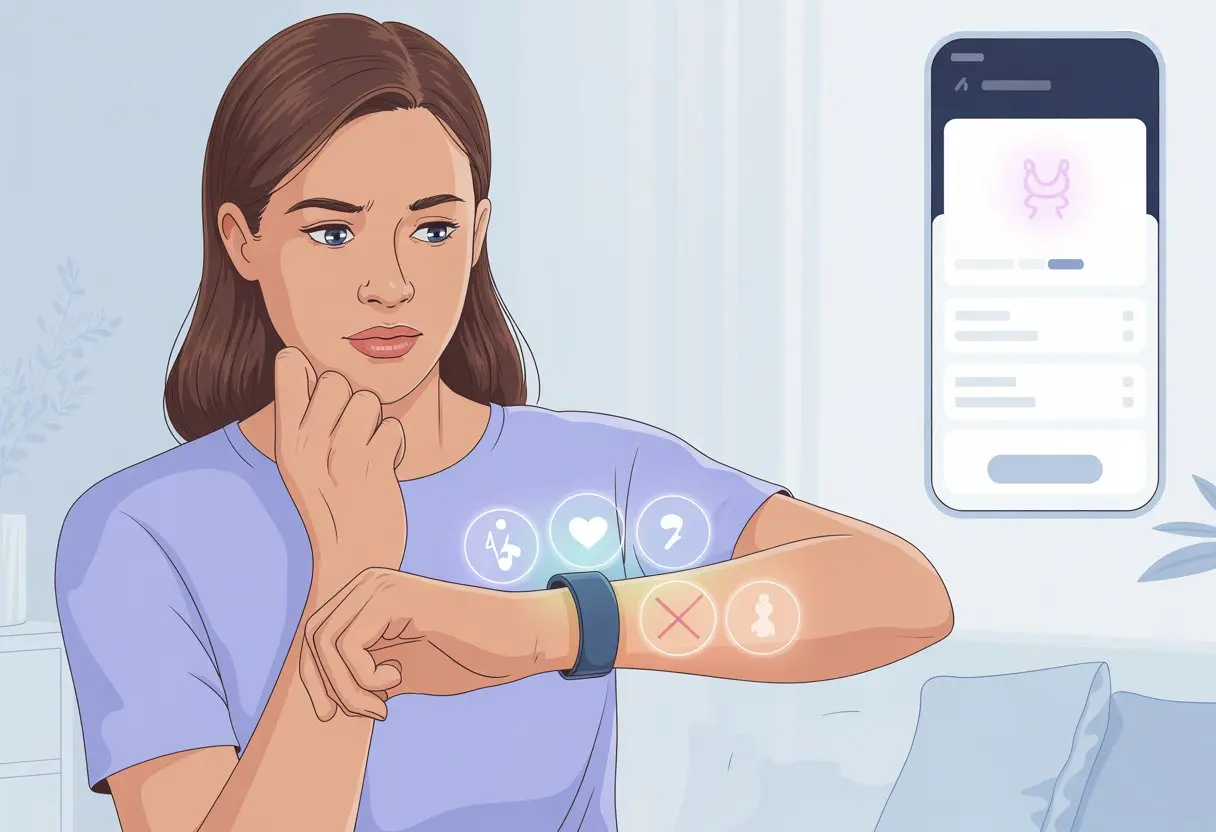
We set up everything, tap all the right buttons, and still, it acts like periods don’t exist. Maybe there’s a stubborn update we haven’t downloaded, or some sneaky permission is off—no wonder the app just stares back at us blankly. If you’re ready to move past the cycle confusion and actually see those dates on your watch, you’re definitely not alone.
Let’s be real: these devices do more than count steps and heartbeats. When the menstrual tracking feature flakes out, it feels like our trusty gadget got stage fright. So let’s dig in, tackle the hiccups, and finally get those trackers to recognize what’s actually happening with our cycles!
Why Fitness Trackers May Not Track Menstrual Cycles Accurately
Sometimes, our fitness trackers play the clueless sidekick when it comes to cycle tracking. This leaves us guessing instead of knowing, especially when tech hiccups, missed steps, or compatibility headaches show up.
Device Compatibility Limitations
If we thought every fitness tracker could track periods, surprise! Not all devices have cycle tracking built in. Some older models only care about steps, heart rate, or sleep and totally ghost us on menstrual tracking.
Even when the feature exists, it might not work well with our specific phone or app. Different smartwatch brands handle period tracking their own way, which can make switching devices feel like starting over. Sometimes, even the newest tracker doesn’t play nice with our operating system, and we end up without the features we want.
Compatibility issues often cause those annoying gaps in our menstrual cycle logs.
Software Glitches And Syncing Issues
Cycle tracking software bugs show us just how imperfect technology can be. Sometimes, the app claims it’s synced, but the data looks like it came from a time traveler.
This happens with both big brands and lesser-known ones. Bugs can randomly reset data, jumble dates, or leave gaps in our cycle records.
A common issue pops up when our tracker and app fall out of sync, sending our carefully tracked days into the digital Bermuda Triangle. For more on this, see how syncing problems can break menstrual health tracking or how cycle features sometimes disappear.
User Input Errors Or Missed Data
Let’s be honest—sometimes we forget to log symptoms or cycle dates. One missed entry can mess up predictions and leave our fitness trackers staring blankly at us.
The apps count on us to be their memory, and if we forget, the whole thing can spiral into confusion. Entering the wrong date or skipping entries can throw the tracking results way off. Most trackers need regular, accurate info to work. Even one mistake can turn next month’s predictions into a shot in the dark.
Unlike other health tracking features that run quietly in the background, period tracking needs us to show up—with the full report card, no cheating or blank spaces allowed.
Setting Up And Troubleshooting Menstrual Cycle Tracking
Getting menstrual cycle tracking to work on our fitness tracker can really test our patience. Sometimes features are hidden. Sometimes our device seems to wake up in a mood.
But with a few steps, we can tackle most problems and get back to tracking those cycles, cramps, and cravings.
How To Enable Cycle Tracking Features
Let’s start with the basics: turning on the feature in the first place. On most trackers, menstrual cycle tracking isn’t enabled by default—because why make things easy?
Devices like the Apple Watch make us dig deep into the app menu. For Apple, open the Health or Cycle Tracking app, poke around for menstrual options, and then be sure tracking is on.
If you’re using Garmin, jump into the Garmin Connect app, dig through Health Stats for Menstrual Cycle, and tweak the settings under Women’s Health. With Fitbit, it’s pretty similar: go through the app, find the Women’s Health menu, and turn on menstrual tracking.
And if the “Get Started” button just laughs at you and won’t work, try closing and reopening the app. Sometimes, that’s all it takes.
Updating Firmware And Apps
One of the most overlooked reasons these features won’t load is outdated software. Fitness trackers are needy—like little digital pets that always want updates.
When apps or firmware fall behind, menstrual cycle tracking features can disappear from menus, or the button just refuses to do anything, like in this Fitbit issue.
To fix it, head to your device’s settings and check for updates. For Android and iPhone, update the Fitbit or Garmin Connect apps in the app store. For the tracker itself, open its app, go to device settings, and look for update options. It’s the tech version of “have you tried turning it off and on again?”
Recalibrating Your Fitness Tracker
Sometimes, our tracker just gets confused and needs a reset or recalibration. If period data vanishes or the tracker stops logging cycles, start by rebooting the tracker. For some, that means turning it off and on again—classic move.
If logging from the app doesn’t sync with the device, try signing out and back in, or even removing the tracker from your account and setting it up again. For the Garmin Connect app, switching to a new phone can really mess things up, causing tracking data to disappear.
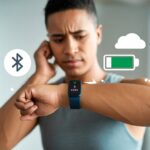
If all else fails, double-check the tracker’s Bluetooth settings. Syncing problems often fix themselves after toggling Bluetooth off and on, or reseating the device. Sometimes, it just needs a reminder of who’s in charge.
Comparing Fitness Trackers for Women’s Health Features
We’ve come a long way from tracking cycles with a wall calendar and a sharpie. Wearables now log everything from steps to periods—sometimes gracefully, sometimes not so much.
Here’s a quick look at how the main players handle women’s health tracking.
fitbit and Period Tracking Capabilities
If you’ve ever asked your Fitbit about your cycle, you know it’s not always a love story. Fitbit lets us log menstrual cycles and get predictions for upcoming periods and fertile windows.
Syncing with the app is easy, and tracking symptoms like cramps or mood swings feels like venting to a digital diary—minus the drama. But lately, the new Menstrual Health Tracker layout has frustrated users.
We can’t see the full month at a glance, and the predicted “ovulation” is sometimes just a guess. Editing data requires more tapping than seems reasonable, making us wish for old-school paper calendars. For more, check out how some users voice their frustration online.
garmin connect app Cycle Features
Garmin Connect is another big name, but is it winning any period-tracking trophies? With Garmin, we can track our cycle and get predictions for period and fertile windows.
There’s even a spot to log symptoms (why do we cry at commercials, again?) and get tailored exercise and nutrition tips. The app organizes cycle info pretty well, so we can see which phase we’re in—sometimes more clearly than with Fitbit.
It’s not a mind reader, but it tries to offer what we need during those unpredictable hormone hurricanes.
Third-Party Period-Tracking Apps Integration
Sometimes, our tracker’s built-in app just can’t keep up with our cycle’s quirks. That’s where third-party apps come to the rescue.
Popular ones like Clue and Flo offer more features, like detailed symptom logging, helpful reminders, and colorful charts that make our data look almost fun. Fitbit and Garmin don’t always play nice with these apps, though.
We often have to jump through a few hoops (or at least a few settings) to sync the data. But integrating a third-party app can make tracking women’s health easier, especially if we want more features than the trackers offer out of the box. Handy for anyone who likes customization—or just hates surprises.
Understanding The Phases Of Your Menstrual Cycle
Our bodies are not on autopilot; they run on a schedule that’s more complicated than your favorite TV drama. Each phase of the menstrual cycle changes how we feel, move, and even respond to workouts and gadgets.
Menstrual Phase And Health Stats
The menstrual phase marks the start of our period, usually lasting 3-7 days. Hormone levels, especially estrogen and progesterone, hit their lowest point now.
Because of this, we might feel low on energy, crampy, or just extra tired. Fitness trackers might show higher resting heart rates or worse sleep.
Some of us notice less motivation to work out, and honestly, that’s normal. These body signals aren’t just in our heads—or our trackers’ glitchy screens. Tracking this phase helps us spot patterns, so we don’t panic every time our performance dips.
If our tracker isn’t recording the start of a new cycle, our fitness and health stats might feel even more confusing.
Follicular Phase Insights
The follicular phase follows our period and usually lasts from day 1 to day 14. Estrogen rises here, giving us a welcome energy boost.
This is when we often feel more motivated and stronger in workouts. Health stats—like heart rate and sleep—may look better as hormone levels climb.
Our mood might even improve, which is something even the best tracker can’t always measure. If our device isn’t picking up the follicular phase, it might flag our bursts of energy as random.
Understanding this phase helps us sync activity and recovery better, since our bodies are naturally primed for more action. For more details, check out this breakdown on menstrual phases and athletic performance.
Luteal Phase Nuances
The luteal phase comes after ovulation and lasts about 14 days. Progesterone rises, which can leave us bloated, moody, or just hungry for everything in sight.
Health trackers often show higher body temperature, more fatigue, or changes in sleep quality. We might not set any new personal records, and that’s fine.
If our tracker misses this change, we might wonder why we suddenly feel like running through mud. Keeping tabs on this phase helps explain dips in energy or motivation—and reminds us not to blame our running shoes.
Ovulation And Fertility Predictions
Ovulation happens when our bodies release an egg, usually around the middle of the cycle. This window is short—just 12 to 24 hours—but hormone shifts can spark all sorts of subtle changes.
Some trackers try to guess ovulation by looking at heart rate, temperature, or other signals. This is also when fertility peaks, so getting it right really matters—even if we’re not exactly planning for a baby.
If we miscalculate, we might miss out on the signs our bodies are trying to send. For a quick breakdown of how wearables estimate ovulation, check out Menstrual Cycle Insights. Noticing the signals our bodies give during ovulation can help us get more out of our fitness trackers.
Why Accurate Cycle Tracking Matters for Training and Performance
When our fitness tracker misses a cycle, we can lose out on smarter training and better insights. Hormonal changes affect our routines, recovery, and even our moods, so getting the right data helps us train smarter and feel stronger—without the shock of a tired body halfway through Zumba.
Cycle Syncing and Athletic Optimization
Ever notice how some workouts feel impossible one week, but suddenly we’re crushing it the next? Our menstrual cycle phases actually mess with how our bodies handle exercise. By cycle syncing our training, we can adjust workouts to match our natural high-energy or low-energy days.
During the follicular phase, we usually get more energy and muscle performance, so strength training and intense cardio seem easier. The luteal phase can bring lower energy, so it might be time for more stretching, yoga, or lighter activity. Polar Global explains that syncing training with our cycle helps us work with our bodies instead of against them, which can improve results and keep burnout at bay. More on that from Polar.
Monitoring Energy Levels and Mood
We all know that weird tiredness that hits before our period, or the sudden urge to clean the whole apartment. Changes in energy levels and mood aren’t just in our heads—they come from real hormonal shifts.
When we track our cycle, we can start to spot patterns in motivation, energy, and emotions. We can predict when workouts might feel tougher or when a rest day could save us from a meltdown in spin class.
It also lets us take advantage of those bursts of energy to hit new personal bests. As tracking apps show, this kind of self-awareness is huge for staying consistent and being a little kinder to ourselves.
Adapting Workouts for PMS Symptoms and Emotional Changes
PMS can mean cramps, bloating, and a sudden urge to eat a doughnut while crying over a commercial. These PMS symptoms and emotional swings make it tough to stick to a one-size-fits-all workout plan.
By tracking our cycles, we can plan workouts that match how we actually feel. On heavy cramp days, maybe we swap high impact for a walk or gentle yoga.
If we’re feeling irritable or anxious, a solo run or meditation might be better than a crowded gym. Picking the right workout for our mood and energy can turn exercise into self-care instead of a battle.
When we tweak our routines around cycle symptoms, we keep moving, feel better, and—bonus—probably cry less over spilled pre-workout smoothies.
Health Conditions That Impact Menstrual Data
Sometimes our fitness trackers act confused, like they can’t tell if we’re in Florida or Finland. This often comes down to our health or even what we eat for breakfast. Hormones, nutrition, and complicated conditions can make our menstrual data a puzzle that even Sherlock Holmes might avoid.
Endometriosis and Irregular Cycles
If we’re dealing with endometriosis, our trackers probably deserve some sympathy. Endometriosis happens when tissue like the lining of the uterus grows outside it, and this can make periods unpredictable.
It’s like marking our calendar with invisible ink—nobody knows what’s coming next, and neither does our wearable. Periods might be super heavy one month, then disappear the next.
Our trackers sometimes just shrug and show “No Data” or predict cycles that belong in a sci-fi movie. Pain and irregular bleeding, classic endometriosis signs, can confuse not only us but also the app’s algorithms.
And if symptoms change every month, tracking trends gets as tricky as catching a greased pig at the county fair. For those of us living with this, tracking periods can feel more like a wild goose chase than science.
The Role of Nutrition Information in Cycle Tracking
Our diet can be the sneaky villain messing with our menstrual tracking. If we miss out on key nutrients like iron or healthy fats, our hormones can get all mixed up.
Skipping meals or just not eating enough? Our bodies notice, and sometimes they just hit pause on our period until we get back on track with eating.
Let’s be real—those fancy charts in the apps have no clue if we’ve been living off chips and coffee all week. But our bodies definitely do.
Extreme diets, sudden drops in weight, or pushing ourselves too hard at the gym can send our menstrual cycle into a tailspin. Apps might start throwing out wild guesses, predicting periods that never show up.
We can give our trackers a fighting chance by logging nutrition information when we can. More accurate info usually means fewer surprises.
Honestly, nothing throws off a day like a period arriving out of nowhere. So, let’s feed ourselves—and our apps—properly. Our cycle data will probably thank us.

From a young age, I have always had a big interest in technology, and this blog is an extension of that interest. Through this blog, I hope to provide others with all of the information they need regarding tech options to consider, and things such as compatibility. Some of the different items I will be discussing include headphones, smartwatches, and how to fix common issues.
Related Posts: